1
2
3
Notes:
• Match the Workgroup name of this product and the Windows domain controller’s domain name if you would like to
specify the Windows domain controller as an external authentication server.
• You can enter up to 23 bytes(UTF-8) for [Workgroup Name]. Alphanumeric characters, multi-byte characters,
-(hyphen), _(underscore), and .(dot) may be used. Do not use a symbol as the rst character.
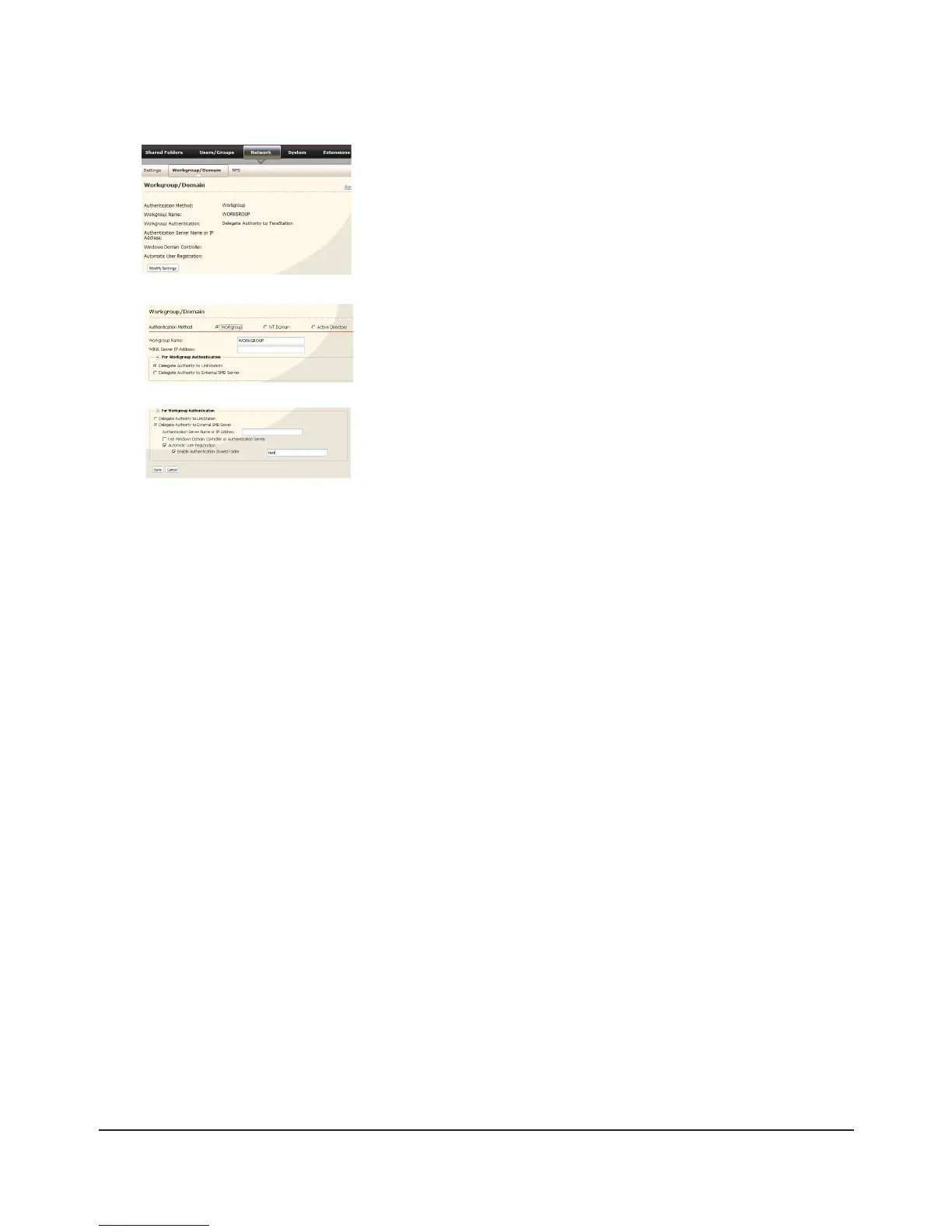
Click [Automatic User Registration]. Check [Enable Authentication 1
Shared Folder]. If using Windows Domain Controller, check [Use
Windows Domain Controller as Authentication Server].
Enter [Authentication Server Name or IP Address].2
Note:
If you will be connecting using AFP and FTP, entering an IP address for the
authentication server is recommended.
Enter an Authentication Share Folder Name in [Enable Authentication 3
Shared Folder] eld.
Click [Save].4
Select [Workgroup].1
Note: Even if you will use this unit in a domain environment, select
[Workgroup].
Select [Delegate Authority to External SMB Server].2
In the Web Admin interface, click [Network] - [Workgroup/Domain] -
[Modify Settings].

















 To Next Page