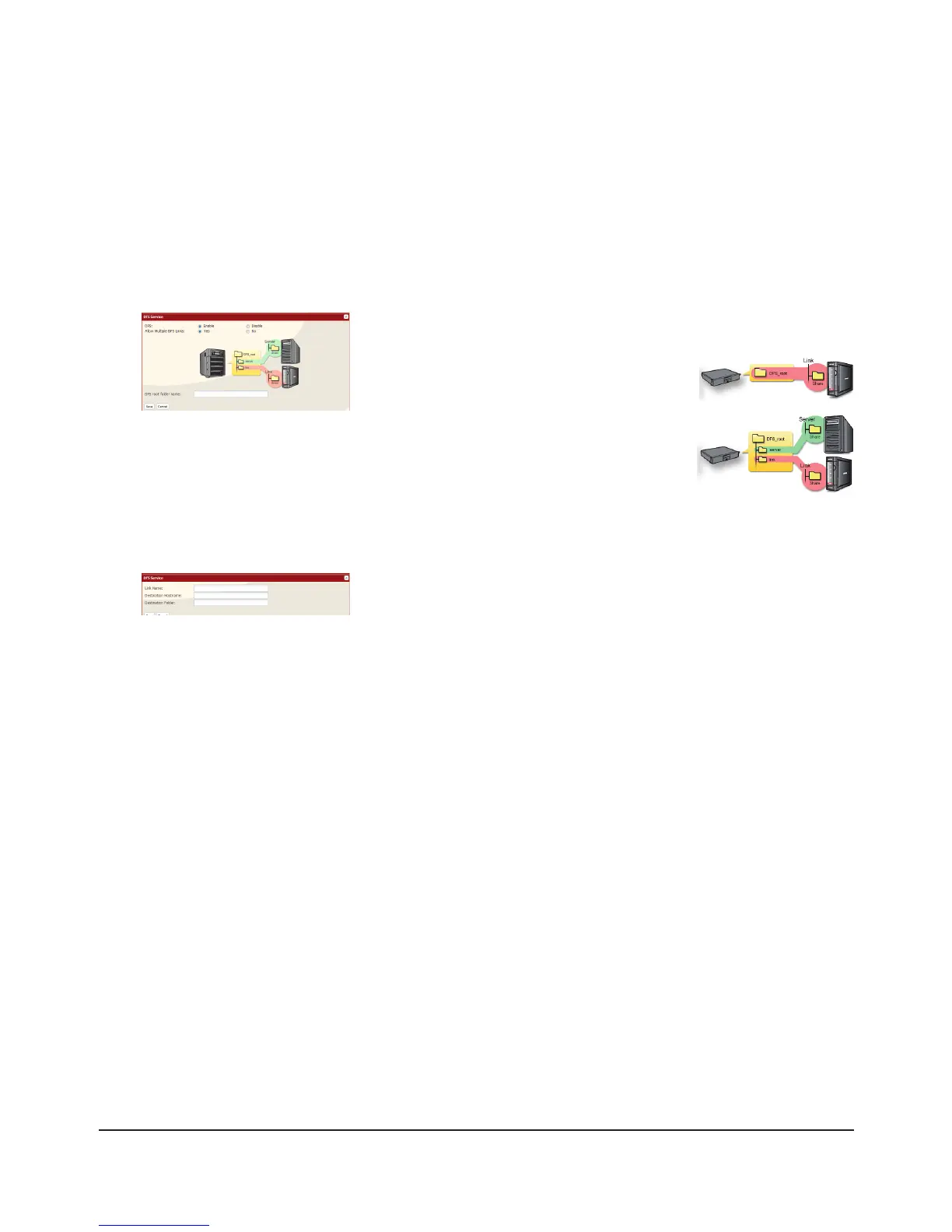
Set up DFS as described below:
In the Web Admin interface, select [Shared Folders] - [DFS].1
Under [DFS Service], click [Modify Settings].2
3
Under [DFS Links], click [Add Link].4
5
DFS has been congured.
Click [Enable].1
Choose whether to allow multiple DFS links, or just one.2
[No] allows just one DFS link to be addressed.
[Yes] allows up to 8 DFS link destinations to be
used.
Enter the [DFS root folder name].3
Click [Save].4
Enter [Link Name], [Destination Hostname], and [Destination Folder].1
Notes:
The following machines can be DFS link destinations:
• TeraStations
• Windows PC with SMB (Mac OS and Linux are not supported)
Click [Save].2

















 To Next Page