SYSTEM SETTINGS
Cabrera
Defines whether or not the ELI 280 will automatically display the ECG in the Cabrera format. The Cabrera format
displays the limb leads in the order aVL, I, -aVR, II, aVF, III, instead of the standard I, II, III, aVR, aVL, aVF,
allowing a different presentation of waveform progression in the vertical plane.
Plot Format
This control allows the user to set the default for one of the available print formats in either standard or Cabrera
presentation. Regardless of the print format selected, 10 seconds of 12 leads are always stored.
ECG print options are:
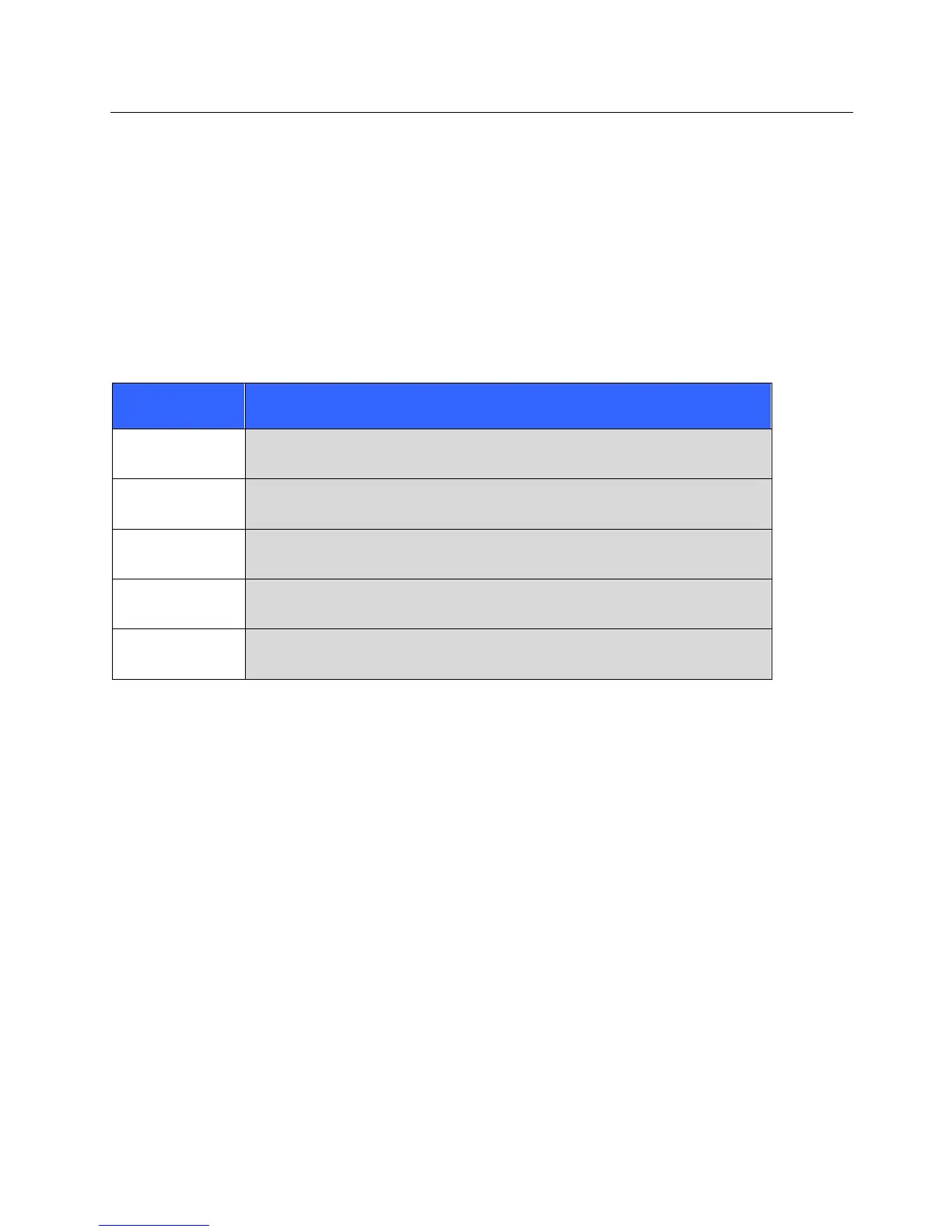
Format Option in
12-lead mode
2.5 seconds of 12 leads in a 3-channel format, plus 10-second rhythm strip of one
user-selectable lead in a 1-channel format.
5 seconds of 12 leads in a 6-channel format.
2.5 seconds of 12 leads in a 3-channel format, plus 10-second rhythm strip of
user-selectable leads in a 3-channel format.
10 seconds of 12 leads in a 12-channel format placing one lead over the other.
10 seconds of 12 leads in a 6-channel format.
NOTE: The Print Format can also be changed for a single ECG by touching anywhere on the ECG
waveform in the acquired view.
3 + 1 Rhythm Lead/3 + 3 Rhythm Leads
These settings allow the user to select the three lead configurations for the 10-second Rhythm Leads for the 3+1
channel and 3+3 channel ECG printout.
NOTE: Rhythm acquisition is not stored in memory, only printed.
NOTE: See Record an ECG to acquire a rhythm printout.
Rhythm Print Speed
This control allows the user to set the print speed to 5 mm/s, 10 mm/s, 25 mm/s, or 50 mm/sec.



 To Next Page