37
Adjustment and commissioning
NO
YES
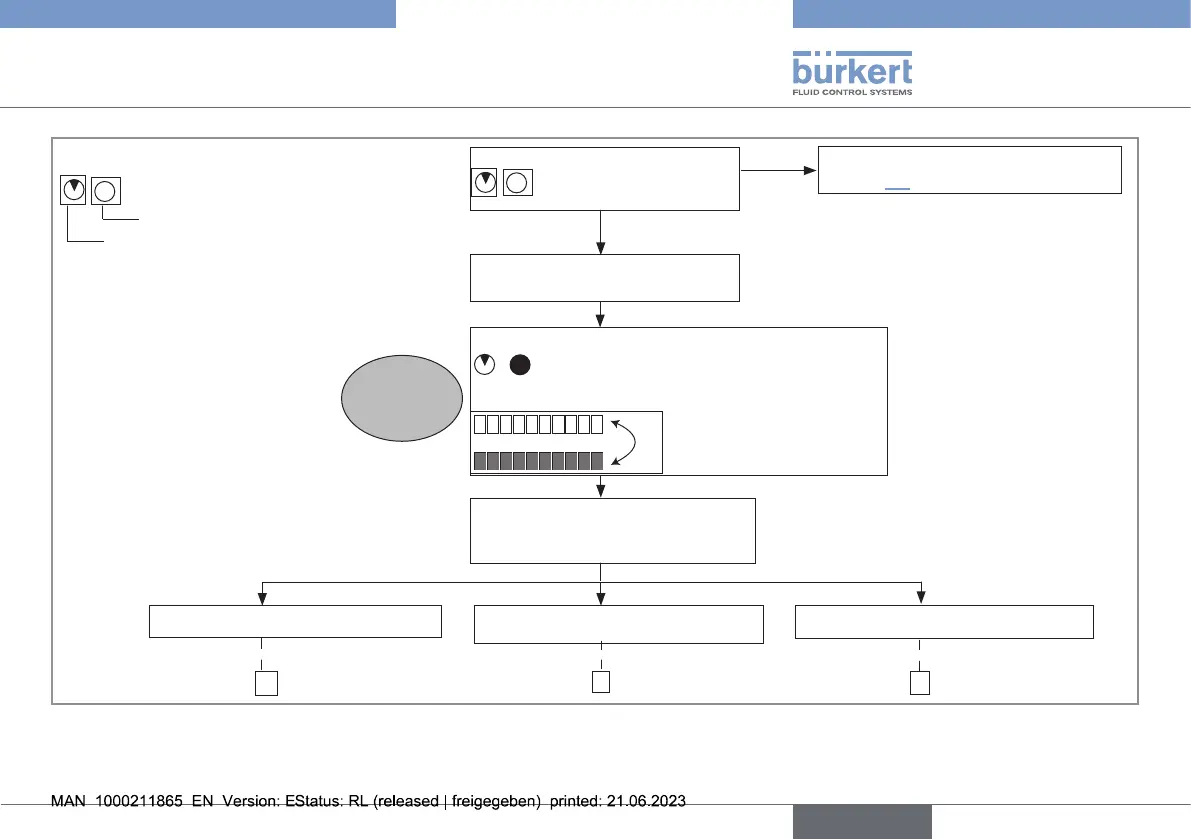
→ Press and hold the push
button.
After 2s, device is in Parameterizing mode:
Bargraph alternates between:
Zero ow calibration
Full scale calibration
1 2 3 4 5 6 7 8 910
→ Release push button when
bargraph shows zero ow
calibration.
See general conguration diagram,
chapter9.3
Device in Read mode?
To calibrate automatically
A
B C
To select the calibration of the
other parameter
To go back to the Read mode
Step 1
Notation convention:
Green LED state
Red LED state
Fig.27:
Calibrationofthezeroowpoint,part1
english
Type 8041



 To Next Page