33
Adjustment and start-up
Configuration level
This level comprises 5 menus:
Menu title Related icon
"Param": see chpt. 9.11.
This is
when the
device is be-
ing parame-
tered............
....................
"Calib": see chpt. 9.12.
"Diagnostic": see chpt. 9.13.
"Test": see chpt. 9.14.
"Info": see chpt. 9.15.
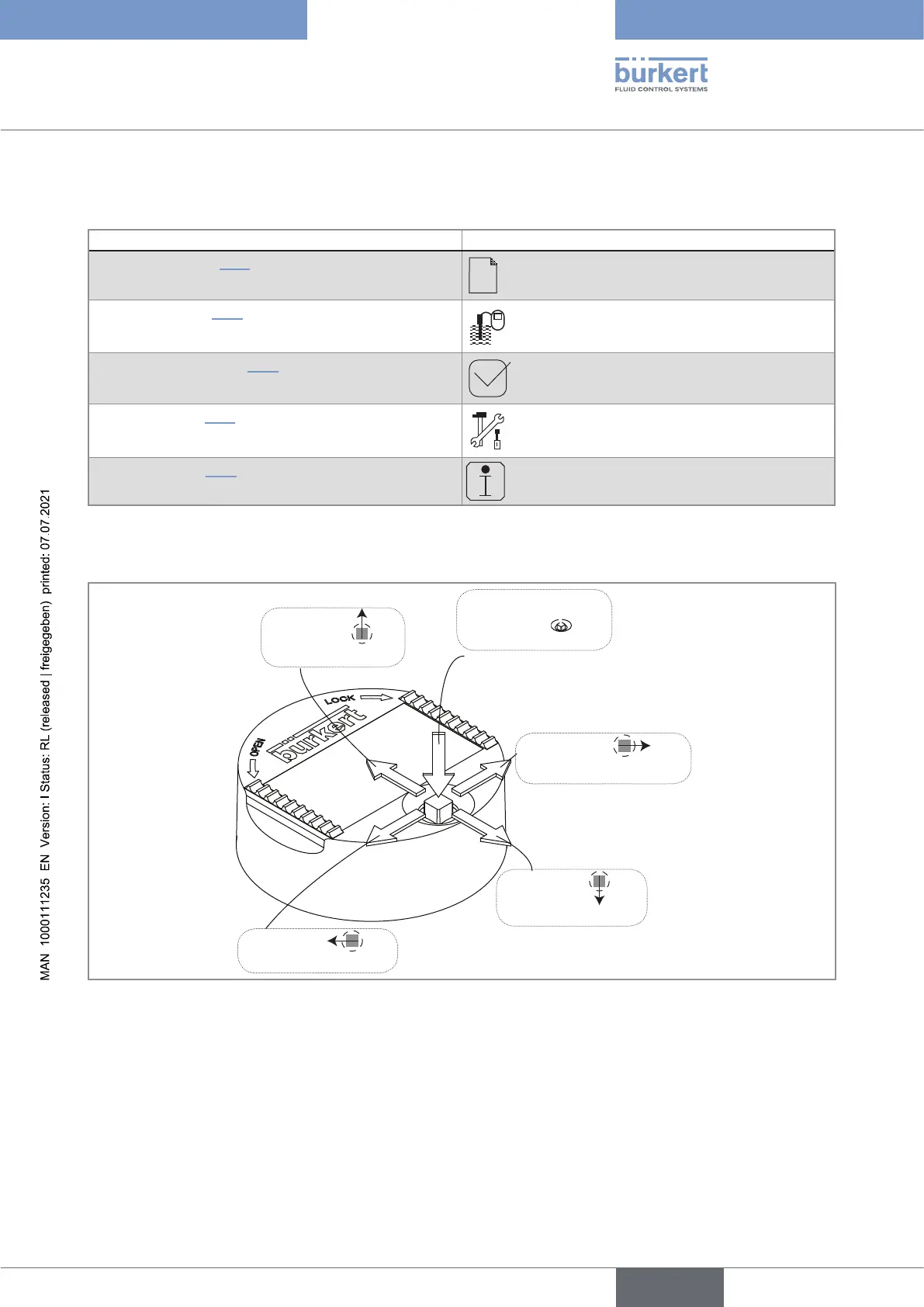
9.3 Using the navigation button
Symbolised by in
these Operating Instructions
Symbolised by
in
these Operating Instructions
Symbolised by in
these Operating Instructions
Symbolised by in
these Operating Instructions
Symbolised by in
these Operating Instructions
Fig. 28 : Using the navigation button
English
Type 8222 ELEMENT



 To Next Page