50
Adjustment and start-up
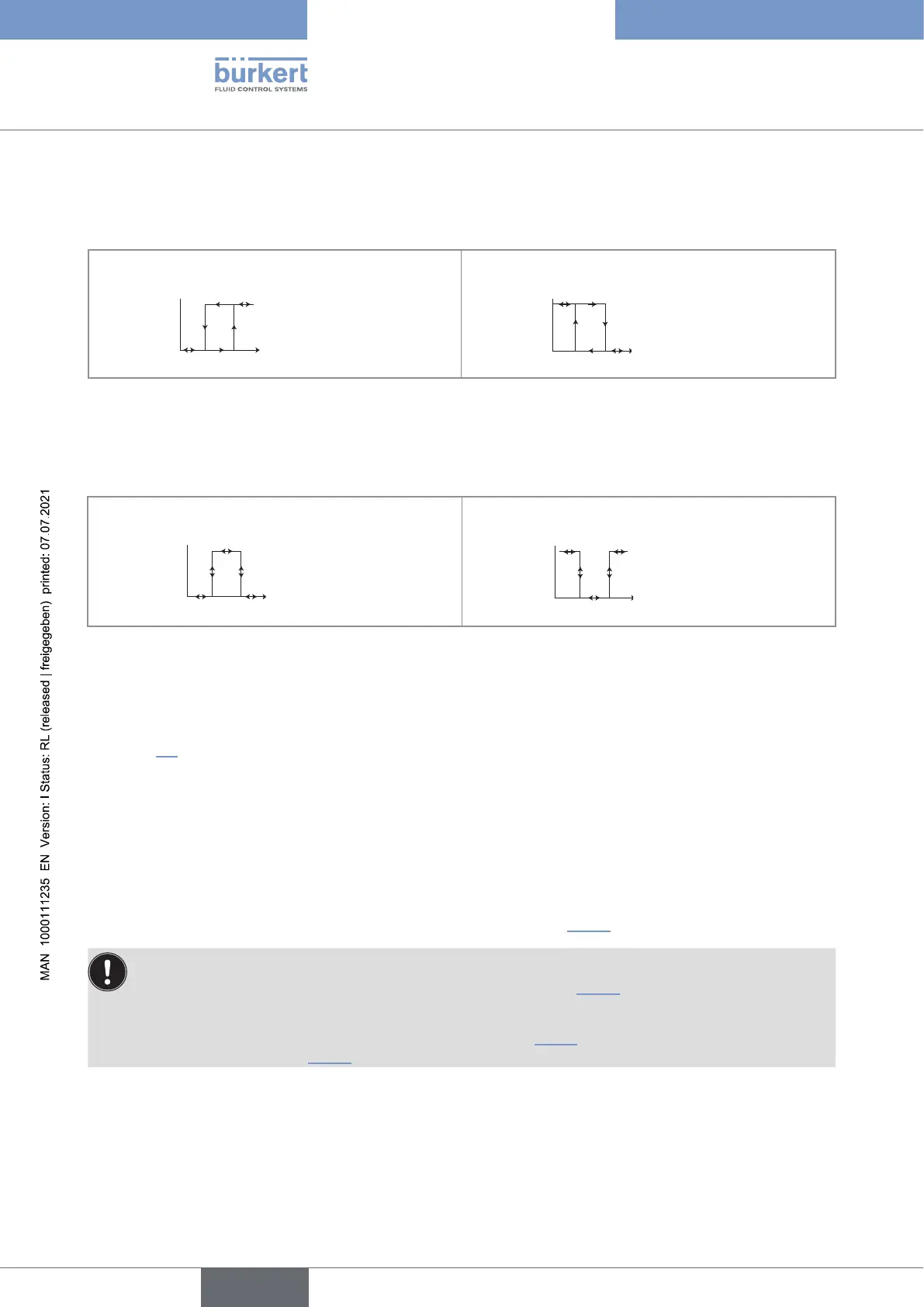
Hysteresis operating
The change of status is done when a threshold is detected (increasing measured value: threshold high (function
High) to be detected; decreasing measured value: threshold low (function Low) to be detected).
NO = Normally open NC = Normally closed
OFF
contact
Low High
process value
contact
Low High
process value
Fig. 33 : Hysteresis operating
Window operating
The change of status occurs whenever one of the thresholds is detected.
NO = Normally open NC = Normally closed
contact
Low High
process value
contact
Low High
process value
Fig. 34 : Window operating
9.11.11 Choosing the type of temperature compensation
See chpt. 9.9 to access the Parameters menu.
This menu is used to deactivate the temperature compensation (choice “none”) or choose the type of temperature
compensation to determine the conductivity of the fluid:
• according to a linear percentage (choice “linear”) (see details hereafter).
• or according to a predefined graph (NaCl or ultra pure water). The compensation graph “NaCl” is valid for the
temperature range +10...+80 °C and a concentration of 0.2 %.
• or according to a graph defined especially for your process (choice “Special”) using the “Teach special”
function in the “Calibration - Sensor” menu, “Probe” function see chpt. 9.12.4.
If the choice "Special" is set for this function:
• and the compensation graph has not been determined (see chpt. 9.12.4), the measurements of the
conductivity are not compensated in temperature.
• If the compensation graph has been determined (see chpt. 9.12.4), it is not uploaded with the function
UPLOAD. Refer to chpt. 9.11.1.
English
Type 8222 ELEMENT



 To Next Page