63
Maintenance and troubleshooting
10.2 Cleaning of the device
• Activate the HOLD function (see chpt. 9.12.1) in the Calibration menu in order not to interrupt the
process during cleaning.
• Always use a cleaning product compatible with the materials from which the device is made.
• If magnetic particles are in the fluid to be measured, often clean the deposits on the conductivity sensor,
with a special cleaning agent.
• When cleaning the electrodes, ensure that you do not scratch their surface.
• Avoid dry storage of graphite electrodes during long interruptions in measurement in order not to
increase the response time when they are next used.
→ Regularly clean the electrodes on the conductivity sensor with a suitable product, depending on how dirty they are.
Please feel free to contact your Bürkert supplier for any additional information.
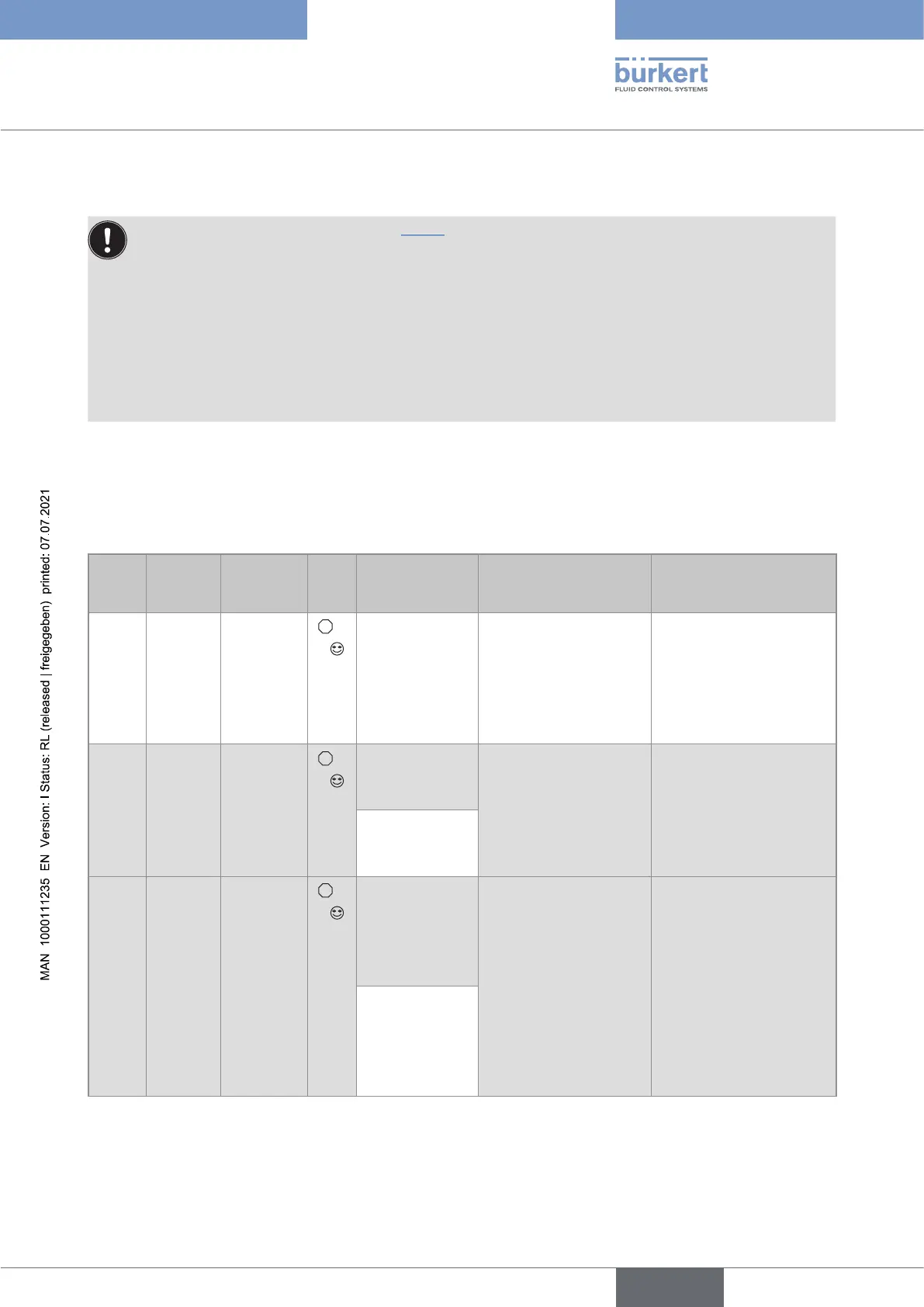
10.3 Solving a problem
Red
LED
Current
output
Transistor
output
Icon Message
displayed in the
Info menu
Possible cause Recommended action
ON 22 mA depending
on
thresholds
ERR
+
"Sensor not
found"
The connection to the
measurement module is
interrupted.
→ Switch the power
supply off then on
again.
→ if the error persists,
return the device to
Bürkert.
ON 22 mA depending
on
thresholds
ERR
+
"S EE Fact
Read"
Factory data is lost.
The device continues to
measure but with a bad
accuracy.
→ Switch the power
supply off then on
again.
→ if the error persists,
return the device to
Bürkert.
"S EE FactI
Read"
ON 22 mA depending
on
thresholds
ERR
+
"S EE User
Read"
User data for the sensor
is lost.
→ Switch the power
supply off then on
again.
→ check the sensor
parameters in all the
"Sensor" menus then
save them again.
→ if the error persists,
return the device to
Bürkert.
"S EE User
Write"
English
Type 8222 ELEMENT



 To Next Page