54
Adjustment and start-up
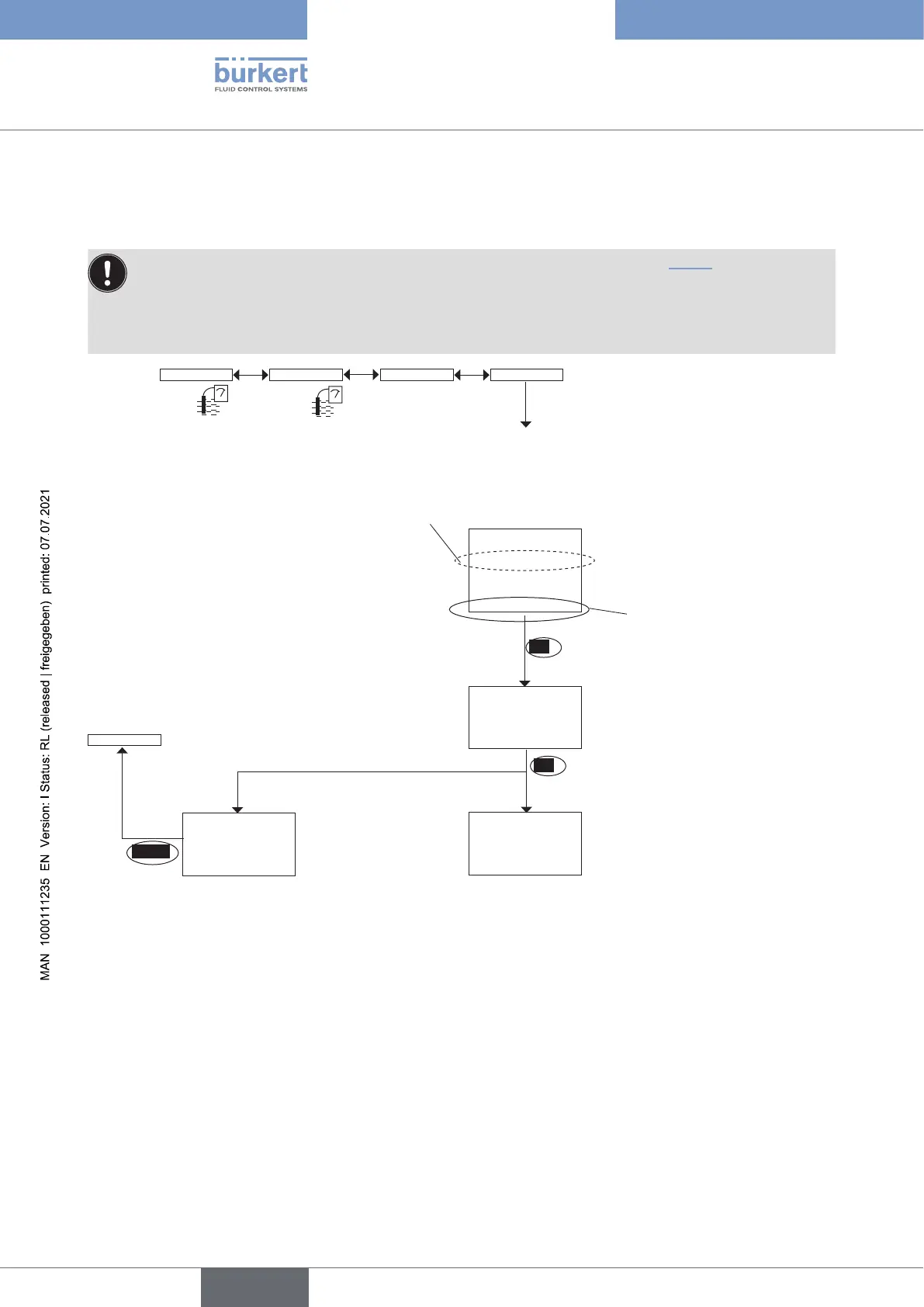
Calibrate the conductivity sensor (“Calibration” function in the “Probe” menu)
Calibration consists in determining the C constant specific to each conductivity sensor using a solution with a
known conductivity.
• In order not to interrupt the process, activate the HOLD function. Refer to chpt. 9.12.1.
• Before each calibration, correctly clean the electrodes with a suitable product.
• Set the periodicity of calibrations in the "Interval" function in the sub-menu "Calib interval": each time a
calibration is due, the device generates a "maintenance" event and a "warning" message.
OK
Save or not the calibration result by
choosing "Yes" or "No".
The message "Error: out of range" signals that
the cell constant is out of the authorized range
(< 0.008 or > 12); this may be due to either:
• a mistake made when entering the conductivity,
or
• the conductivity sensor, which is not able to
measure the solution conductivity.
BACK
Calib Sensor CalibrationProbe
→ Immerse the clean conductivity sensor in the solution with a known
conductivity; the device alternately displays:
• the measured temperature of the solution
• the measured conductivity of the solution
→ Enter the conductivity, at
the fluid temperature, of
the reference solution used
(marked on the bottle or
measured using a reference
instrument).
→ Change the unit if necessary.
Calibration
5.023 µS/cm
5.000 µS/cm
Cal. Result
+1.00000
The device displays the cell
constant as calibration result.
OK
Cal. Result
Save: Yes/No
"Error: out of
range"
Probe
English
Type 8222 ELEMENT



 To Next Page