32
EN
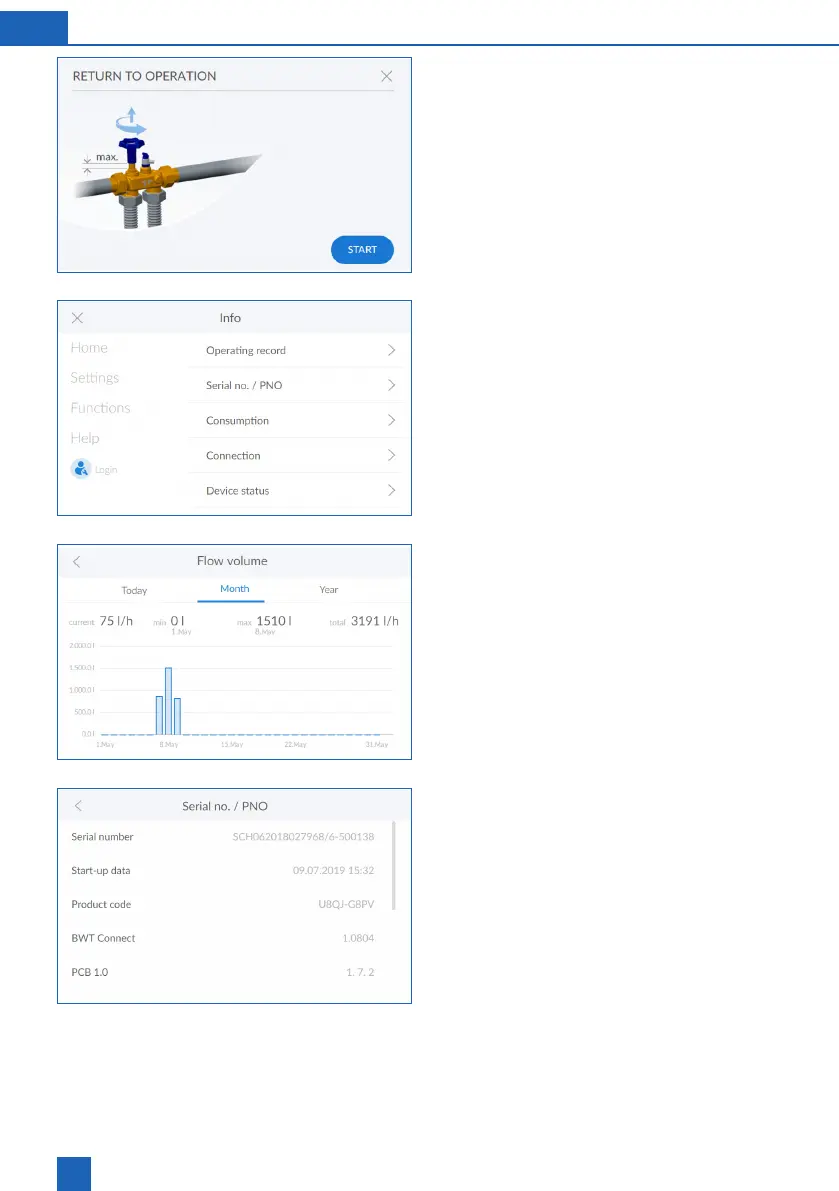
Return to operation
Press
START
.
The product is deaerated by means of a rinsing
procedure.
Info
The Info menu gives you an overview of the oper-
ating history and the consumption data.
Data such as product type, device ID, serial number,
commissioning date and software versions can be
Flow volume
Here you can see a time-related evaluation of the
Serial no. / PNO



 To Next Page