8
General
Description
Section 1: General Description
Downstream Occlusion Sensor: e pump contains a downstream oc-
clusion sensor. When a downstream occlusion (between the pump and
patient access site) is detected, an alarm will sound, delivery will stop,
and the display will show “High Pressure.”
Reservoir Volume Alarm: e Reservoir Volume alarm indicates when
the uid in the uid container is low or depleted. Each time you change
the uid container, you may reset the Reservoir Volume to the originally
programmed volume. en, as medication is delivered, the Reservoir
Volume automatically decreases. When the pump calculates that 5 ml
remain in the uid container, beeps sound and “ResVol Low” appears on
the main screen. is alarm recurs at every subsequent decrease of 1 ml
until the Reservoir Volume reaches 0 ml, at which point the pump stops
and the Reservoir Volume empty alarm sounds.
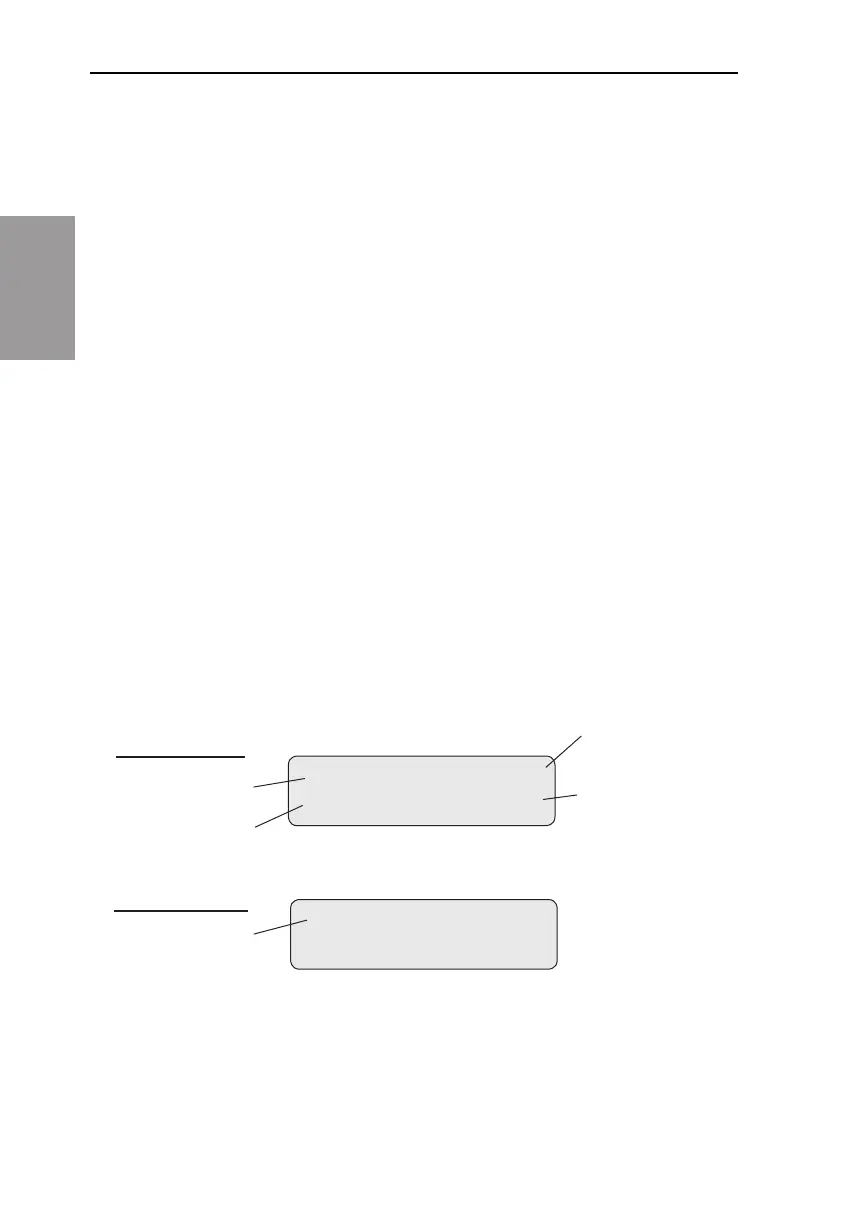
The Main Screen
e main screen is the starting point for programming or viewing the
pump’s settings.
If no keys are pressed for a period of time (2 minutes), the display reverts
to the main screen. When the two AA batteries are low, “LowBat”
appears on the main screen.
When running:
Status of pump
Reservoir
Volume
Battery Status
Status of
Reservoir
Volume
RUN LowBat
ResVol 50.0ml
When stopped:
Status of pump
STOPPED



 To Next Page