©2020 CAE 905K351052 v1.1 67
Using Apollo
For added realism, the simulator should be dressed in clothing that can be torn to “conform” with the
type of injury being demonstrated. Bleeding moulages and the wound umbilical should be concealed
under the victim’s clothing with only the wound showing.
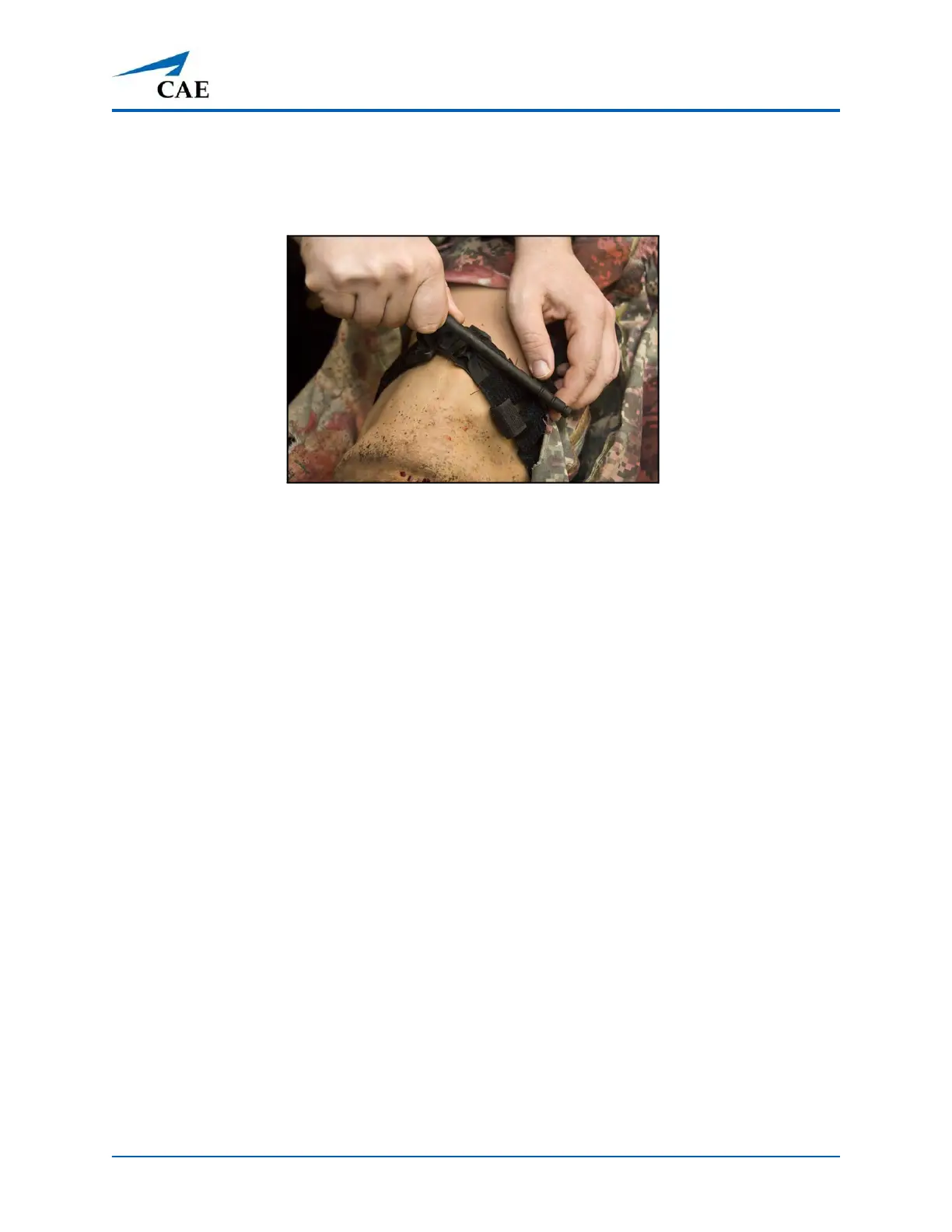
Tourniquet Application
Sounds
A variety of simulated sounds are available to enhance realism. Sounds are controlled through the
instructor software and a patient must be running in the software for any sounds to be available.
To auscultate sounds on the Apollo manikin, be sure to locate a stethoscope prior to beginning a
simulation.
Heart, Lung and Bowel Sounds
Heart sounds are synchronized with the cardiac cycle and lung sounds are independently
synchronized with ventilation of the left and right lungs. Sounds can be adjusted by tapping the
Sounds button on the Run screen in Maestro. When the Sounds panel appears, select one of the
tabs: Heart, Lungs, or Bowel. Adjust all areas or isolate by changing the sound type per region, if
applicable. Select the sounds from the Type drop-down menu. See the Maestro for Apollo User Guide
for complete details.
Speech
A variety of programmable vocal sounds are available. To select a sound from the Vocal Sounds
Speech drop-down menu, tap the Speech button on the Run screen . Select one of the sounds from
the drop-down menu. Sounds are emitted immediately and play continuously when selected from
the drop-down menu. To stop playing a selected vocal sound, select None from the list.
Note: There may be a delay of up to 5 seconds for the sound clip to complete after selecting None.
The Speech Sounds buttons contain predefined phrases presented in a female or male voice
depending on the gender associated with the scenario. A patient must be running for the Speech
Sounds to work properly.



 To Next Page