Appendix B - Wireless Voice Link
88 ©2020 CAE 905K351052 v1.1
CAEApollo
Powering Up the WVL Pair
To power up the WVL pair:
1. Power on the base station by turning on the simulator.
The base station power switch is in the on position by default.
2. Power on the handset by setting the power switch to the on position.
The red power light on each unit blinks when the unit is on. Once both units are powered
on and communicating with each other, the green connection light flashes once every
second.
If the green connection light fails to blink, ensure both units are set to the same RF
channel.
If you make changes to the DIP switch settings, toggle the power switches of the handset
and base station off and back on to ensure the changes takes effect.
Using the iPhone/Standalone Microphone
DIP switch position 6 on the handset determines if the iPhone microphone input or the standalone
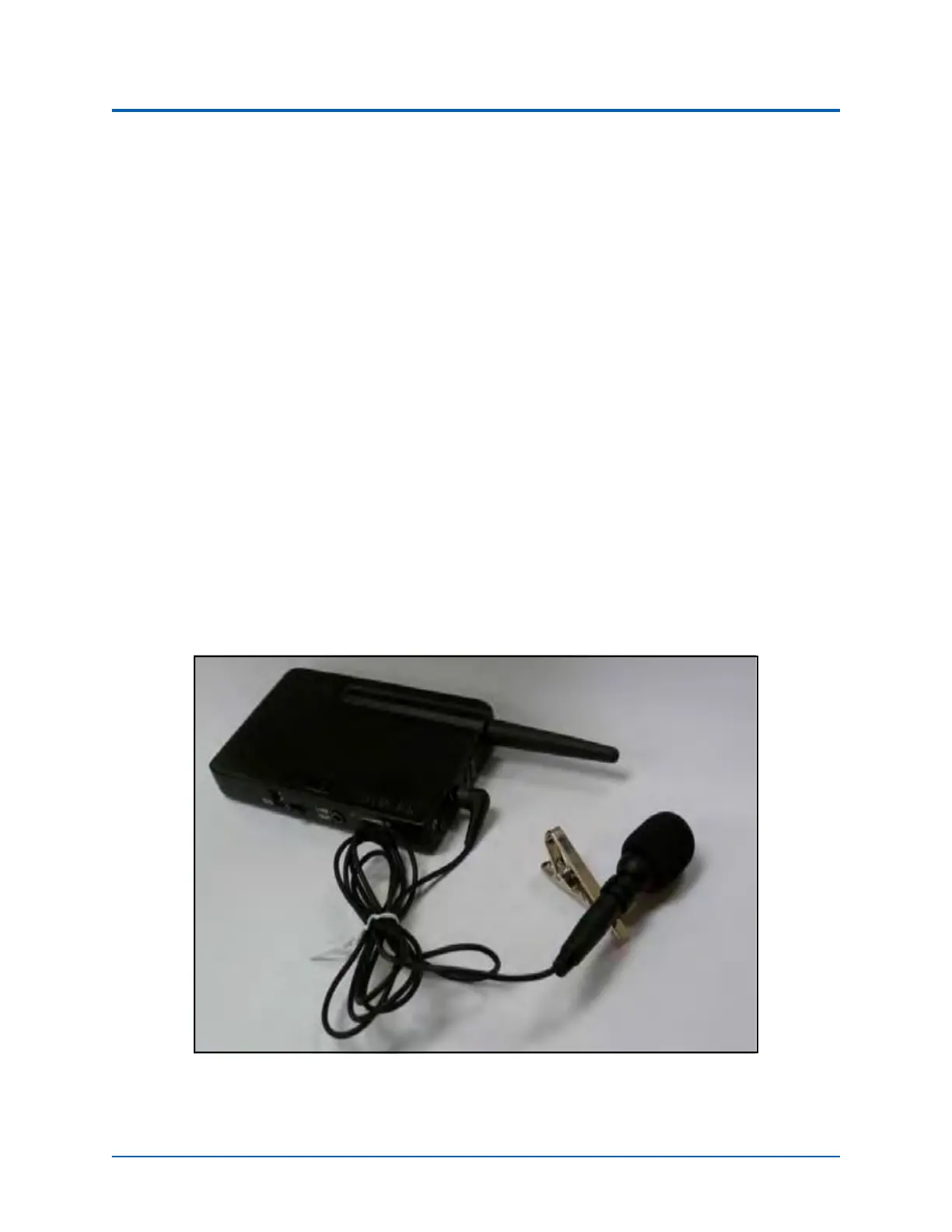
microphone input is enabled. When DIP switch position 6 is set to the OFF position, the standalone
microphone jack is enabled for the standalone microphone, provided by CAE.
Handset and CAE -provided Microphone
To use a microphone compatible with an iPhone (three-pole jack), set DIP switch position 6 to ON.



 To Next Page