Appendix B - Wireless Voice Link
84 ©2020 CAE 905K351052 v1.1
CAEApollo
base station receiver, where it is transmitted to the speakers in the simulator’s head. The two
different devices can be identified by their cases.
The handset device has a cover that extends over the length of the antenna.
WVL Handset
The base station device antenna is almost fully exposed.
Physical Features
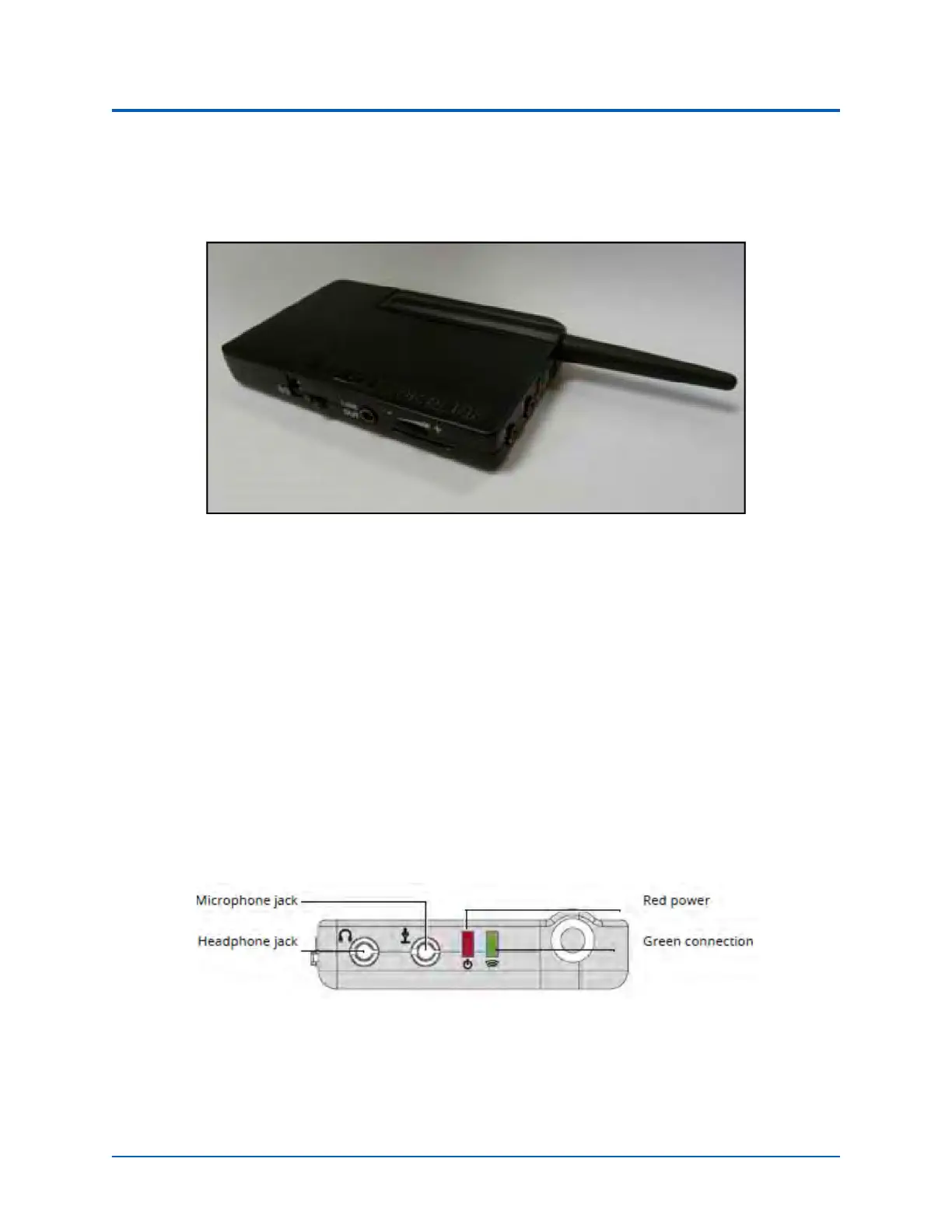
The following features are located on the top of the WVL devices:
• Headphone jack: Used to plug in headphones or an iPhone compatible headphone/
microphone combination
• Microphone jack: Used to plug in a standalone microphone
• Red power light: Indicates when the unit is powered on by blinking. Also indicates when
the Mute button is activated by solidly staying on
• Green connection light: Indicates an RF link connection between the handset and base
station by blinking
WVL Front View



 To Next Page