Using Ares
72 ©2020 CAE 905K640152 v1.1
CAEAres
Manual Defibrillation
To simulate manual defibrillation, the SymDefib and a standard defibrillator can be used.
Using the SymDefib
The SymDefib box connects with a real defibrillator monitor. This allows for use of real electrical
therapy for defibrillation, cardioversion, and pacing.One SymDefib is included with the Complete
manikin configuration. The SymDefib can be added onto the Ares Base or Advanced configurations.
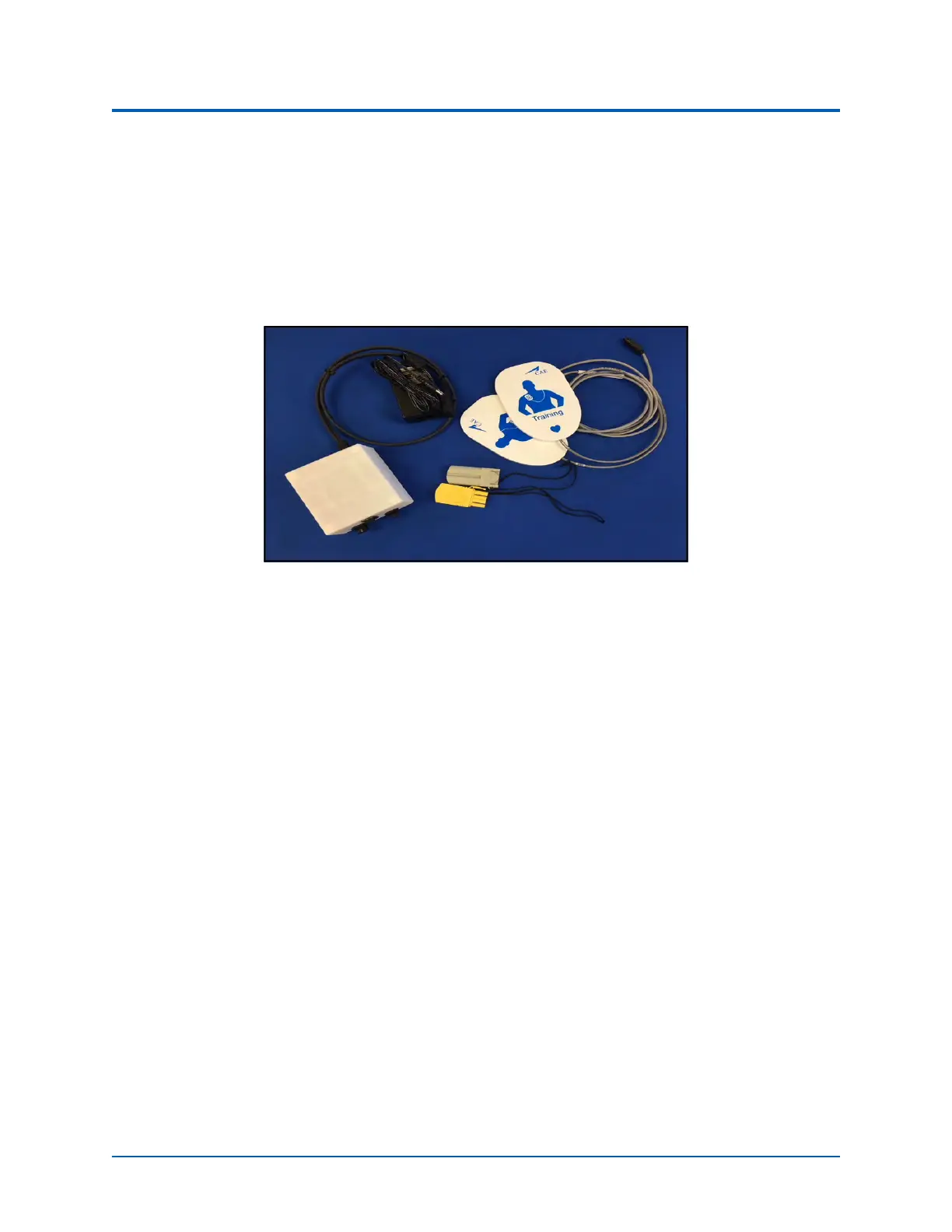
SymDefib
Setup and Operate the SymDefib
Setting Up the SymDefib
1. Connect the SymDefib cable to the defibrillator using the cables provided. The SymDefib
system supports Phillips defibrillators without a cable adapter. If using Zoll or Physio-
Control defibrillators, you must use the appropriate adapter (optional purchase) between
the cable on the SymDefib and the defibrillator.
2. If using a plug (instead of the battery), plug the power supply into the back port of the
SymDefib box.
3. Connect the electrode pad cable to the right port on the front side of the SymDefib box.
4. With the manikin started, turn on the SymDefib and verify the status light flashes green to
indicate it is on.
Operating the SymDefib
While the SymDefib is operating, attach the electrode pads to the magnetic connectors on the
manikin. When connected, the SymDefib begins to display an ECG signal on the monitor and the
status light turns a solid green. Your SymDefib was paired to the simulator in the factory and should
automatically connect wirelessly.



 To Next Page