©2021 CAE 905K690052 v1.0 29
Setup
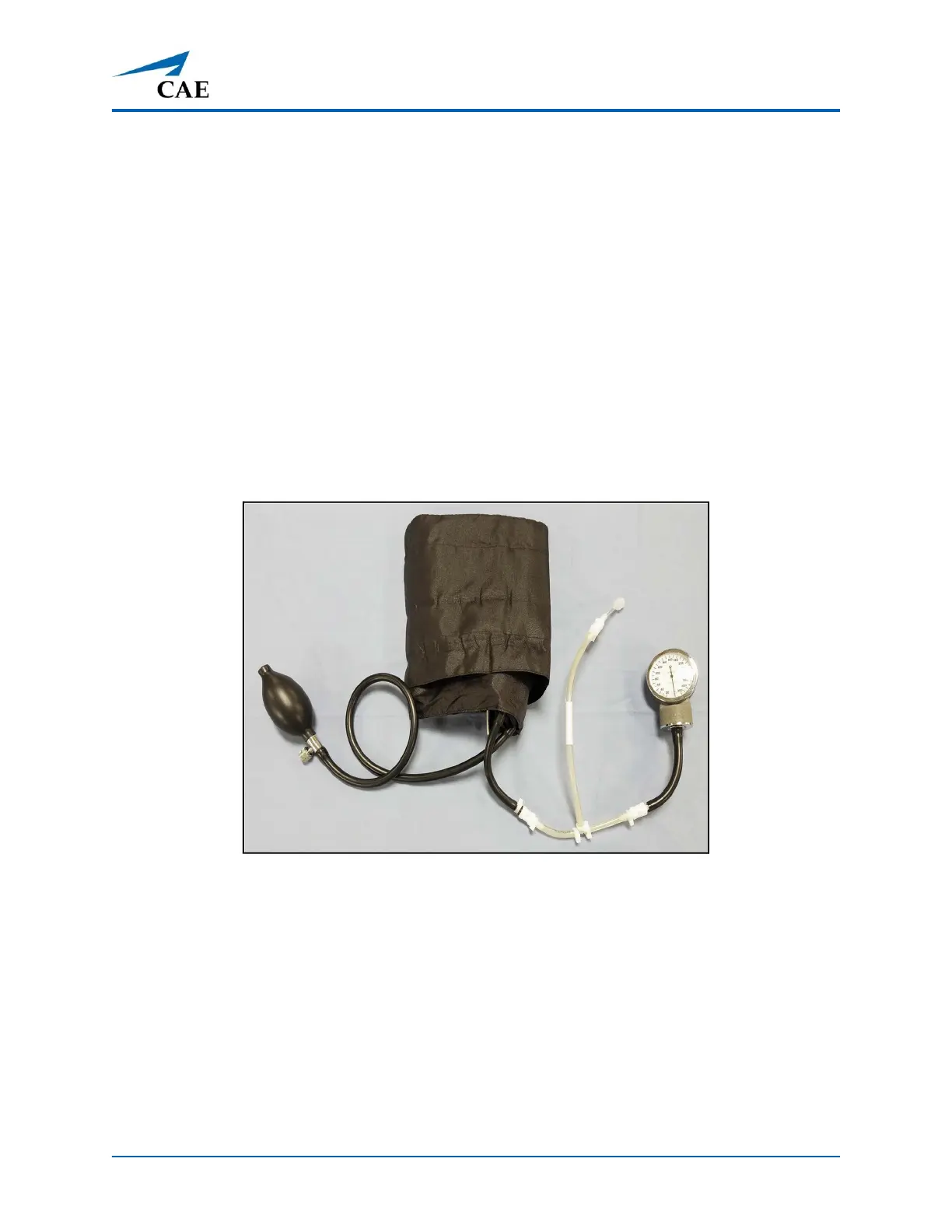
Step 9: Modify the Blood Pressure Cuff
To modify the blood pressure cuff:
1. Cut the tubing attached to the gauge approximately 9 cm from the cuff.
2. Locate the T-shaped blood pressure adapter.
3. Insert the barbed connectors into the cut ends of the blood pressure cuff tubing.
4. Secure the tubing connectors with cable ties.
5. Use scissors to trim the cable ties.
6. Connect the extension from the long end of the T-shaped blood pressure adapter to the
NIBP port on Aria’s right side.
Modified Blood Pressure Cuff



 To Next Page