Using Aria
76 ©2021 CAE 905K690052 v1.0
CAEAria
SpO
2
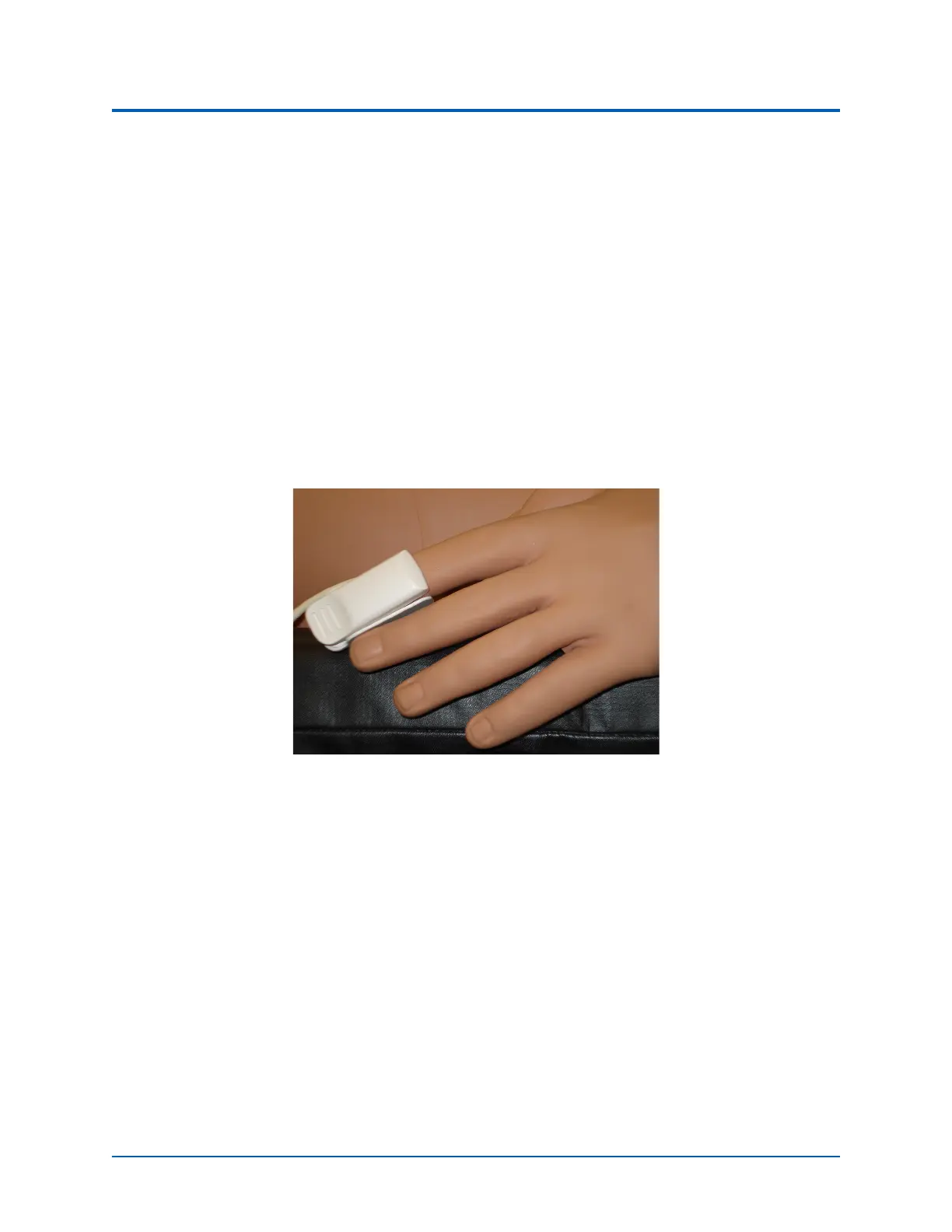
Finger Probe
The SpO
2
finger probe is used to display the plethysmogram and associated with SpO
2
numeric on
the virtual Patient Monitor. When the SpO
2
probe is not connected to the manikin then the Patient
Monitor will display the plethysmogram. When connected but not on the finger, the Patient Monitor
will not display the plethysomgram. When the SpO
2
probe is on a finger, the Patient Monitor will
display the pethysmogram.
To connect and attach the SpO
2
finger probe to Aria:
1. Locate the SpO
2
port on Aria’s left arm pit.
2. Connect the SpO
2
probe to the SpO
2
port.
3. Place the SpO
2
probe on Aria.
SpO
2
Finger Probe Attached



 To Next Page