©2021 CAE 905K690052 v1.0 75
Using Aria
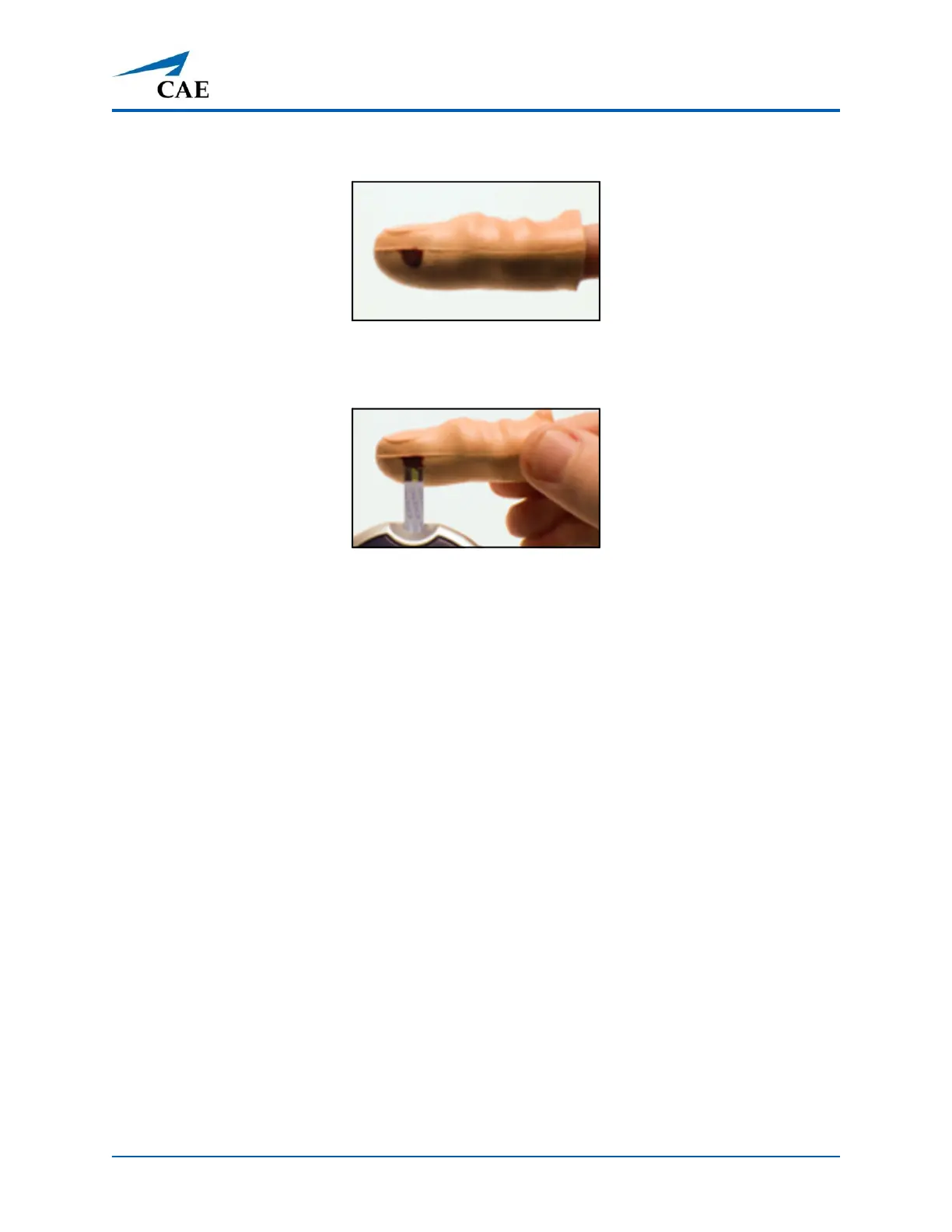
6. Massage area gently to get a droplet of the simulated test blood.
Droplet of Simulated Test Blood
7. Place droplet on designated test strip until it is registered by the glucometer.
Place Droplet on Test Strip
8. Wipe off any excess simulated test blood from the glucose finger with alcohol pad.
To reseal the glucose fingers:
1. Open the tube of silpoxy (included).
2. Touch the top of the silpoxy tube with a gloved finger.
3. Gently apply a thin layer of the silpoxy over the puncture area on the glucose finger and
allow it to dry.
4. Recap the silpoxy tube.
Note: The blood glucose fingers can withstand two finger pricks (one on each side) before they need
to be resealed using the silpoxy.
To drain the glucose fingers:
1. Gently remove the glucose fingers from the hand.
2. Insert a 1 ml syringe and needle into the bottom opening of the finger. Stop when you hit
the plastic stop wall and pull back slightly.
3. Withdraw as much air or fluid as possible with the syringe and remove syringe.



 To Next Page