Mod. NIM8304 12 slot 7U(5+2) Switching NIM Crate
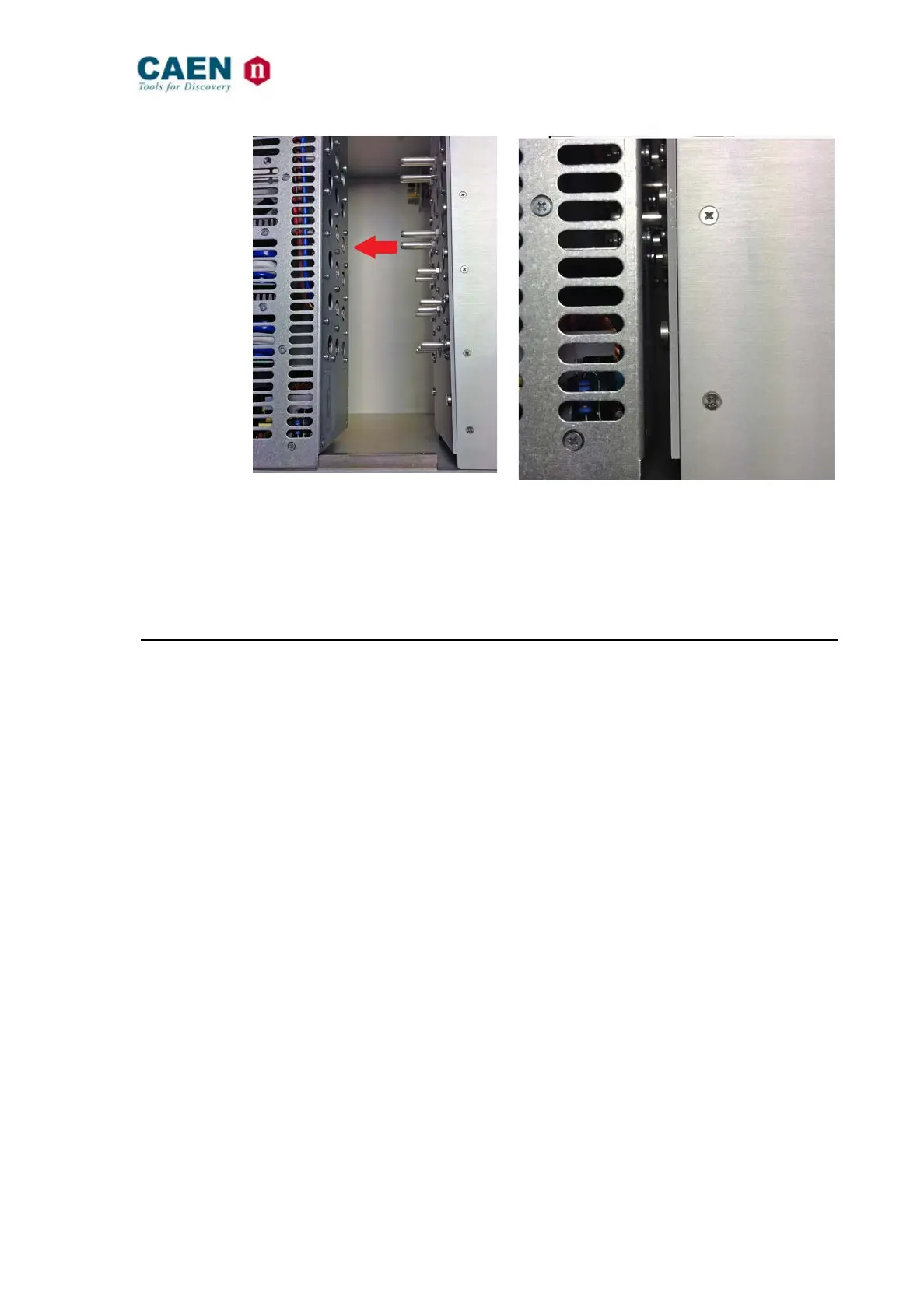
Fig. 5.1: Power supply insertion
− Plug the power cord into the Vac mains power supply connector
− As the CAEN logo fades, the power supply outputs can be turned On by keeping up
for a couple of seconds the on-off switch on the Fan Unit panel.
− In order to turn OFF the crate, the switch must be kept down for a couple of seconds
as well.
5.4 Alarm and Trip off
When the Crate Alarm is ON:
- FAIL LED lamps (timing described in Fig. 4.6)
- FAIL Output signal is active (see § 4.1.5)
- Buzzer is active (if enabled)
- The Alarm reason is displayed on the FAN Unit OLED display end managed via
remote control
The Crate DC voltages are tripped off and ALARM is ON in the case of:
- Over Voltage Protection: when the output voltage > 110% of nominal voltage
- Under Voltage Protection: when the output voltage < 90% of nominal voltage
- Over Current Protection: when the current > programmable Iset value
- Over Temperature Protection: Trip Off when temperature of heat sink > 70° C
or when transformer temperature > 110° C
The Crate ALARM is ON in the case of:
- temperature FAN Unit > 50°C
- temperature Power Supply Control module > 65° C
- FAN fail



 To Next Page