Mod. NIM8304 12 slot 7U(5+2) Switching NIM Crate
6.4 FAN Tray operation via Terminal
FAN Tray operation via Terminal is intended as the interactive control and monitoring of
one or more NIM8304 crates by using a remote terminal. The remote operation via
Terminal can be performed in different ways, according to the interface used to
communicate with the system. Nominally, it can be achieved by:
• Using the RS232 interface to connect one Mod. NIM8304 FAN Tray system to a
VT100-like terminal or to a standard PC running a terminal emulator program;
• Using the USB interface to connect one Mod. NIM8304 FAN Tray system to a
standard PC (the USB is managed as RS232 as described in § 5.6)
• Using the TCP/IP protocol via Ethernet to perform a Telnet connection.
6.4.1 TCP/IP Connection
In order to connect with NIM8304 via TCP/IP, follow these steps:
• Verify NIM8304 address (Tab.5.2, p.34 of this manual)
• Check that host pc IP settings allow to connect to such address
• Open the terminal emulator
• Enter IP address
• Enter port nr. 8100
• Type CAEN
6.4.2 Control and Monitor menus
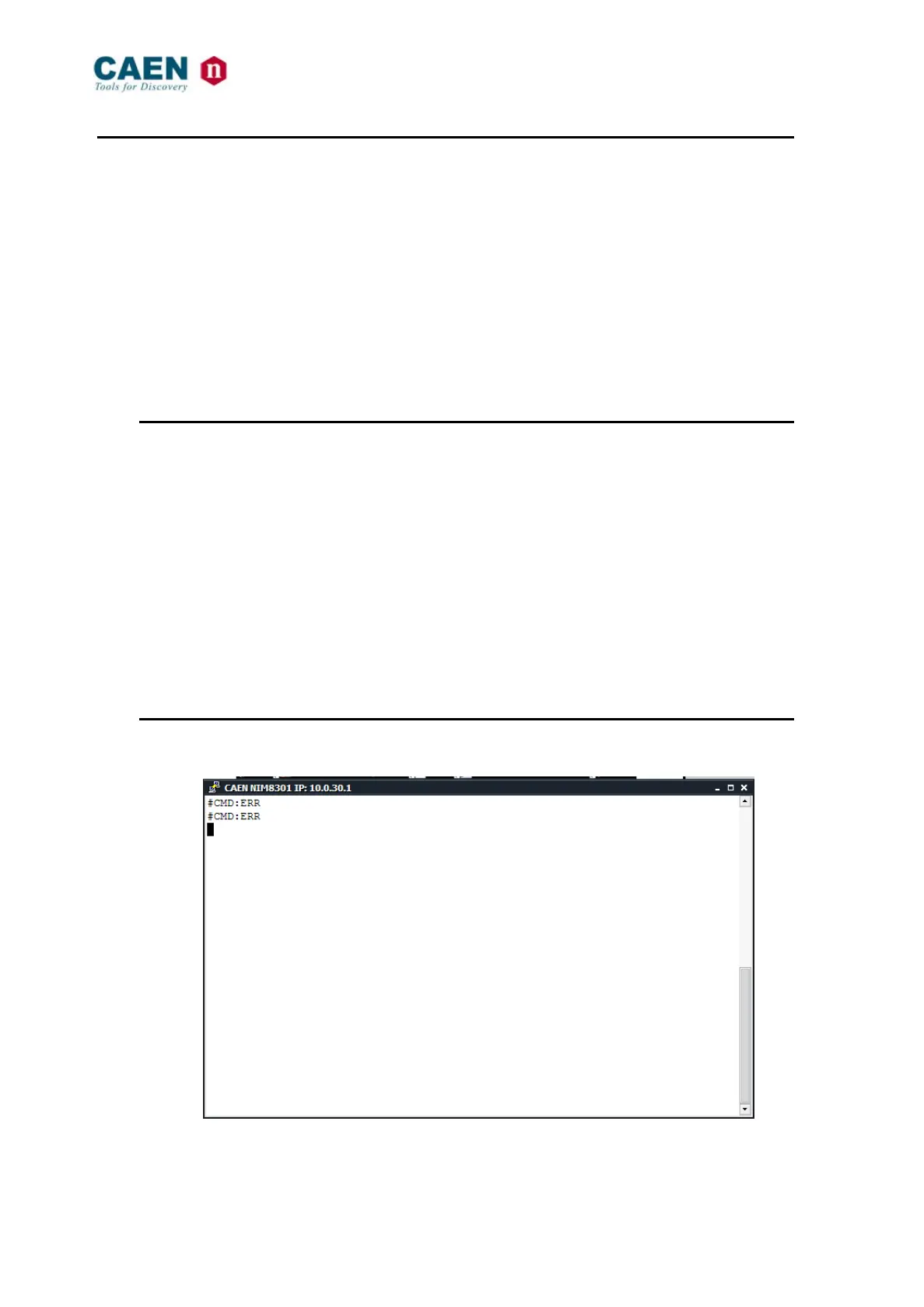
Fig. 6.6: Mod. NIM8304 Terminal Start Up window



 To Next Page