Mod. NIM8304 12 slot 7U(5+2) Switching NIM Crate
6. Software overview
6.1 FAN Tray Ethernet connection (to be implemented!)
The provided program is:
- NIM8304_Manager.jar
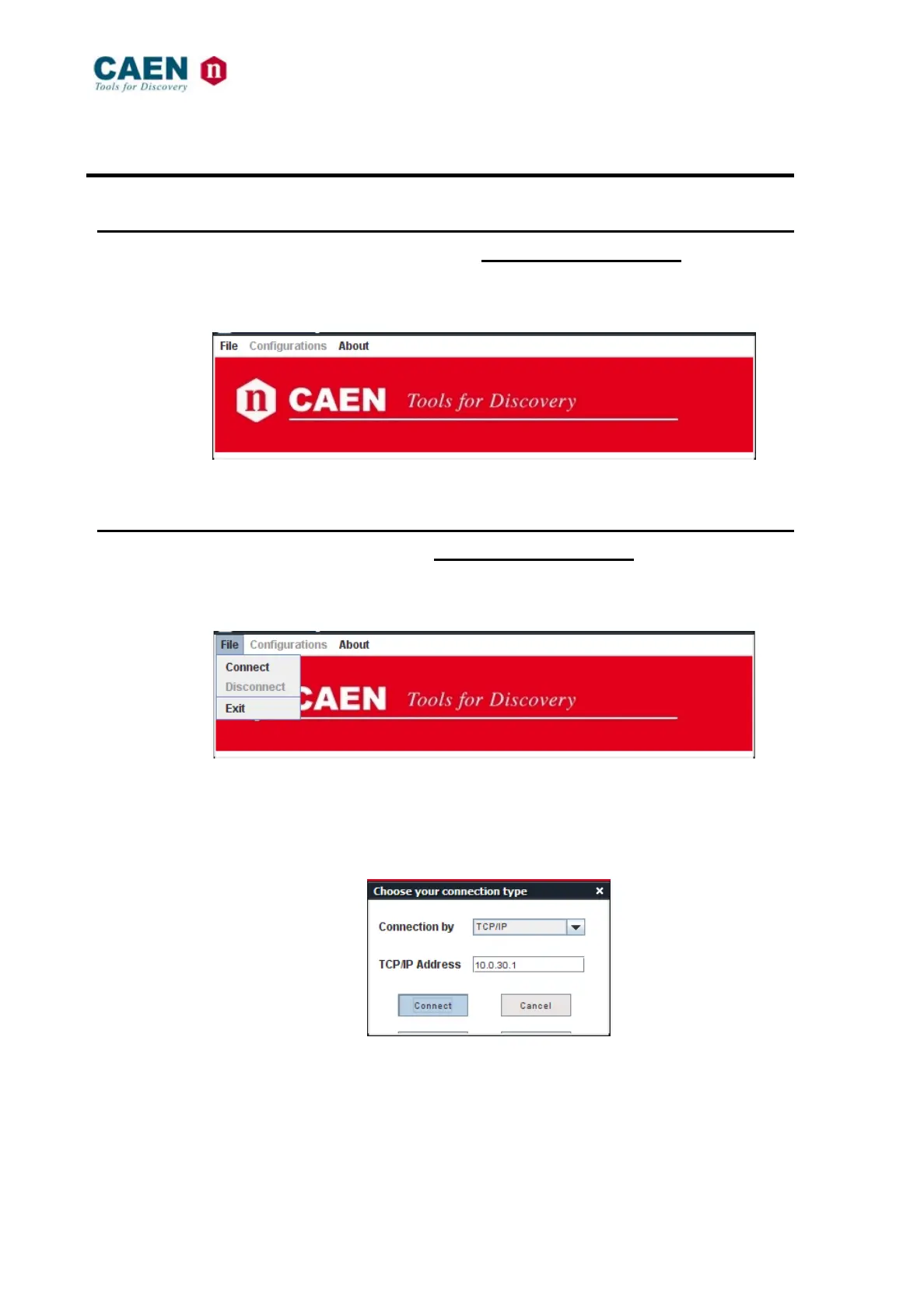
Fig. 6.1: Mod. NIM8304_Manager Open window
6.2 Connection configuration (to be implemented!)
Click on
File > connect
Fig. 6.2: Mod. NIM8304_Manager Coonection menu
The following pop-up window will open:
Fig. 6.3: Mod. NIM8304_Manager Connection window
Choose the connection type; if you are using TCP-IP enter the IP address then click on
Connect.



 To Next Page