p. 20 - Manual FA01054-EN - 01/2018 - © CAME S.p.A. -
Translation of the original instructions
Functions menu
First of all, program the following functions first: Type of motor, Number of motors, TOTAL STOP
and Self-learning.
DIP-SWITCH Description of functions
Motor type
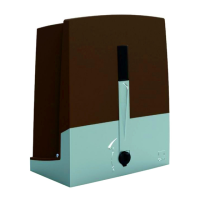
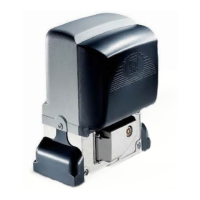
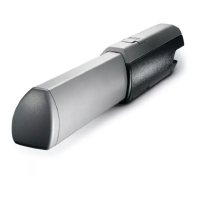
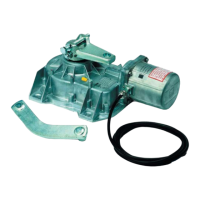
By default,the control panel controls OPP001 and FTL20DGC-series gear motors.
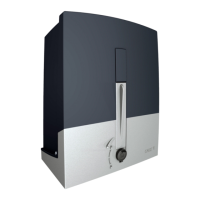
For controlling OPS001, BXL04AGS-series gear motors.
select the DIP switches as shown and press the PROG key on the
control board. The LED stays on and the buzzer sounds off for 1 second.
To return to the default setting, press PROG again. The LED blinks and the buzzer sounds off 2 times
Number of motors
By default,two motors are configured.
To configure a single motor:
select the DIP switches as shown and press the PROG key on the
control board. The LED stays on and the buzzer sounds off for 1 second.
To return to the default setting, press PROG again. The LED blinks and the buzzer sounds off 2 times
TOTAL STOP from button (contact 1-2)
By default, the feature is enabled.
To disable it:
select the DIP switches as shown and press the PROG key on the
control board. The LED blinks and the buzzer sounds off 2 times.
To return to the default set ting, press PROG again. The P RG LE D stays on and the buz zer sounds off for 1 second.
Self-learningof the gate travel (see the Self-learning paragraph)
Select the DIP-switches as shown and press the PROG key on the control board.
The operator will perform a series of maneuvers to establish the limit-switch points. To establish the
slow-down staring points - when opening and closing - press PROG when the gate leaves reach the
desired position.
When calibrating, the PRG LED blinks. When the calibration is complete, the buzzer sounds off for 1
second.
If the calibration is not successful, the LED blinks quickly and the buzzer sounds off 7 times.
You can interrupt the gate travel's self-learning operation by pressing the STOP button (if enabled).
Reopening during closing (contact 2-C1)
By default, the feature is disabled.
To enable it:
select the DIP-switches as shown and press the PROG key on the
control board. The LED stays on and the buzzer sounds for 1 second.
To return to the default setting, press PROG again. The LED blinks and the buzzer sounds off 2 times
Input on contact 2-CX
By default, the feature is disabled.
To enable it:
select the DIP-switches as shown and press the PROG key on the
control board. The LED stays on and the buzzer sounds for 1 second.
To return to the default setting, press PROG again. The LED blinks and the buzzer sounds off 2 times



 To Next Page