CANNON Instrument Company | Troubleshooting
TE-BBR Force Reading Error
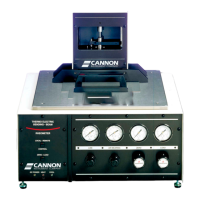
This section provides information on correcting the Force Reading 0.0 Error relating to the CANNON
Thermoelectric Bending-Beam Rheometer.
The reason for the force reading of 0.0 when the deflection and temperature settings are correct is due
to a failure of the registry of the computer running the instrument. The customer will need reload the
program.
Procedure
1. Record all information from the certificates for the temperature probe, gauge block, thick and thin
beam.
2. Remove the Cannon TE-BBR program from the computer being used to run the instrument.
3. Go to RUN type in REGEDIT and find the registry keys associated with the TE-BBR. The path is
H_KEY LOCAL MACHINE/SOFTWARE/CANNONINSTRUMENT/BBRw/1.0
4. Delete the BBRw key.
5. Reload the Cannon TE-BBR program.
6. Re-enter the data from your certificates.
7. Recalibrate the instrument.
For a 64 bit Windows Computer
HKEY_LOCAL_MACHINE/SOFTWARE/WOW6432NODE/CANNONINSTRUMENT/BBRW
For a 32 bit Windows Computer
HKEY_LOCAL_MACHINE/SOFTWARE/CANNONINSTRUMENT/BBRW
If the problem is still unresolved, contact CANNON for technical assistance.


 To Next Page