10
Installing from the Canon DIGITAL VIDEO SOLUTION DISK
1.
Close any programs that are running.
• Users of Windows 2000, Windows XP Professional must first log in as an
Administrator to install programs.
2.
Set the Canon DIGITAL VIDEO SOLUTION DISK in the
computer’s CD-ROM drive.
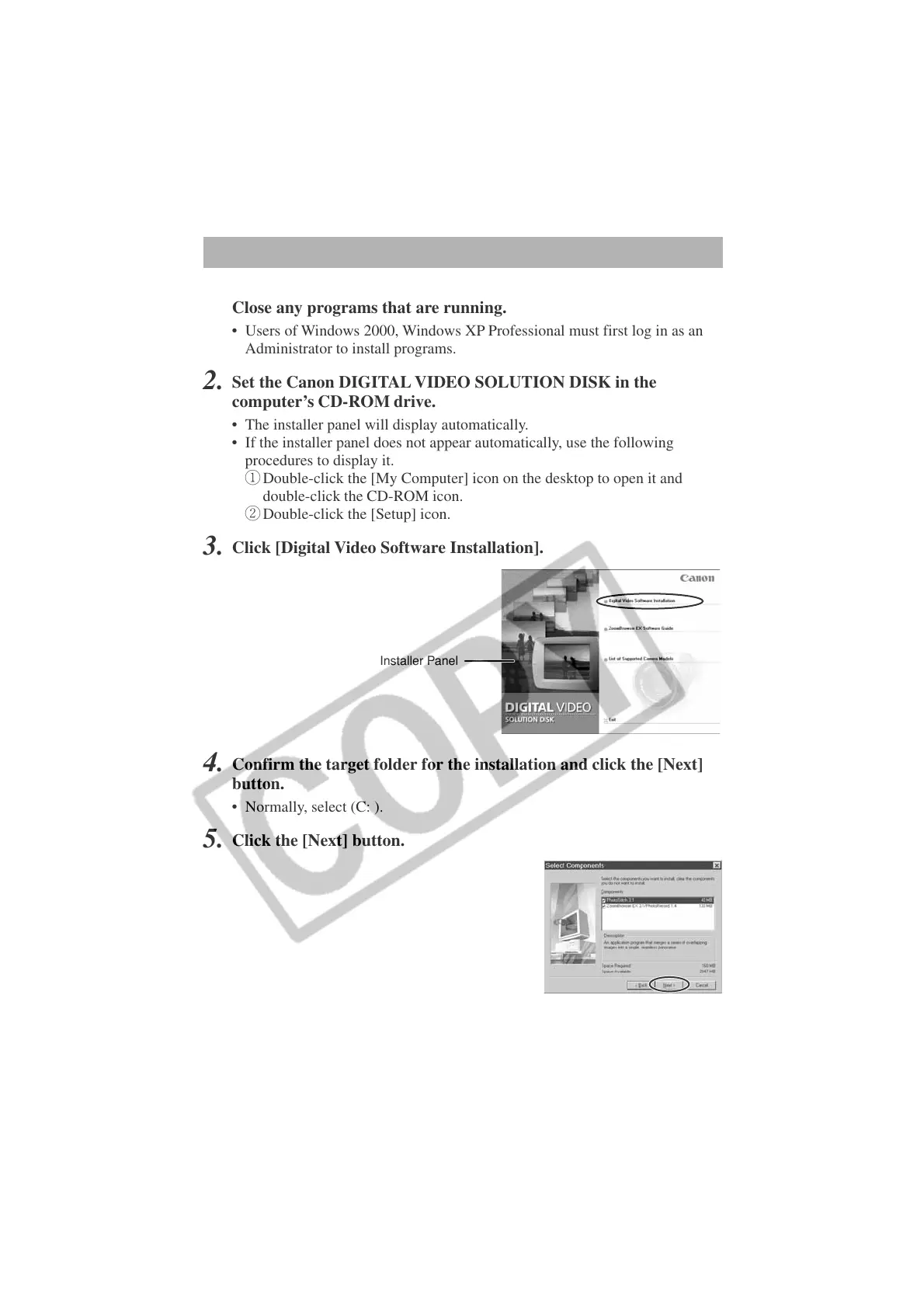
• The installer panel will display automatically.
• If the installer panel does not appear automatically, use the following
procedures to display it.
q Double-click the [My Computer] icon on the desktop to open it and
double-click the CD-ROM icon.
w Double-click the [Setup] icon.
3.
Click [Digital Video Software Installation].
4.
Confirm the target folder for the installation and click the [Next]
button.
• Normally, select (C: ).
5.
Click the [Next] button.
Installer Panel












 To Next Page