70
Adding Still Images from Your Computer to the Memory Card
You can copy still images from your computer to the memory card.
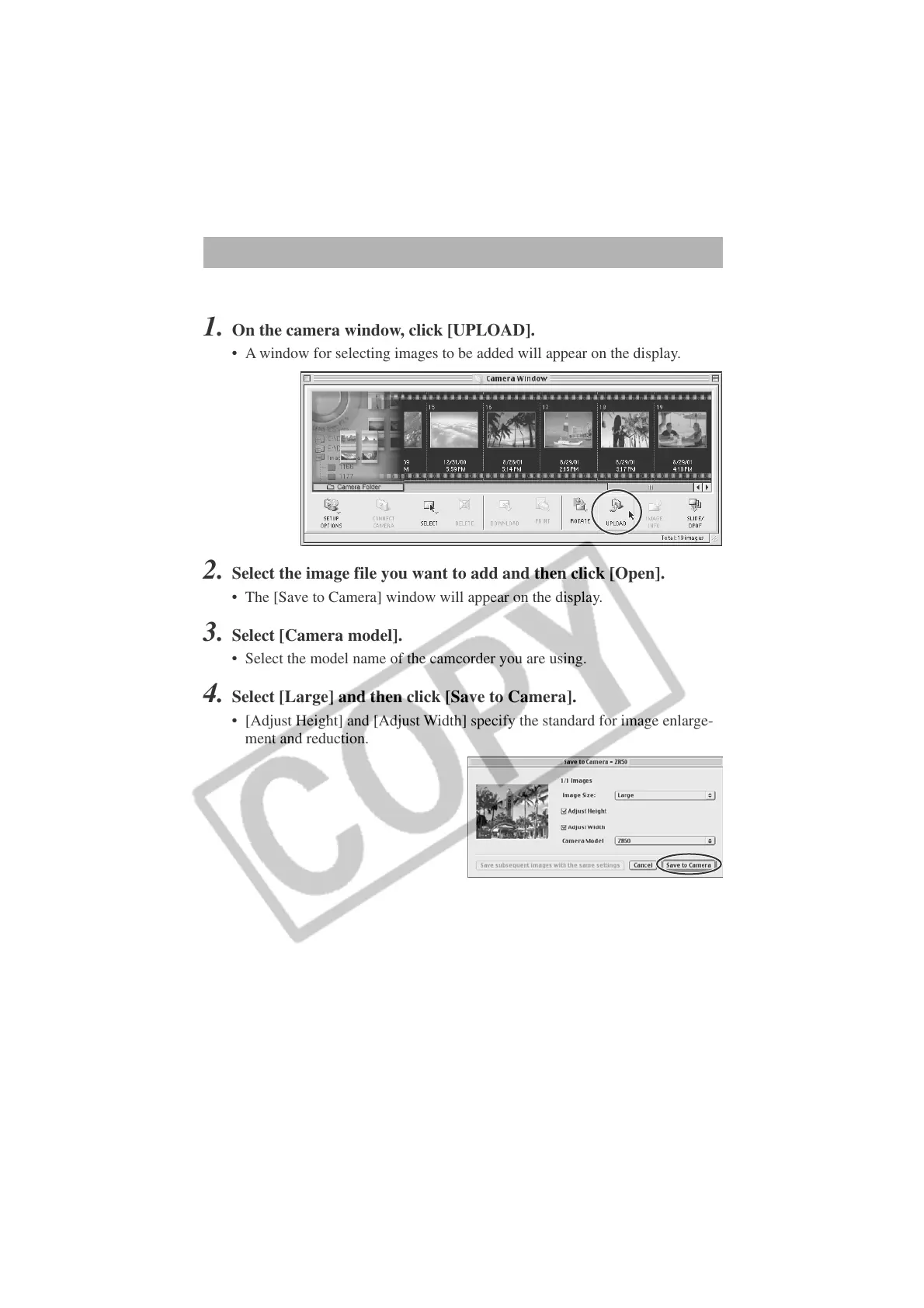
1. On the camera window, click [UPLOAD].
• A window for selecting images to be added will appear on the display.
2. Select the image file you want to add and then click [Open].
• The [Save to Camera] window will appear on the display.
3. Select [Camera model].
• Select the model name of the camcorder you are using.
4.
Select [Large] and then click [Save to Camera].
• [Adjust Height] and [Adjust Width] specify the standard for image enlarge-
ment and reduction.












 To Next Page