69
E
Macintosh
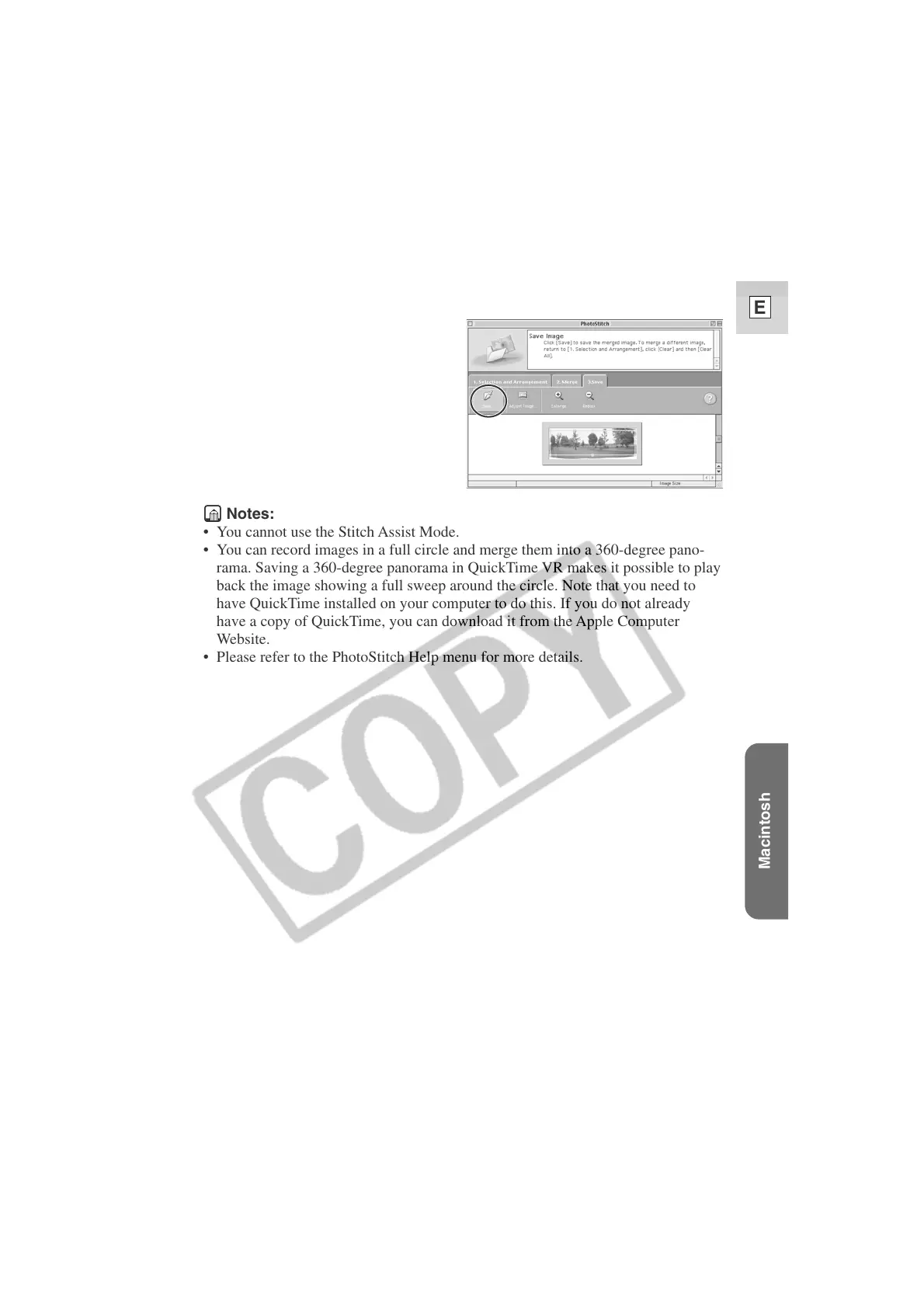
5. Select [3.Save] and then click [Save...].
Notes:
• You cannot use the Stitch Assist Mode.
• You can record images in a full circle and merge them into a 360-degree pano-
rama. Saving a 360-degree panorama in QuickTime VR makes it possible to play
back the image showing a full sweep around the circle. Note that you need to
have QuickTime installed on your computer to do this. If you do not already
have a copy of QuickTime, you can download it from the Apple Computer
Website.
• Please refer to the PhotoStitch Help menu for more details.












 To Next Page