21
Windows
E
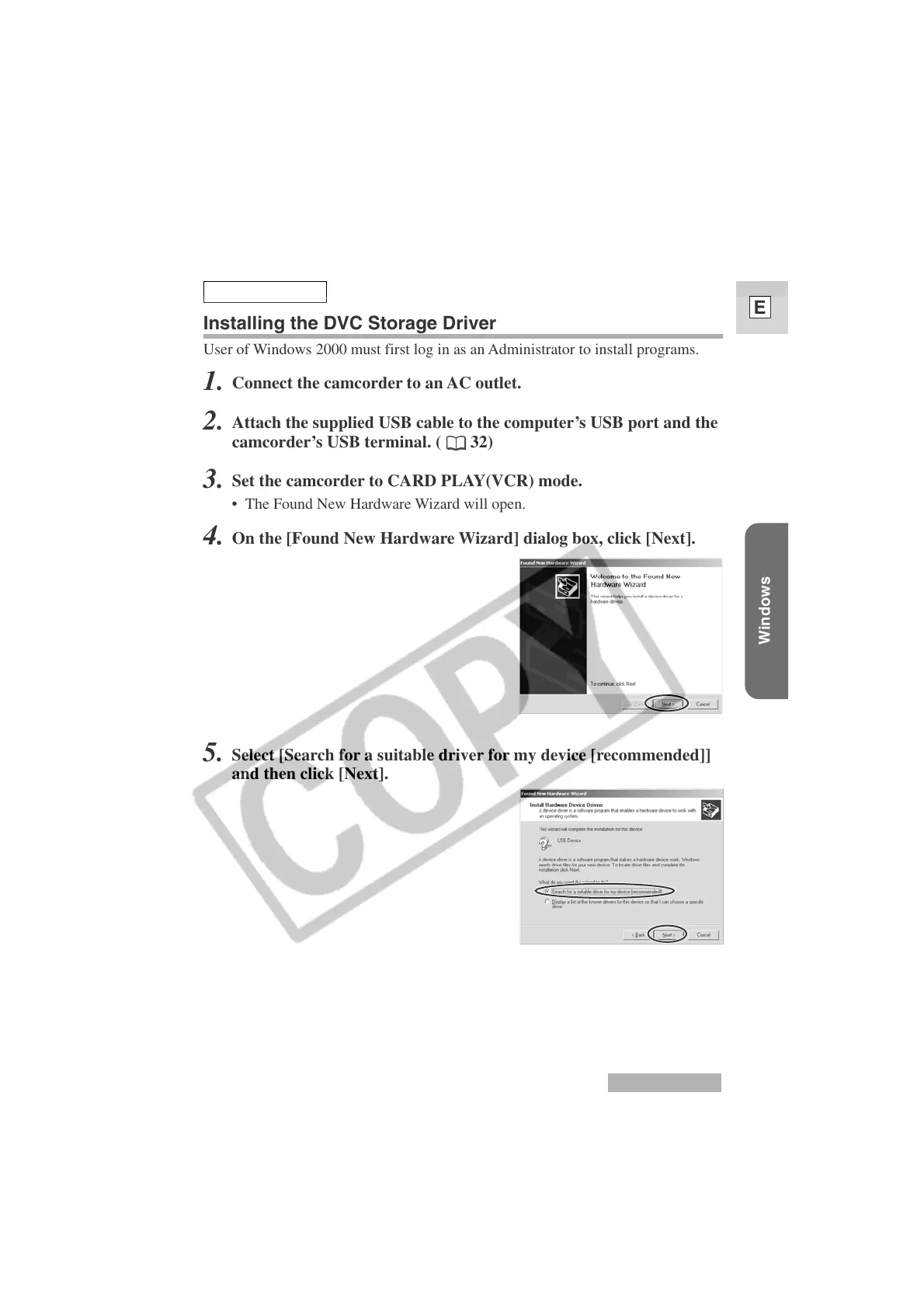
5.
Select [Search for a suitable driver for my device [recommended]]
and then click [Next].
Windows 2000
Windows 2000
Installing the DVC Storage Driver
User of Windows 2000 must first log in as an Administrator to install programs.
1.
Connect the camcorder to an AC outlet.
2.
Attach the supplied USB cable to the computer’s USB port and the
camcorder’s USB terminal. (
32)
3.
Set the camcorder to CARD PLAY(VCR) mode.
• The Found New Hardware Wizard will open.
4.
On the [Found New Hardware Wizard] dialog box, click [Next].












 To Next Page