67
E
Macintosh
Merging Panoramic Images with PhotoStitch
To Merge Images Registered in ImageBrowser
You can merge a series of overlapping images into a single, seamless panorama.
• Use of the camcorder’s maximum wide angle setting is recommended when
recording images for merging into a panorama.
1.
Select the images in the Browser Window.
2.
Click the [Edit] menu and select [PhotoStitch] to start the
program.
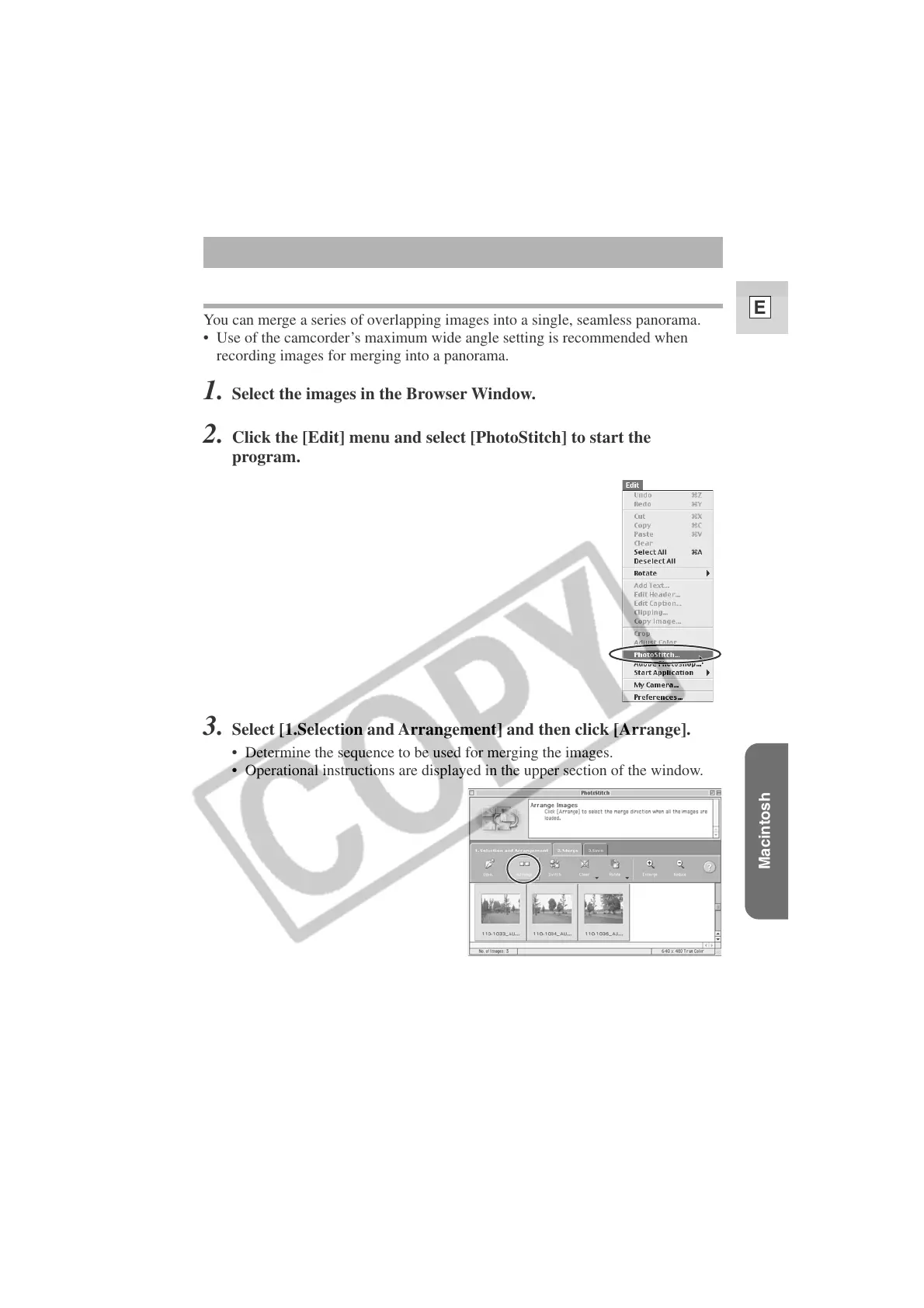
3. Select [1.Selection and Arrangement] and then click [Arrange].
• Determine the sequence to be used for merging the images.
• Operational instructions are displayed in the upper section of the window.












 To Next Page