24
3.
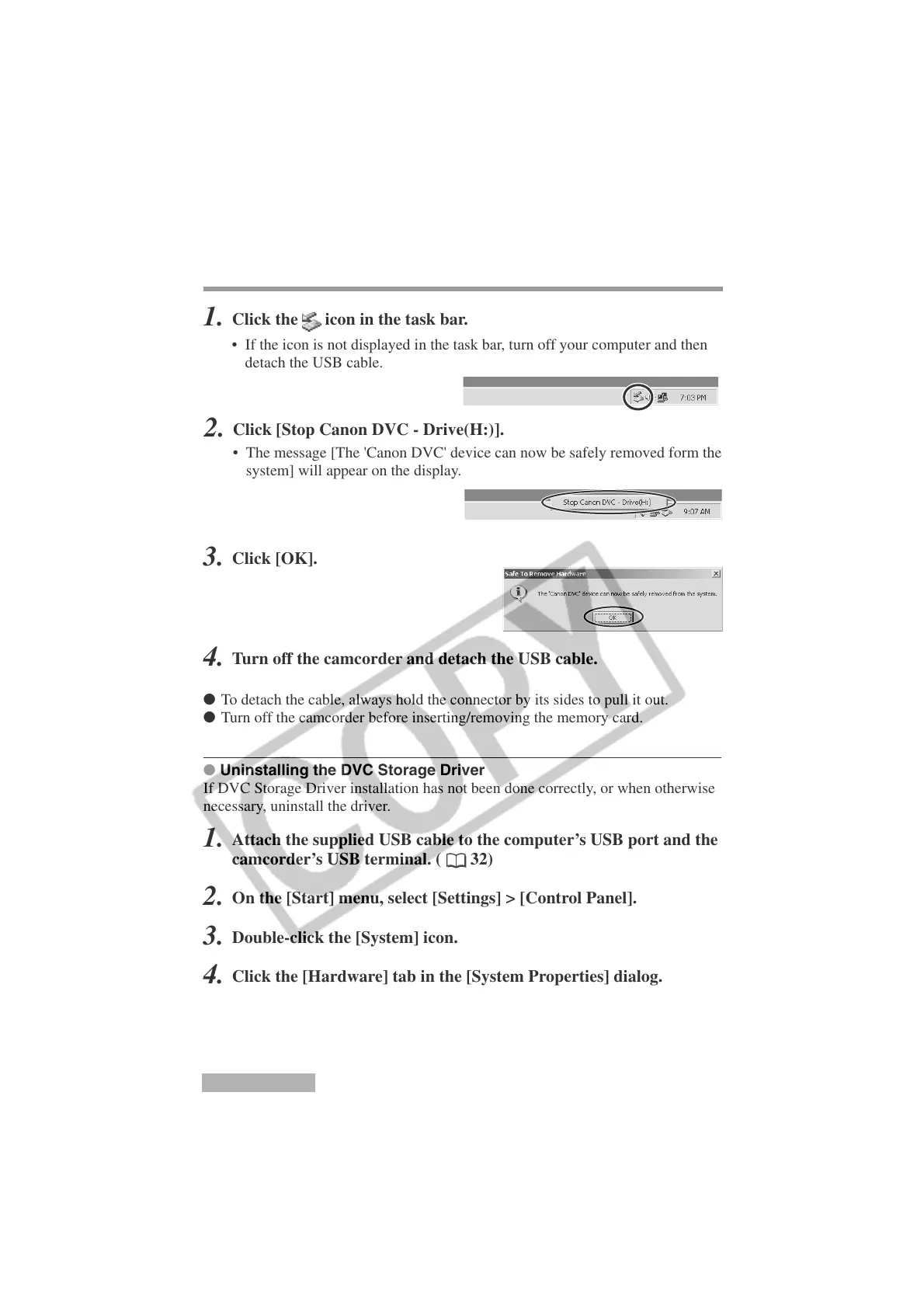
Click [OK].
Installing the DVC Storage Driver
4.
Turn off the camcorder and detach the USB cable.
● To detach the cable, always hold the connector by its sides to pull it out.
● Turn off the camcorder before inserting/removing the memory card.
● Uninstalling the DVC Storage Driver
If DVC Storage Driver installation has not been done correctly, or when otherwise
necessary, uninstall the driver.
1.
Attach the supplied USB cable to the computer’s USB port and the
camcorder’s USB terminal. (
32)
2.
On the [Start] menu, select [Settings] > [Control Panel].
3.
Double-click the [System] icon.
4.
Click the [Hardware] tab in the [System Properties] dialog.
5.
Click [Device Manager].
Windows 2000
Disconnecting the camcorder from the computer
1.
Click the icon in the task bar.
• If the icon is not displayed in the task bar, turn off your computer and then
detach the USB cable.
2.
Click [Stop Canon DVC - Drive(H:)].
• The message [The 'Canon DVC' device can now be safely removed form the
system] will appear on the display.












 To Next Page