17
Windows
E
Windows Me
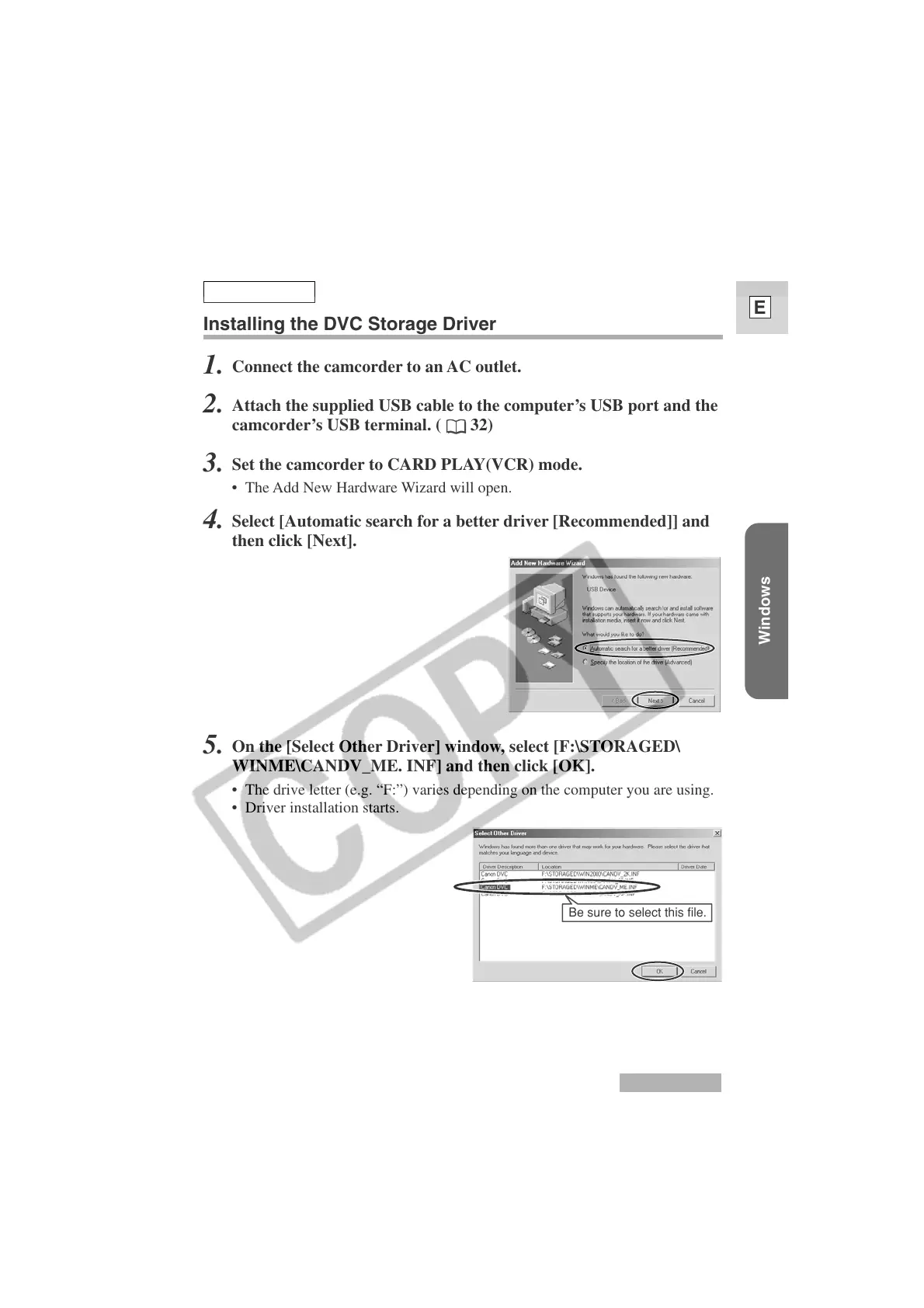
Be sure to select this file.
Windows Me
Installing the DVC Storage Driver
1.
Connect the camcorder to an AC outlet.
2.
Attach the supplied USB cable to the computer’s USB port and the
camcorder’s USB terminal. (
32)
3.
Set the camcorder to CARD PLAY(VCR) mode.
• The Add New Hardware Wizard will open.
4.
Select [Automatic search for a better driver [Recommended]] and
then click [Next].
5.
On the [Select Other Driver] window, select [F:\STORAGED\
WINME\CANDV_ME. INF] and then click [OK].
• The drive letter (e.g. “F:”) varies depending on the computer you are using.
• Driver installation starts.












 To Next Page