18
6.
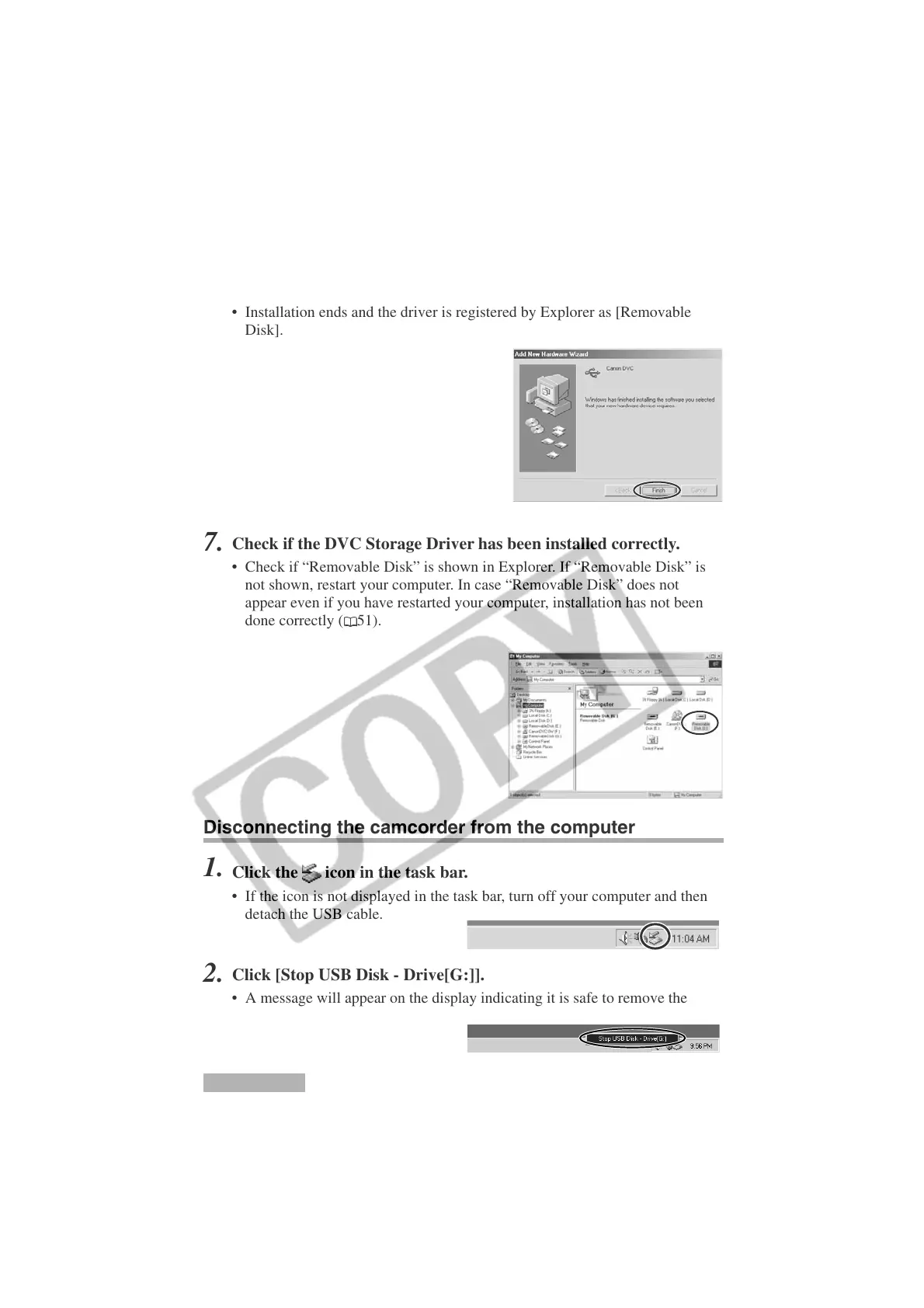
Click [Finish].
• Installation ends and the driver is registered by Explorer as [Removable
Disk].
7.
Check if the DVC Storage Driver has been installed correctly.
• Check if “Removable Disk” is shown in Explorer. If “Removable Disk” is
not shown, restart your computer. In case “Removable Disk” does not
appear even if you have restarted your computer, installation has not been
done correctly (
51).
Windows Me
Installing the DVC Storage Driver
Disconnecting the camcorder from the computer
1.
Click the icon in the task bar.
• If the icon is not displayed in the task bar, turn off your computer and then
detach the USB cable.
2.
Click [Stop USB Disk - Drive[G:]].
• A message will appear on the display indicating it is safe to remove the
device.












 To Next Page