50
Notes:
• If you have uninstalled ZoomBrowser EX because of a corrupt database file or
other problem, please also delete the Database folder, which can be found within
the [C:\Program Files\Canon\ZoomBrowser EX] folder.
• PhotoRecord and PhotoStitch can be removed with the same procedures.
Uninstalling the Software
The following explanation uses the procedures for removing ZoomBrowser EX as
an example for removing other programs as well.
When uninstalling the DVC Storage Driver, refer to: Windows 98 (
15),
Windows Me (
19), Windows 2000 (
24), Windows XP (
30).
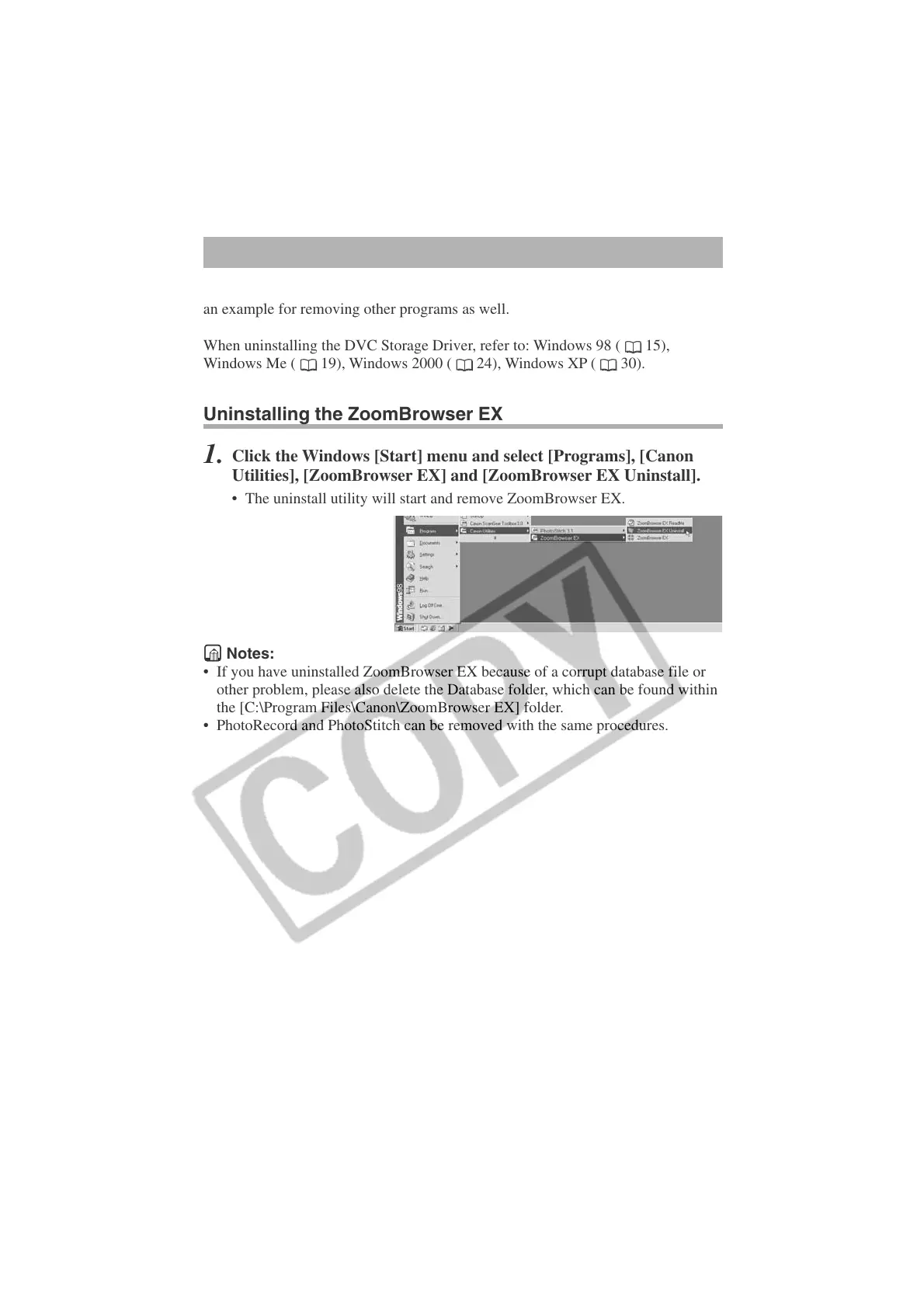
Uninstalling the ZoomBrowser EX
1.
Click the Windows [Start] menu and select [Programs], [Canon
Utilities], [ZoomBrowser EX] and [ZoomBrowser EX Uninstall].
• The uninstall utility will start and remove ZoomBrowser EX.












 To Next Page