12
Windows 98
Installing the DVC Storage Driver
The procedure for installation of the DVC Storage Driver differs depending on the
computer you are using. Confirm the OS of your computer and go to the
appropriate page as stated below.
Windows 98 (
12), Windows Me (
17), Windows 2000 (
21),
Windows XP (
27).
Cautions:
• Be sure to install the DIGITAL VIDEO SOLUTION DISK before you connect
the camcorder to the computer.
• Once you connect the camcorder to your computer after installing the Digital
Video Solution Disk, make absolutely sure not to turn off the camcorder before
installation of the DVC Storage Driver is complete.
Windows 98
Installing the DVC Storage Driver
1.
Connect the camcorder to an AC outlet.
2.
Attach the supplied USB cable to the computer’s USB port and the
camcorder’s USB terminal. (
32)
3.
Set the camcorder to CARD PLAY(VCR) mode.
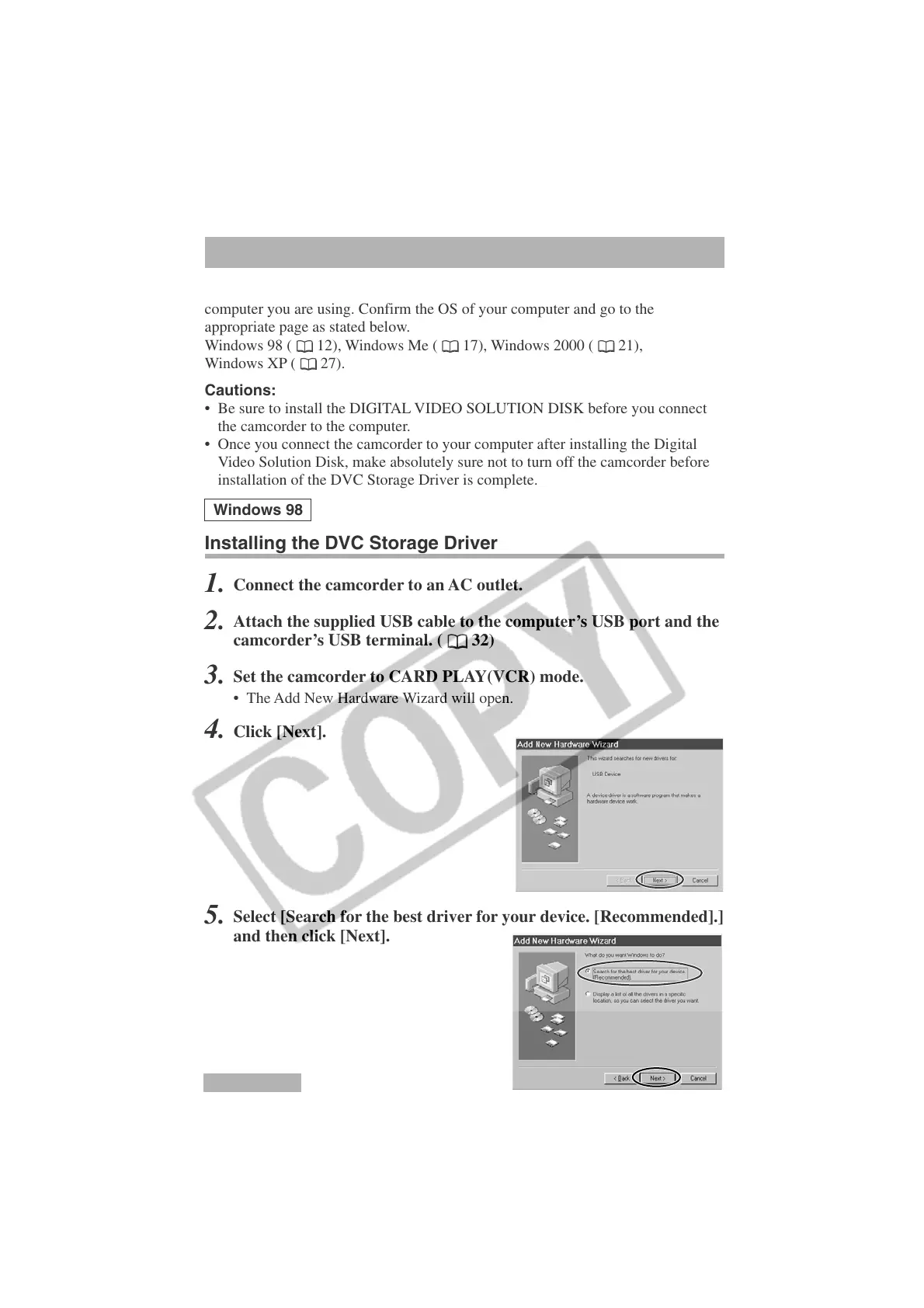
• The Add New Hardware Wizard will open.
4.
Click [Next].
5.
Select [Search for the best driver for your device. [Recommended].]
and then click [Next].












 To Next Page