71
E
Macintosh
Notes:
• Image enlargement and reduction are not performed when both [Adjust Height]
and [Adjust Width] are deselected.
• When [Adjust Height] and [Adjust Width] are both selected, the aspect ratio of
the image (the ratio between the height and width of the image) may change
when the image is resized.
• JPEG, TIFF, PICT, and Windows bitmap format images can be added to a
memory card. Note, however, that an image becomes JPEG format when it is
stored on the memory card.
• You can also add images to a memory card by using drag and drop to move the
image from the browser area to the Camera window.
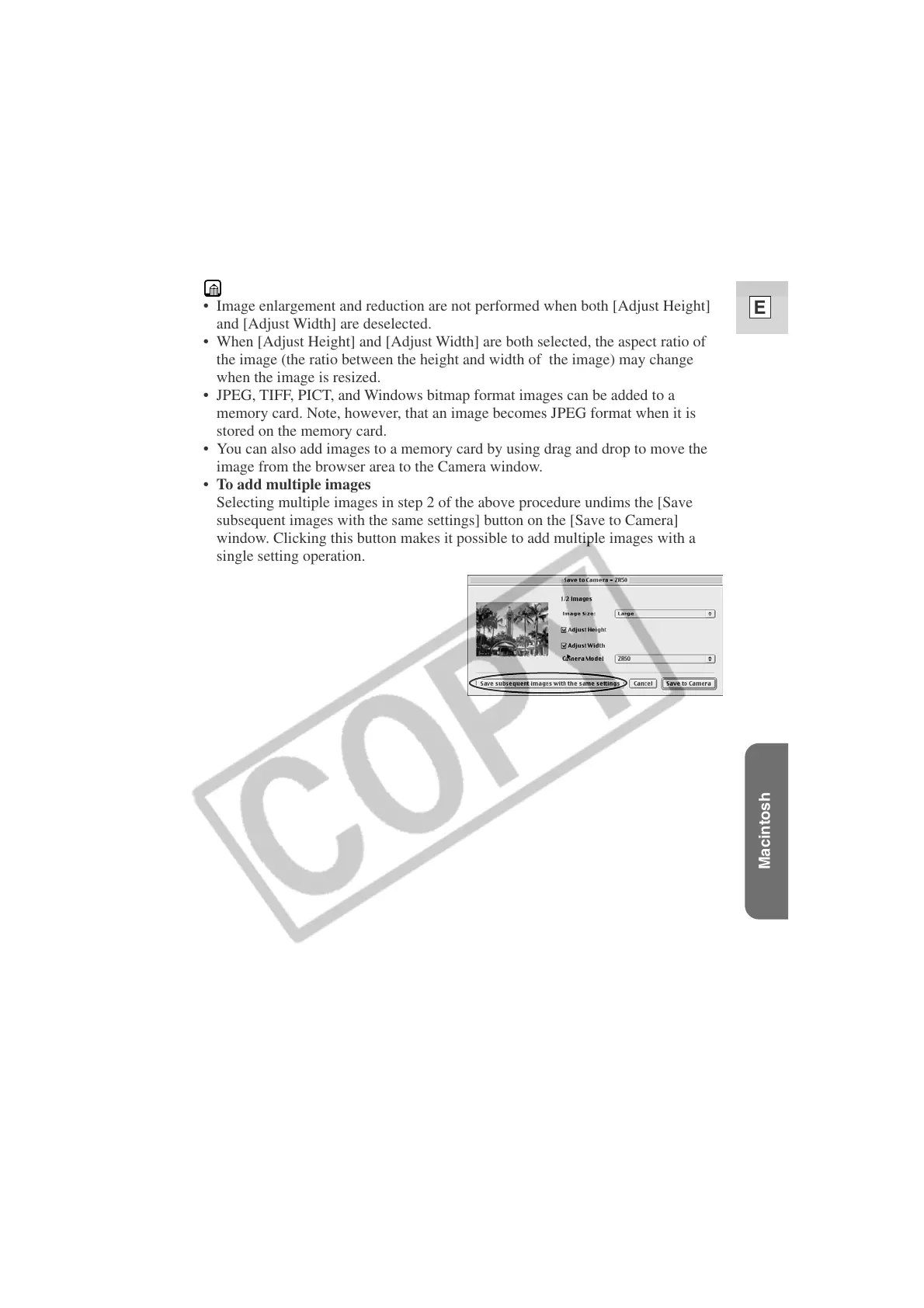
• To add multiple images
Selecting multiple images in step 2 of the above procedure undims the [Save
subsequent images with the same settings] button on the [Save to Camera]
window. Clicking this button makes it possible to add multiple images with a
single setting operation.












 To Next Page