38
Downloading Images to a Computer (ZoomBrowser EX)
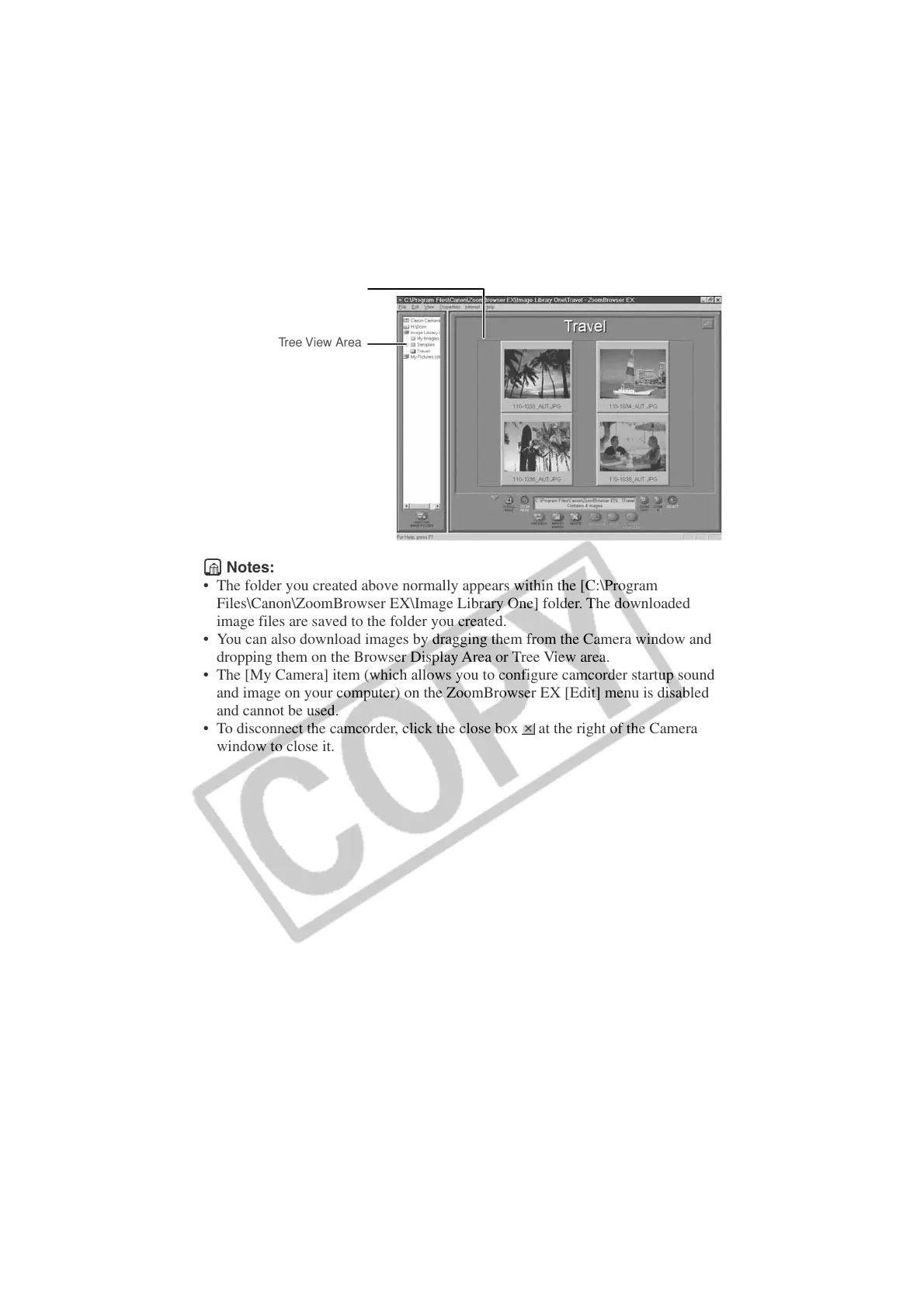
Browser Display Area
Tree View Area
Notes:
• The folder you created above normally appears within the [C:\Program
Files\Canon\ZoomBrowser EX\Image Library One] folder. The downloaded
image files are saved to the folder you created.
• You can also download images by dragging them from the Camera window and
dropping them on the Browser Display Area or Tree View area.
• The [My Camera] item (which allows you to configure camcorder startup sound
and image on your computer) on the ZoomBrowser EX [Edit] menu is disabled
and cannot be used.
• To disconnect the camcorder, click the close box
at the right of the Camera
window to close it.












 To Next Page