Using
the
Digital
Effects
[[ifF
FADER] Faders
Begin or end scenes with a fade to
or
from black. You can preview the effect on the
display.
(j)
[FADE-T]
~
[WIPE]
[i]
[CORNER]
(fade trigger)
(corner wipe)
III
[JUMP]
lE [FLIP]
IiIJ
[PUZZLE]
~
[ZIGZAG] li3 [BEAM]
liil
[TIDE]
[
~E
EFFECT] Effects
Add flavor to your recordings. Sound will be recorded normally.
You
can preview the effect
on the display.
[I)
[BLK&WHT]
~
[SEPIA]
~
[ART]
(black and white)
(I]
[MOSAIC]
(iiJ
[BALL]
lIB
[CUBE]
~
[WAVE]
liD
[COLOR M.]
003
[MIRROR]
(color mask)
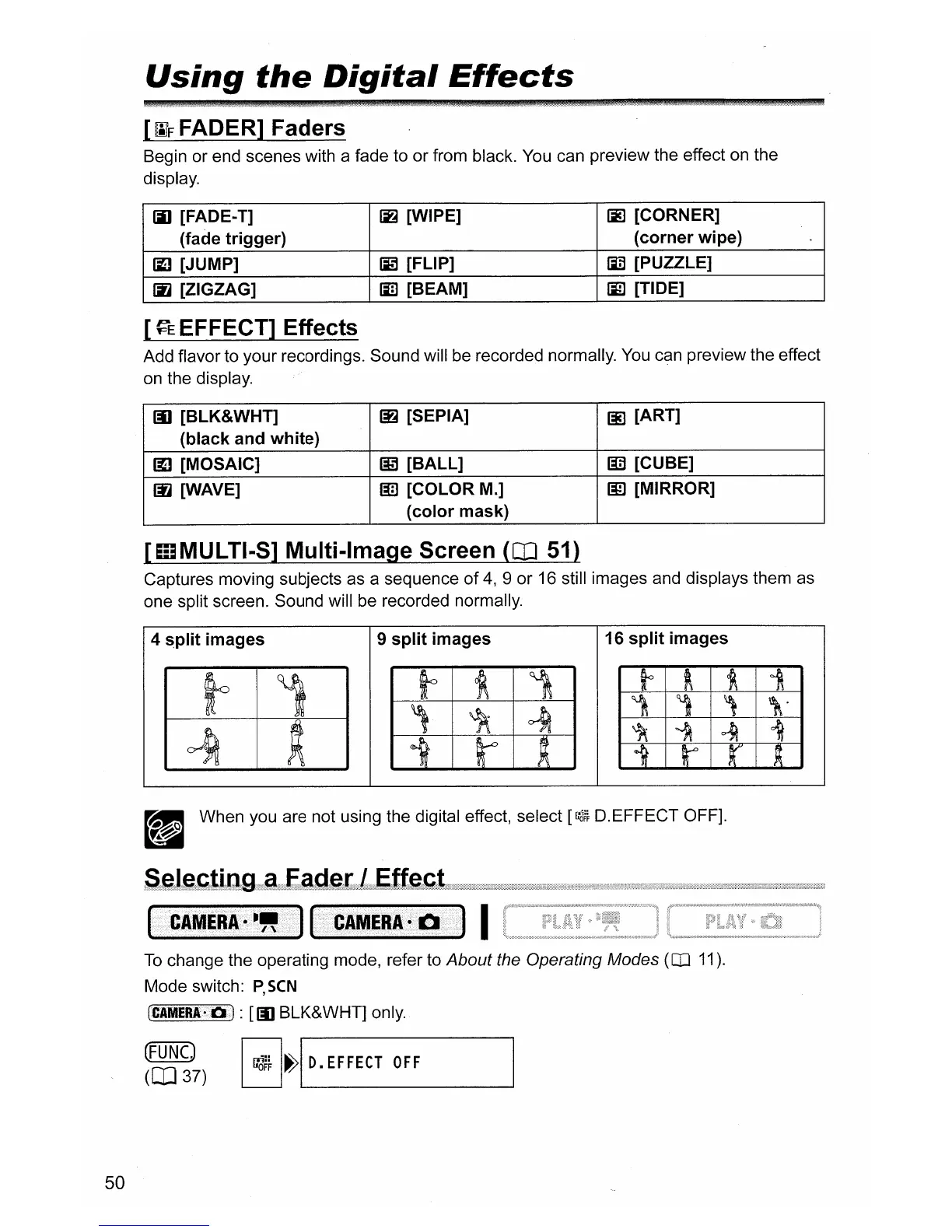
[mMULTI-S] Multi-Image Screen
(CD
51)
Captures moving subjects as a sequence
of
4,
9 or 16 still images and displays them as
one split screen. Sound will be recorded normally.
4 split images
9 split images 16 split images
_ When you are not using the digital effect, select
[r:3~}
D.EFFECT OFF].
d
I
CAMERA·
-"
I
RAMW~l
I
50
To
change the operating mode, refer to About the Operating Modes (OJ 11).
Mode switch:
P,SCN
(CAMERA-D):
[[I)
BLK&WHT] only.
(FUNC)
GI
~~~
~
D.
EFFECT
OFF
(CD
37)
'---.
_



 To Next Page