Recording
to
a
VCR
You
can copy your recordings by connecting the camcorder to a VCR or a digital video
device. For aconnection diagram showing how to connect the camcorder to a VCR see
IE
the previous section Playing Back on a TV Screen (OJ 64).
~
I
To
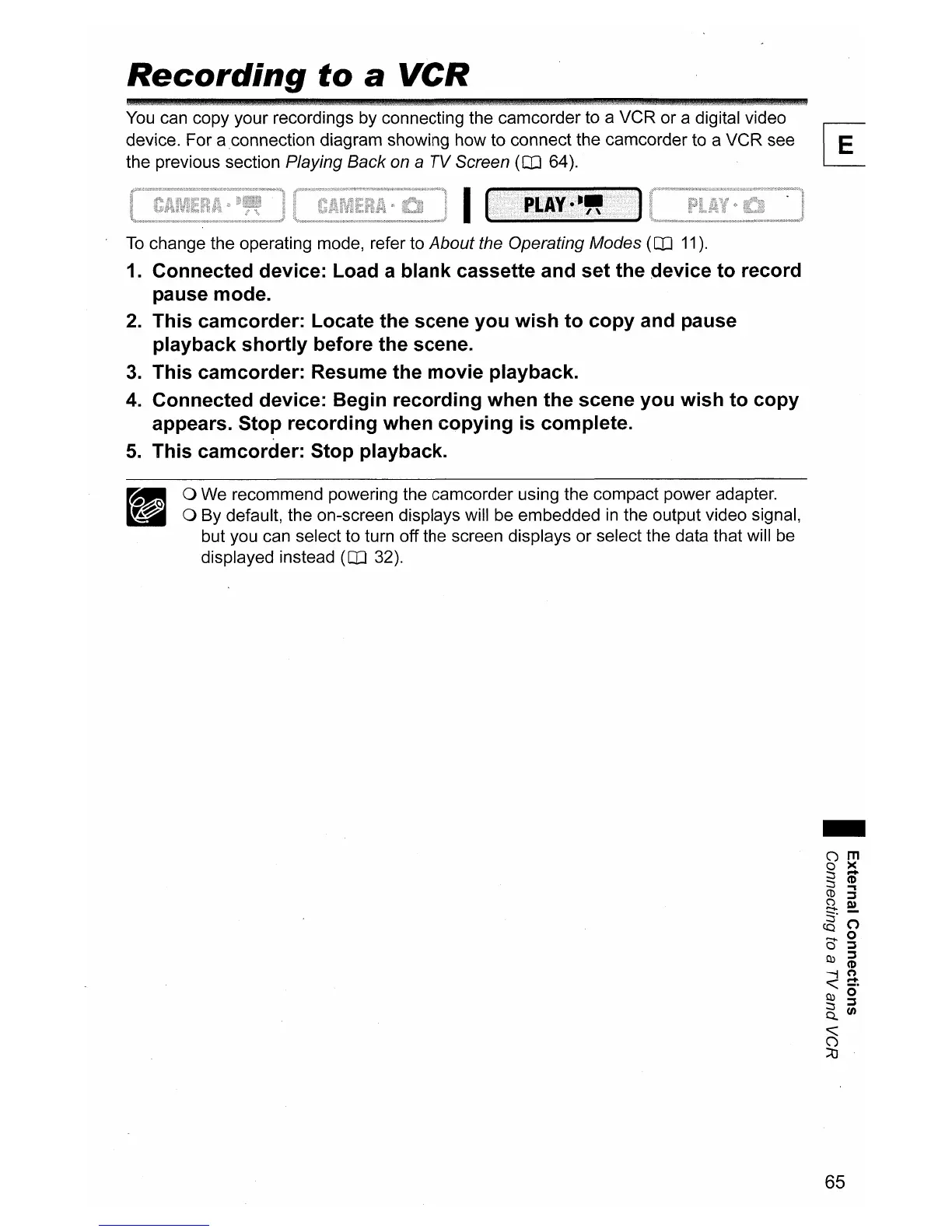
change the operating mode, refer to About the Operating Modes (OJ
11).
1.
Connected device: Load a blank cassette and set the device to record
pause mode.
2.
This camcorder: Locate the scene you wish to copy and pause
playback shortly before the scene.
3.
This camcorder: Resume the movie playback.
4.
Connected device: Begin recording when the scene you wish to copy
appears. Stop recording when copying
is
complete.
5.
This camcorder: Stop playback.
o We recommend powering the camcorder using the compact power adapter.
o By default, the on-screen displays will be embedded
in
the output video signal,
but you can select to turn off the screen displays or select the data that will be
displayed instead
(OJ 32).
-
65


 To Next Page