EasyManua.ls Logo

Canon DC100 - User Manual

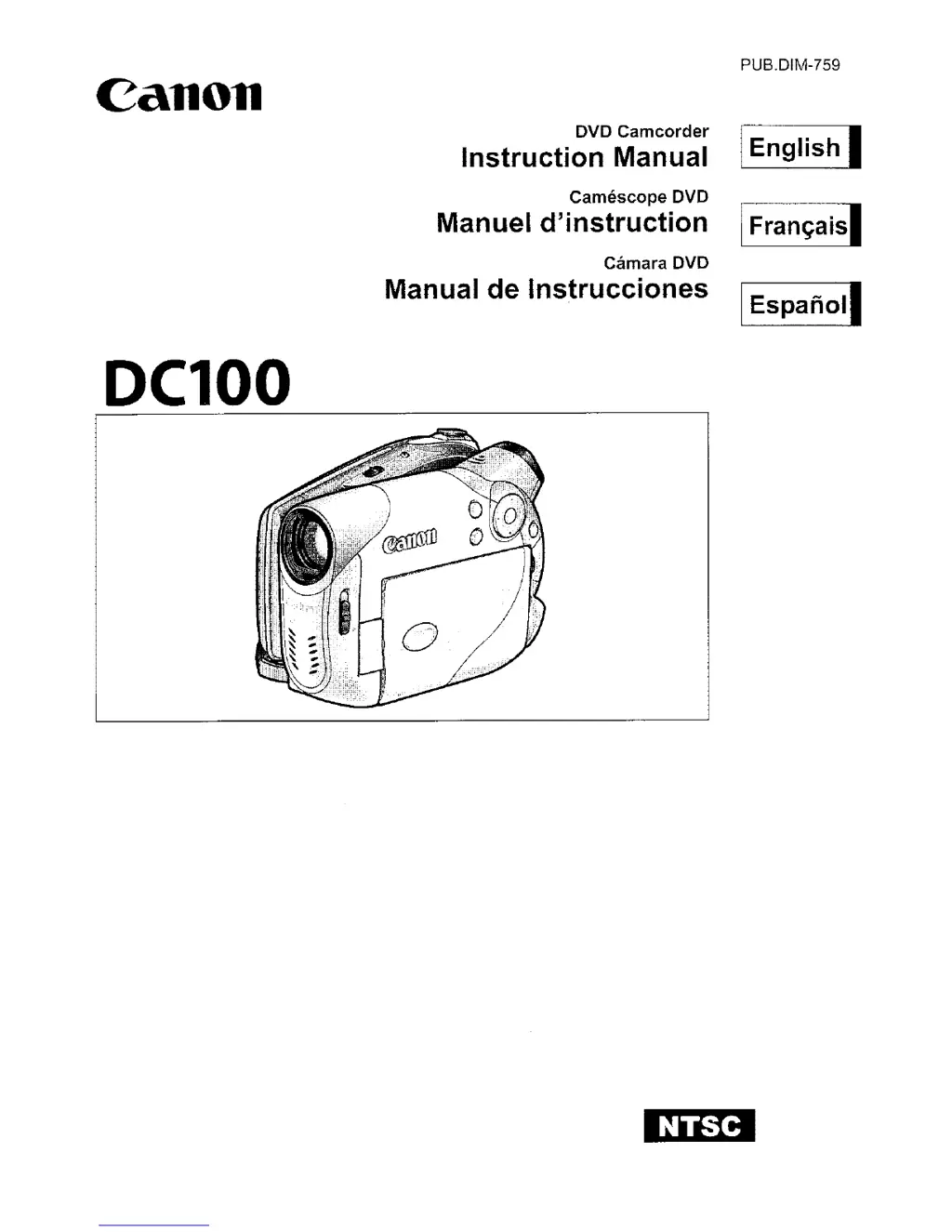
Canon DC100
86 pages
Print Icon
To Next Page IconTo Next Page
Loading...
Canon
Del00
DVD Camcorder
Instruction Manual
Camescope DVD
Manuel d'instruction
Camara DVD
Manual de Instrucciones
PUB.DIM-759
1 English I
I
Fran~aisl
I
Espanoll

Other manuals for Canon DC100

Questions and Answers

  • C
    Chelsea JohnsonSep 6, 2025
    Why can't I finalize the disc on my Canon DC100?
    • C
      Christy MillerSep 6, 2025
      You cannot finalize a disc (DVD-R or DVD-RW) recorded in VIDEO mode if it contains only still images. Record at least one scene before finalizing the disc.
  • V
    valerie04Aug 22, 2025
    Why won't my Canon DC100 turn on?
    • C
      Chase RamseyAug 22, 2025
      Your Canon camcorder might not be turning on because the battery pack is exhausted. Try replacing or charging the battery pack. Also, make sure that the battery pack is attached correctly.
  • H
    hthomasSep 3, 2025
    What to do if abnormal characters appear on the screen of my Canon DC100 Camcorder and it does not operate properly?
    • B
      Brooke AdamsSep 4, 2025
      If abnormal characters appear on the screen of your Canon camcorder, and it's not operating properly, disconnect the power source and reconnect it after a short time. If the problem still persists, disconnect the power source and press the RESET button with a pointed item. Pressing the RESET button resets all settings.
  • H
    Hannah WilliamsSep 2, 2025
    What to do if the disc cannot be recognized by my Canon DC100?
    • L
      lisamillerSep 2, 2025
      If your Canon camcorder cannot recognize the disc, clean the disc with a soft lens-cleaning cloth. If the problem persists, replace the disc. Also, make sure that the disc is correctly loaded.
  • H
    helenwalkerSep 1, 2025
    What to do if the disc cannot be ejected from my Canon DC100 Camcorder?
    • D
      Diana CooperSep 1, 2025
      If your Canon camcorder disc won't eject, turn off the camcorder, disconnect the compact power adapter and remove the battery pack. Then, restore the power supply and try again. Also, the camcorder may have exceeded its operational temperature. Disconnect the compact power adapter and remove the battery pack and let the camcorder cool down before resuming use.
  • K
    Kenneth LopezAug 30, 2025
    Why does my Canon DC100 Camcorder stop recording soon after starting?
    • B
      brownfeliciaAug 30, 2025
      If your Canon Camcorder recording suddenly stops shortly after starting, the disc may be dirty. Clean it with a soft lens-cleaning cloth; if the problem persists, replace the disc. Alternatively, the camcorder might have exceeded its operational temperature. Disconnect the compact power adapter and remove the battery pack, allowing it to cool down before resuming use.
  • D
    David AlexanderAug 29, 2025
    How to fix Canon DC100 Camcorder when it will not focus?
    • T
      Thomas WilliamsAug 29, 2025
      If your Canon Camcorder will not focus, and autofocus isn't working on your subject, try focusing manually. You can also adjust the viewfinder using the dioptric adjustment lever. If the lens is dirty, clean it with a soft lens-cleaning cloth, avoiding the use of tissue paper.
  • D
    David OnealAug 27, 2025
    Why is my Canon DC100 Camcorder battery pack not charging?
    • D
      dustinfitzgeraldAug 27, 2025
      If your Canon Camcorder battery pack won't charge, it could be related to temperature. Ensure you are charging the battery pack in temperatures between 0°C and 40°C. If the battery pack temperature is too high (above 40°C), charging will commence once it cools down. If the issue persists, the battery pack might be damaged, so try using a different one.
  • C
    curtis41Aug 26, 2025
    How to fix Canon DC100 that will not turn on?
    • T
      Tracy JonesAug 26, 2025
      If your Canon Camcorder will not turn on, it could be due to an exhausted battery pack. Try replacing or charging the battery pack. Also, ensure the battery pack is correctly attached.
  • C
    curtischarlesAug 25, 2025
    What to do if my Canon DC100 will not focus?
    • B
      Brian GonzalezAug 26, 2025
      If your Canon camcorder won't focus, it may be because autofocus does not work on that subject, so you should focus manually. Also, adjust the viewfinder with the dioptric adjustment lever. Finally, the lens may be dirty, so clean the lens with a soft lens-cleaning cloth. Never use tissue paper to clean the lens.

Summary

Important Safety Instructions

Electrical and Fire Safety

Warnings related to electric shock, lightning, overloading, and liquid exposure.

Getting Started

Recording Operations

Recording Movies

Instructions for starting, pausing, and stopping movie recordings.

Recording Still Images

Procedure for capturing still photographs with the camcorder.

Playback Operations

Playing Back Recorded Movies

Navigating and viewing recorded movie scenes from the index screen.

Viewing Still Images

Accessing and displaying captured still images.

Menu and Function Options

MENU Options

Accessing and configuring camcorder settings via the main menu.

FUNC. Menu Options

Accessing and configuring advanced camera functions via the FUNC. menu.

Recording Programs and Settings

Troubleshooting Guide

Recording and Playback Errors

Troubleshooting common issues encountered during recording and playback operations.

Disc Errors and Message Explanations

Information on error messages and solutions for disc-related problems.

Handling Precautions and Maintenance

Canon DC100 Specifications

General IconGeneral
S-Video outNo
Sensor typeCCD
Total megapixels0.8 MP
Optical sensor size1/6 \
Effective megapixels (movie)0.47 MP
Battery typeBP-208
Photo effectsArt, Mirror, Mosaic, Sepia
Minimum illumination2 lx
I/O portsAV
Resolution1024 x 768 pixels
Camera shutter speed1/2000 ~ 1/6 s
Display diagonal2.7 \
Display resolution123000 pixels
Weight and Dimensions IconWeight and Dimensions
Depth123 mm
Width51 mm
Height86 mm
Weight410 g

Related product manuals