101
You can shoot up to approx. 5 shots per second. This is effective for
shooting a child running toward you or capturing different facial
expressions.
1
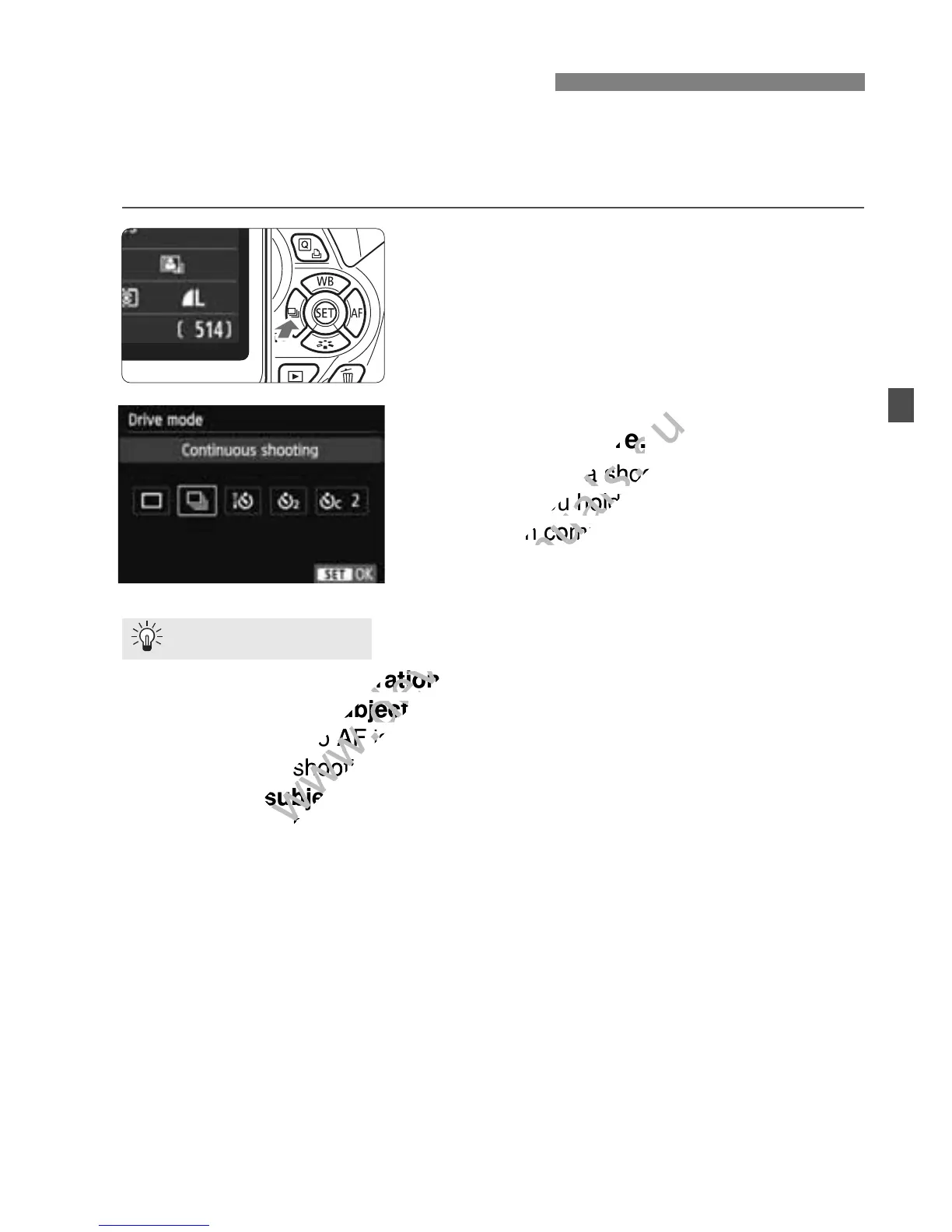
Press the <YiQ> button.
2
Select <i>.
Press the <U> key or turn the
<6> dial to select <i> continuous
shooting, then press <0>.
3
Take the picture.
The camera shoots continuously
while you hold down the shutter
button completely.
Also set the AF operation (p.95) matching the subject.
• For a moving subject
When AI Servo AF is set, focusing will be continuous during
continuous shooting.
• For still subjects
When One-Shot AF is set, the camera will focus only once during
continuous shooting.
Flash can also be used.
Since the flash will require recycling time, the continuous shooting
speed will be slower.
i Continuous Shooting
Shooting Tips
When AI Servo AF is set, focu
www.devicemanuals.eu
When AI Servo AF is set, focu
When One-Shot AF is set, the camera will focus only once during
www.devicemanuals.eu
When One-Shot AF is set, the camera will focus only once during



 To Next Page