294
Custom Functions are organized into four groups based on the function
type: C.Fn I: Exposure, C.Fn II: Image, C.Fn III: Autofocus/Drive, C.Fn
IV: Operation/Others.
3 Custom Function SettingsN
C.Fn I: Exposure
C.Fn-1 Exposure level increments
0: 1/3-stop
1: 1/2-stop
Sets 1/2-stop increments for the shutter speed, aperture, exposure
compensation, AEB, flash exposure compensation, etc. This is effective
when you prefer to control the exposure in less fine increments than 1/3-
stop increments.
C.Fn-2 ISO expansion
0: Off
1: On
When you set the ISO speed, you will be able to set “H” (equivalent to
ISO 25600) for still photos and “H” (equivalent to ISO 12800) for movies.
Note that if [C.Fn-3: Highlight tone priority] is set to [1: Enable], “H”
cannot be set.
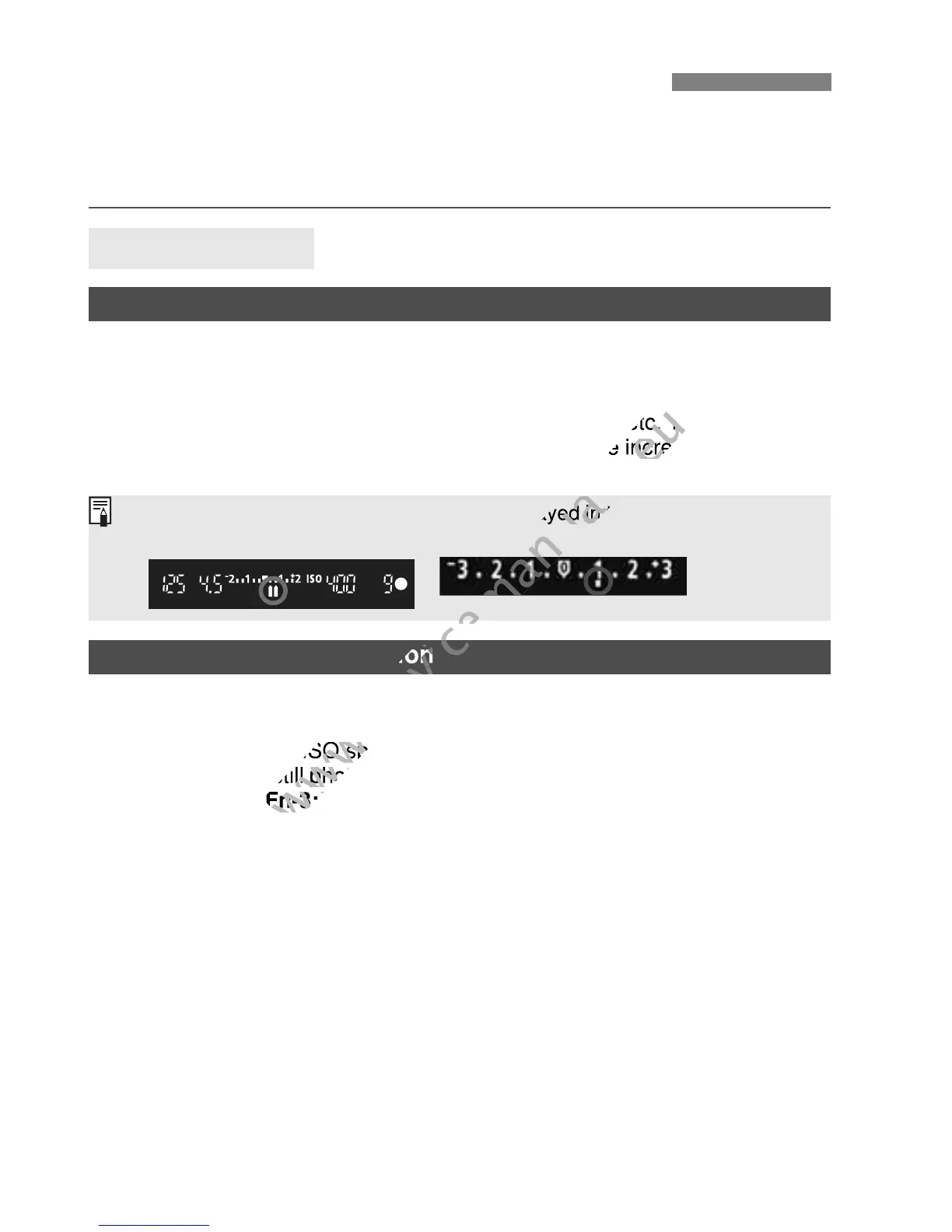
With setting 1, the exposure level will be displayed in the viewfinder and on
the LCD monitor as shown below.
Sets 1/2-stop increments for the shutter speed, aperture, exposure
www.devicemanuals.eu
Sets 1/2-stop increments for the shutter speed, aperture, exposure
compensation, AEB, flash exposure compensation, etc. This is effective
www.devicemanuals.eu
compensation, AEB, flash exposure compensation, etc. This is effective
when you prefer to control the exposure in less fine increments than 1/3-
www.devicemanuals.eu
when you prefer to control the exposure in less fine increments than 1/3-
C.Fn-2 ISO expansion
www.devicemanuals.eu
C.Fn-2 ISO expansion
When you set the ISO speed, you will be able to set “
www.devicemanuals.eu
When you set the ISO speed, you will be able to set “
ISO 25600) for still photos and “
www.devicemanuals.eu
ISO 25600) for still photos and “
C.Fn-3: Highlight tone priority
www.devicemanuals.eu
C.Fn-3: Highlight tone priority
With setting 1, the exposure level will be displayed in the viewfinder and on
www.devicemanuals.eu
With setting 1, the exposure level will be displayed in the viewfinder and on



 To Next Page