191
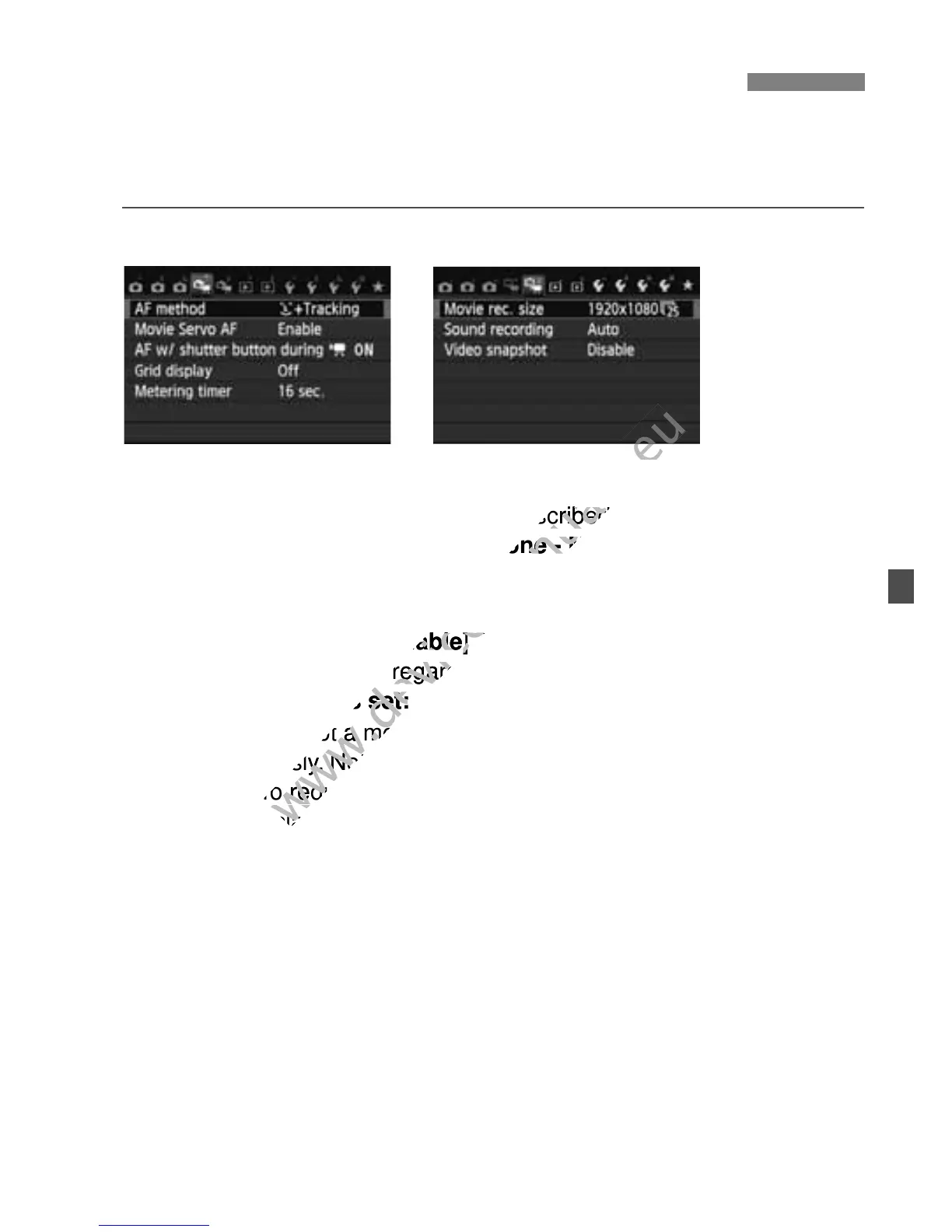
When you set the power switch to <k>, the tabs [Z1] and [Z2] will
show functions dedicated to movie shooting. The menu options are as
follows.
[Z1] menu [Z2] menu
AF method
The AF methods are the same as described on pages 153-159. You
can select [u+Tracking], [FlexiZone - Multi], or [FlexiZone -
Single].
Movie Servo AF
The default setting is [Enable]. You can focus by pressing the
shutter button halfway regardless of the setting.
• When [Enable] is set:
• You can shoot a movie while focusing a moving subject
continuously. Note that the camera may record the lens operation
noise. To reduce the recording of the lens operation noise, use a
commercially-available external microphone. Using the EF-S 18-
135mm f/3.5-5.6 IS STM lens will minimize the focusing noise
during movie shooting.
• During Movie Servo AF, turn off the power before you set the
lens’s focus mode switch to <MF>.
3 Movie Menu Function Settings
The AF methods are the same as described on pages 153-159. You
www.devicemanuals.eu
The AF methods are the same as described on pages 153-159. You
• You can shoot a movie while focusing a moving subject
www.devicemanuals.eu
• You can shoot a movie while focusing a moving subject
continuously. Note that the camera may record the lens operation
www.devicemanuals.eu
continuously. Note that the camera may record the lens operation
noise. To reduce the recording of the lens operation noise, use a
www.devicemanuals.eu
noise. To reduce the recording of the lens operation noise, use a



 To Next Page