75
In Basic Zone modes when the shooting
settings screen is displayed, you can
press the <Q> button to display the
Quick Control screen. The table below
indicates the functions that can be set
with the Quick Control screen in each
Basic Zone mode.
1Set the Mode Dial to a Basic Zone mode.
2Press the <Q> button. (7)
The Quick Control screen will appear.
3Set the function.
Press the <S> key to select a function. (This step is not
necessary in the <A>, <7>, and <G> modes.)
The selected function and Feature guide (p.52) will appear.
Press the <U> key or turn the <6
> dial to change the setting.
Settable Functions in Basic Zone Modes
o: Default setting k: User selectable : Not selectable
* If you change the shooting mode or set the power switch to <2>, it will revert
to the default settings (except the self-timer).
Q Quick Control
Function
A
(p.58)
7
(p.63)
C
(p.64)
2
(p.67)
3
(p.68)
4
(p.69)
5
(p.70)
6
(p.71)
F
(p.72)
G
(p.73)
Drive
mode
u: Single shooting
o o o k o o k o o o
i: Continuous shooting
k k k o k k o k k k
Self-timer
(p.103)
Q
k k k k k k k k k k
l
k k k k k k k k k k
q
k k k k k k k k k k
Flash
firing
a: Automatic firing
o o o o o
D:
Flash on (Fires at all times)
k k
b: Flash off
o k o o o o
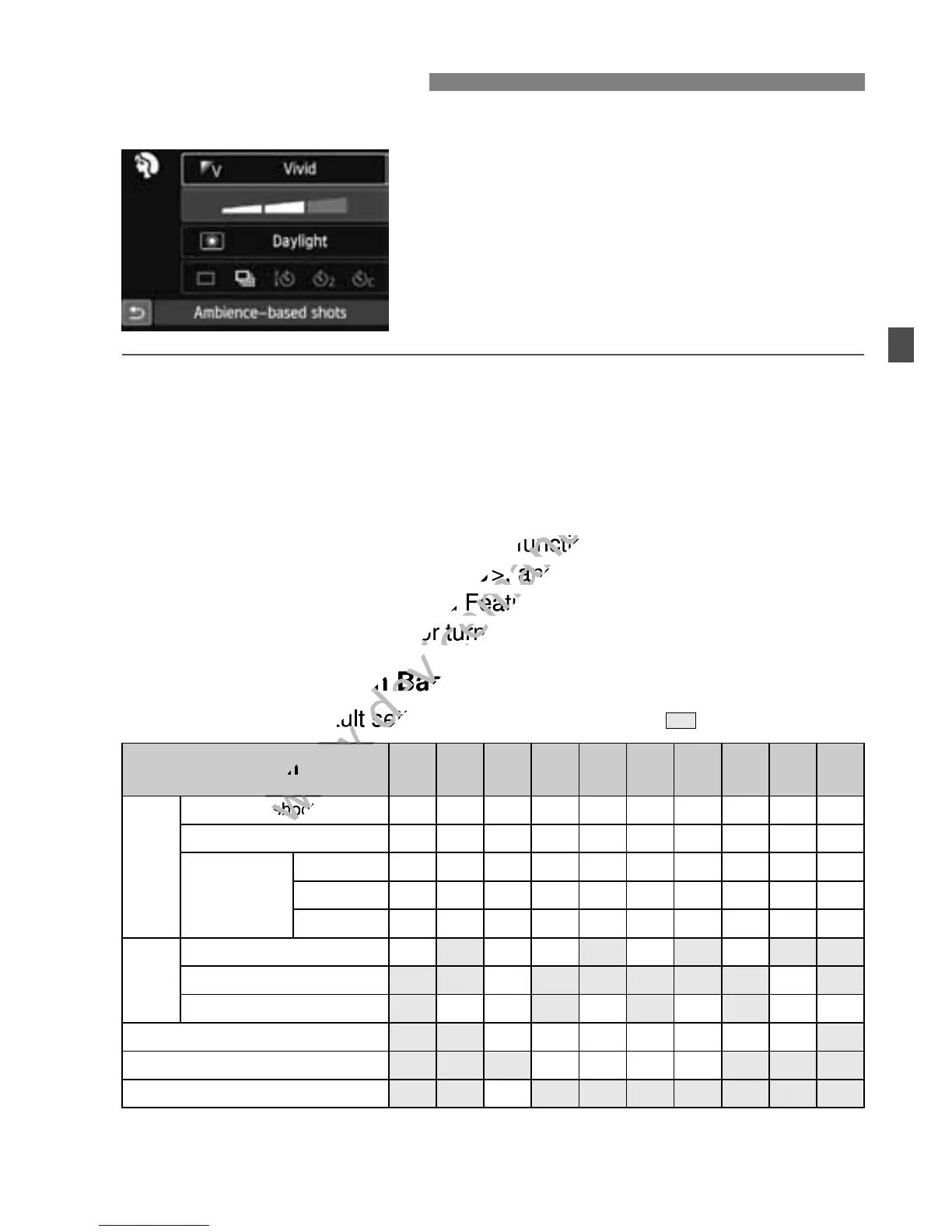
Ambience-based shots (p.76)
k k k k k k k
Light/scene-based shots (p.79)
k k k k
Blurring/sharpening the background (p.65)
k



 To Next Page