154
Changing the Autofocus Method (AF Method)
If no faces are detected or if you tap
the LCD monitor but do not select any
face or subject, the camera will switch
to [FlexiZone - Multi] with automatic
selection (p.155).
3
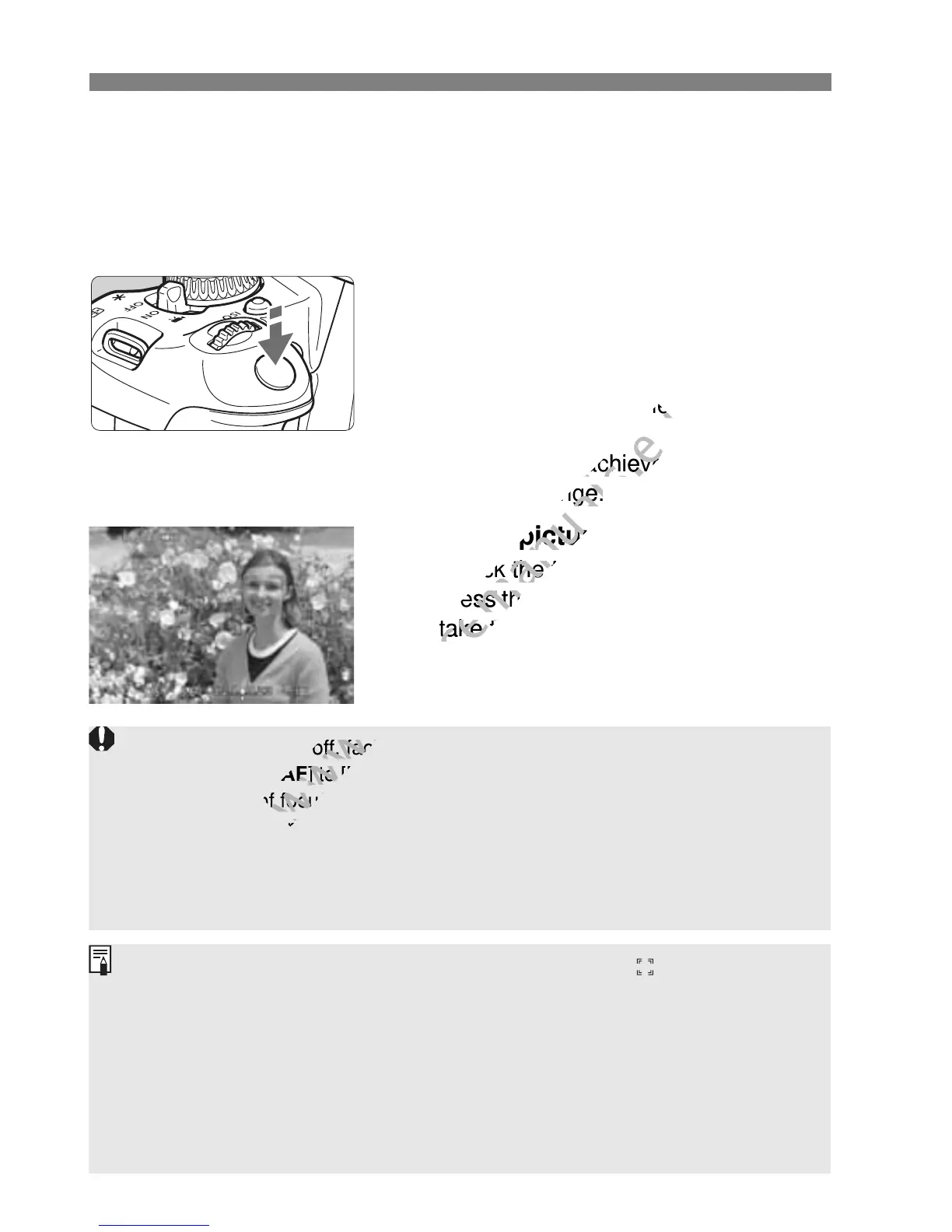
Focus the subject.
Press the shutter button halfway to
focus.
When focus is achieved, the AF point
will turn green and the beeper will
sound.
If focus is not achieved, the AF point
will turn orange.
4
Take the picture.
Check the focus and exposure, then
press the shutter button completely to
take the picture (p.144).
If the focus is far off, face detection will not be possible. If you set
[Continuous AF] to [Enable], you can prevent the image from becoming
greatly out of focus.
An object other than a human face may be detected as a face.
Face detection will not work if the face is very small or large in the
picture, too bright or too dark, or partially hidden.
The <p> may cover only part of the face.
If you press <0> or the <L> button, the AF point < > will appear at
the center and you can use the <S> keys to move the AF point. If you
press <0> or the <L> button again, the AF point will move to the
detected subject.
Since AF is not possible with a face detected near the edge of the picture,
the <
p
> will be grayed out. If you press the shutter button halfway, the
subject will be focused in FlexiZone - Multi method with automatic
selection.



 To Next Page