17
Handling Precautions
LCD Monitor
Although the LCD monitor is manufactured with very high precision
technology with over 99.99% effective pixels, there may be a few dead pixels
among the remaining 0.01% or less pixels. Dead pixels displaying only black
or red, etc., are not a malfunction. They do not affect the images recorded.
If the LCD monitor is left on for a prolonged period, screen burn-in may occur
where you see remnants of what was displayed. However, this is only
temporary and will disappear when the camera is left unused for a few days.
The LCD monitor display may seem slow in low temperatures, or look black
in high temperatures. It will return to normal at room temperature.
Cards
To protect the card and its recorded data, note the following:
Do not drop, bend, or wet the card. Do not subject it to excessive force,
physical shock, or vibration.
Do not touch the card’s electronic contacts with your fingers or anything
metallic.
Do not affix any stickers, etc., on the card.
Do not store or use the card near anything having a strong magnetic field
such as a TV set, speakers, or magnet. Also avoid places prone to having
static electricity.
Do not leave the card in direct sunlight or near a heat source.
Store the card in a case.
Do not store the card in hot, dusty, or humid locations.
Lens
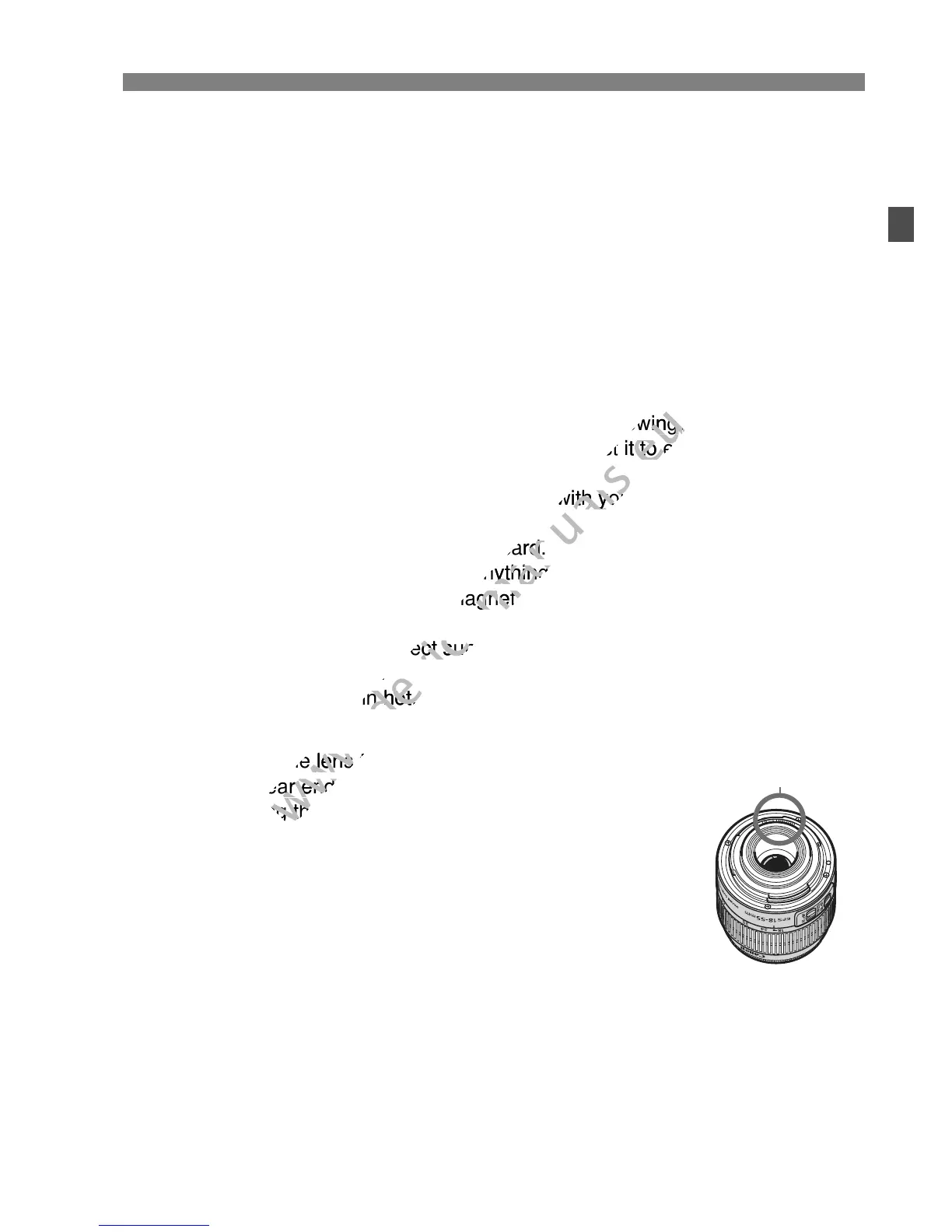
After detaching the lens from the camera, put down the
lens with the rear end up and attach the lens caps to
avoid scratching the lens surface and electrical contacts.
Cautions regarding Prolonged Use
If you use continuous shooting, Live View shooting, or
movie shooting for a prolonged period, the camera may
become hot. Although this is not a malfunction, holding
the hot camera for a long period can cause slight skin
burns.
About smudges adhering to the front of the sensor
Besides dust entering the camera from outside, in rare cases lubricant from the
camera’s internal parts may adhere to the front of the sensor. If visible spots still
remain after the automatic sensor cleaning, having the sensor cleaned by a
Canon Service Center is recommended.
Contacts



 To Next Page