249
k Enjoying Movies
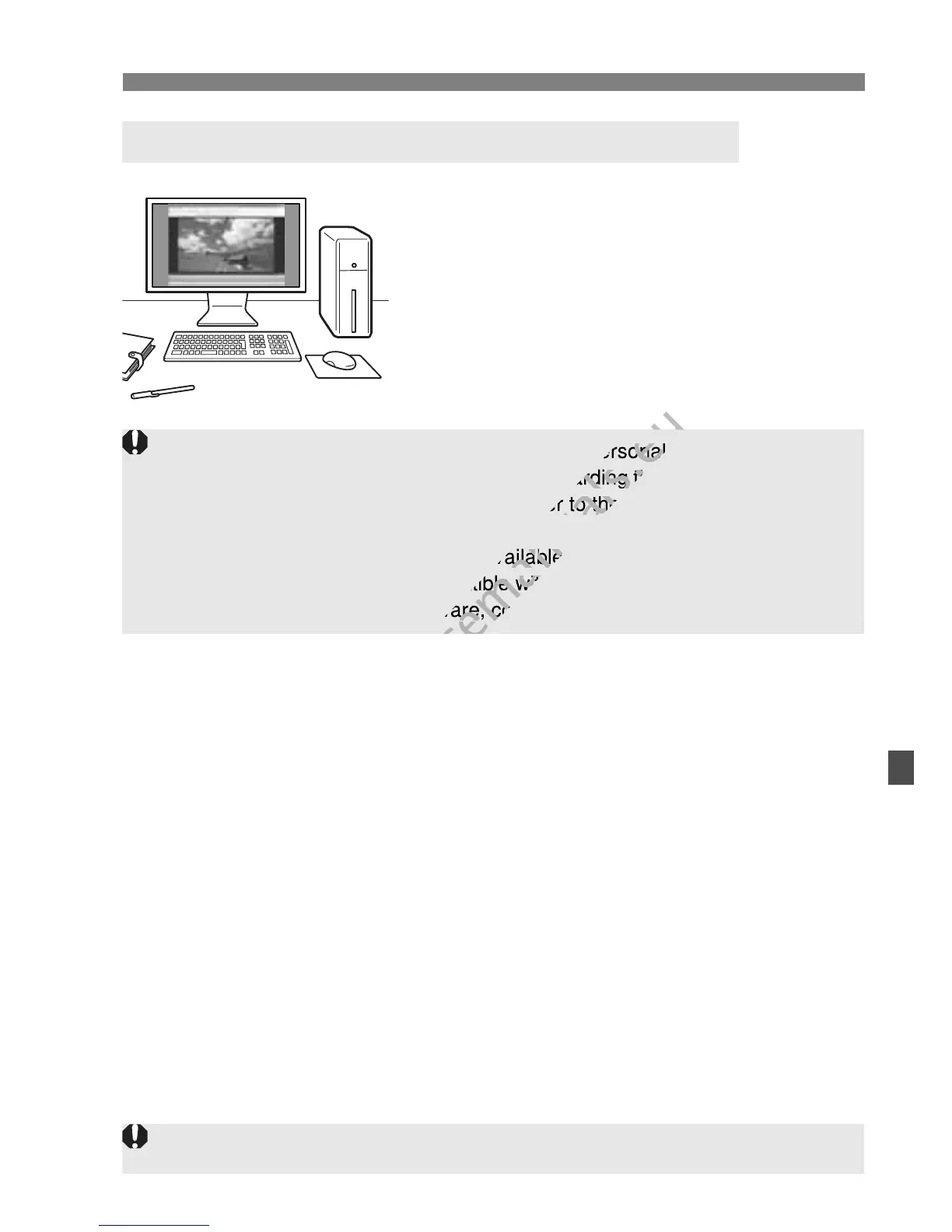
The movie files recorded on the card can
be transferred to a personal computer
and played with ImageBrowser EX
(provided software).
Playback and Editing with a Personal Computer
(p.350)
To have the movie play back smoothly on a personal computer, use a
high-performance personal computer. Regarding the computer hardware
requirements for ImageBrowser EX, refer to the PDF file ImageBrowser
EX User Guide.
If you want to use commercially-available software to play back or edit
the movies, be sure it is compatible with MOV files. For details on
commercially-available software, contact the software manufacturer.
The camera might not be able to play movies shot by another camera.
To have the movie play back smoothly on a personal computer, use a
www.devicemanuals.eu
To have the movie play back smoothly on a personal computer, use a
high-performance personal computer. Regarding the computer hardware
www.devicemanuals.eu
high-performance personal computer. Regarding the computer hardware
requirements for ImageBrowser EX, refer to the PDF file ImageBrowser
www.devicemanuals.eu
requirements for ImageBrowser EX, refer to the PDF file ImageBrowser
If you want to use commercially-availa
www.devicemanuals.eu
If you want to use commercially-availa
ble software to play back or edit
www.devicemanuals.eu
ble software to play back or edit
the movies, be sure it is compatib
www.devicemanuals.eu
the movies, be sure it is compatib
le with MOV files. For details on
www.devicemanuals.eu
le with MOV files. For details on
commercially-available software, contact the software manufacturer.
www.devicemanuals.eu
commercially-available software, contact the software manufacturer.



 To Next Page