352
Compatible OS
1
Check that the camera is not connected to your computer.
2 Insert the EOS Solution Disk (CD).
On your computer’s desktop, double-click and open the CD-ROM icon,
and then double-click [Canon EOS Digital Installer].
3 Select your geographic area, country and language.
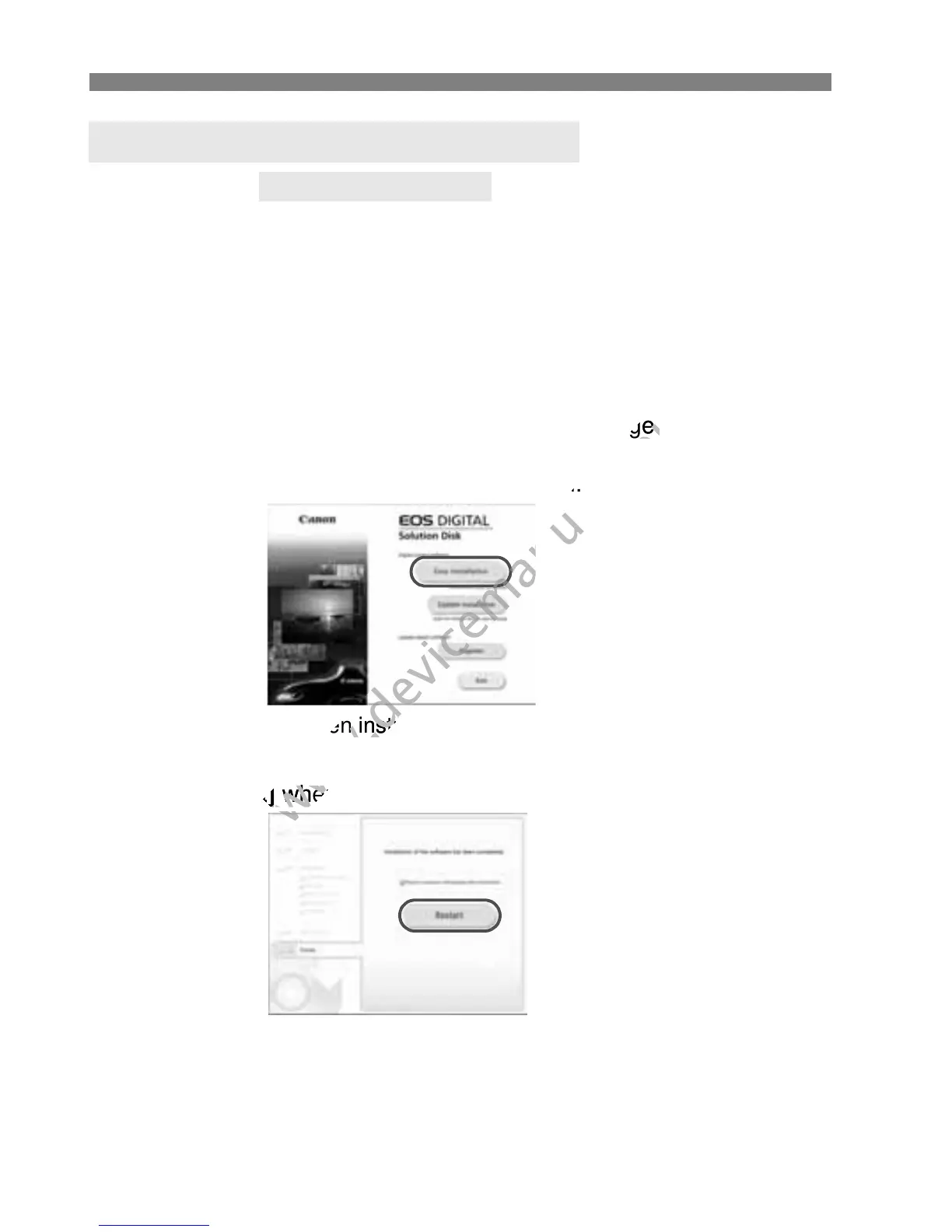
4 Click [Easy Installation] to start installation.
Follow the on-screen instructions to complete the installation
procedure.
5 Click [Restart] when the installation has completed.
6 Once the computer has restarted, remove the CD.
Installing the Software on Macintosh
MAC OS X 10.6 - 10.7
Select your geographic area, country and language.
www.devicemanuals.eu
Select your geographic area, country and language.
Follow the on-screen instructions to complete the installation
www.devicemanuals.eu
Follow the on-screen instructions to complete the installation



 To Next Page