Scan type Color Resolution File format
<Custom 1> Color 300 dpi JPEG (Exif)
<Custom 2> Color 300 dpi JPEG (Exif)
*1
Documents are scanned in black and white only, with no intermediate shades of gray.
*2
A PDF format where characters on the document are scanned as text data and the text can be searched using a computer.
To change settings
● The settings in the table above are all factory default settings. You can change settings from MF Scan
Utility. For more information, click [Instructions] on MF Scan Utility.
● If you are a Mac OS user, see the User's Guide for ScanGear MF.
◼ Checking the Registered Settings
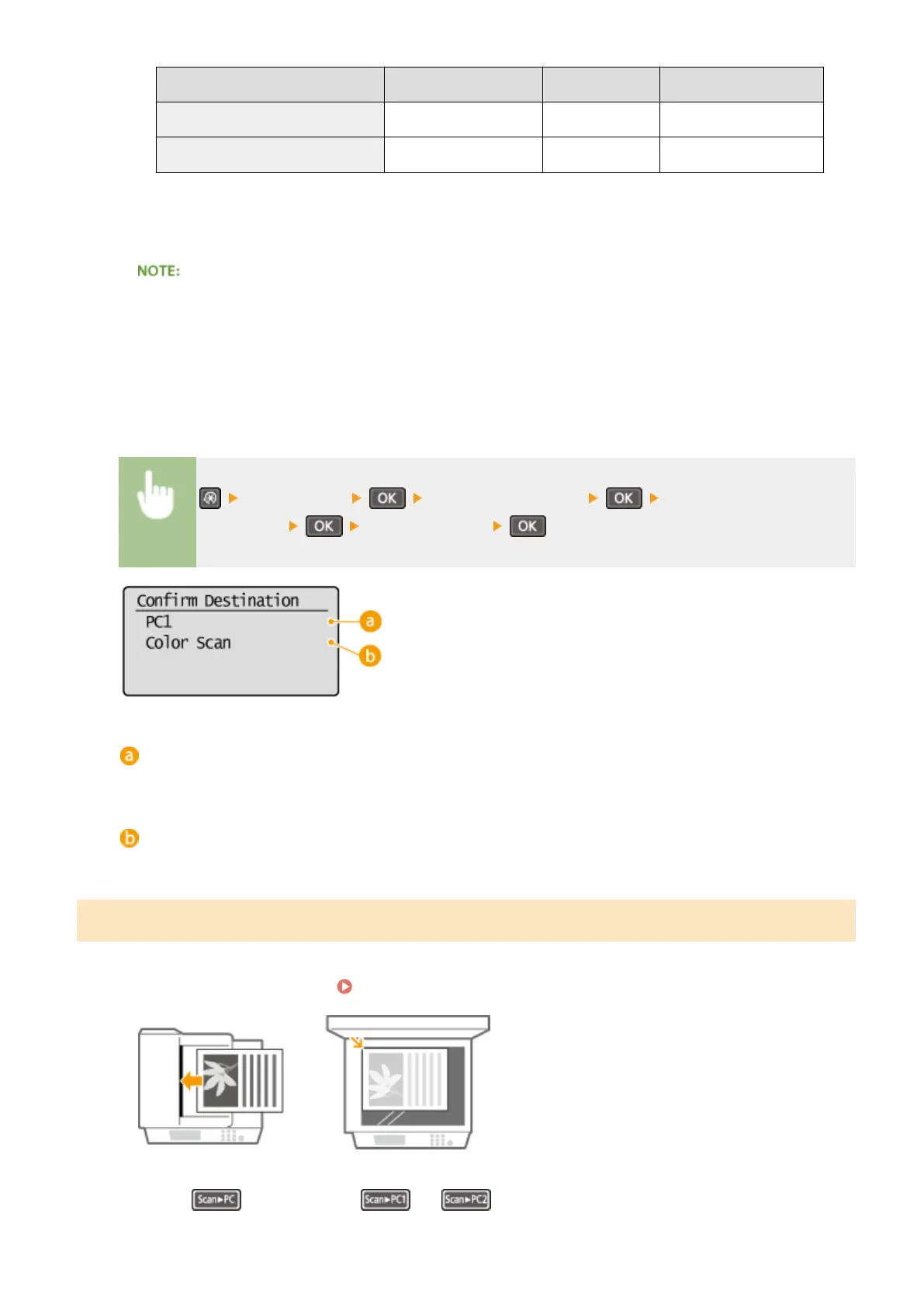
<Scan Settings> <Shortcut Key Settings> <Conrm
Destination> Select shortcut key
Name of destination computer
Shows the name of the computer registered as the save destination.
Scan type
Shows the type of scan that has been set.
Using the [Scan -> PC] Key
1
Place the document(s). Placing Documents(P. 38)
2
Press (for MF232w, or ).
Using the Machine as a Scanner
134












 To Next Page