Verifying Key Pairs and Digital Certicates
1560-055
Once key pairs and CA certicates are registered, you can view their detailed information or verify them for validity
and signature.
1
Start the Remote UI and log on in System Manager Mode. Starting Remote
UI(P. 272)
2
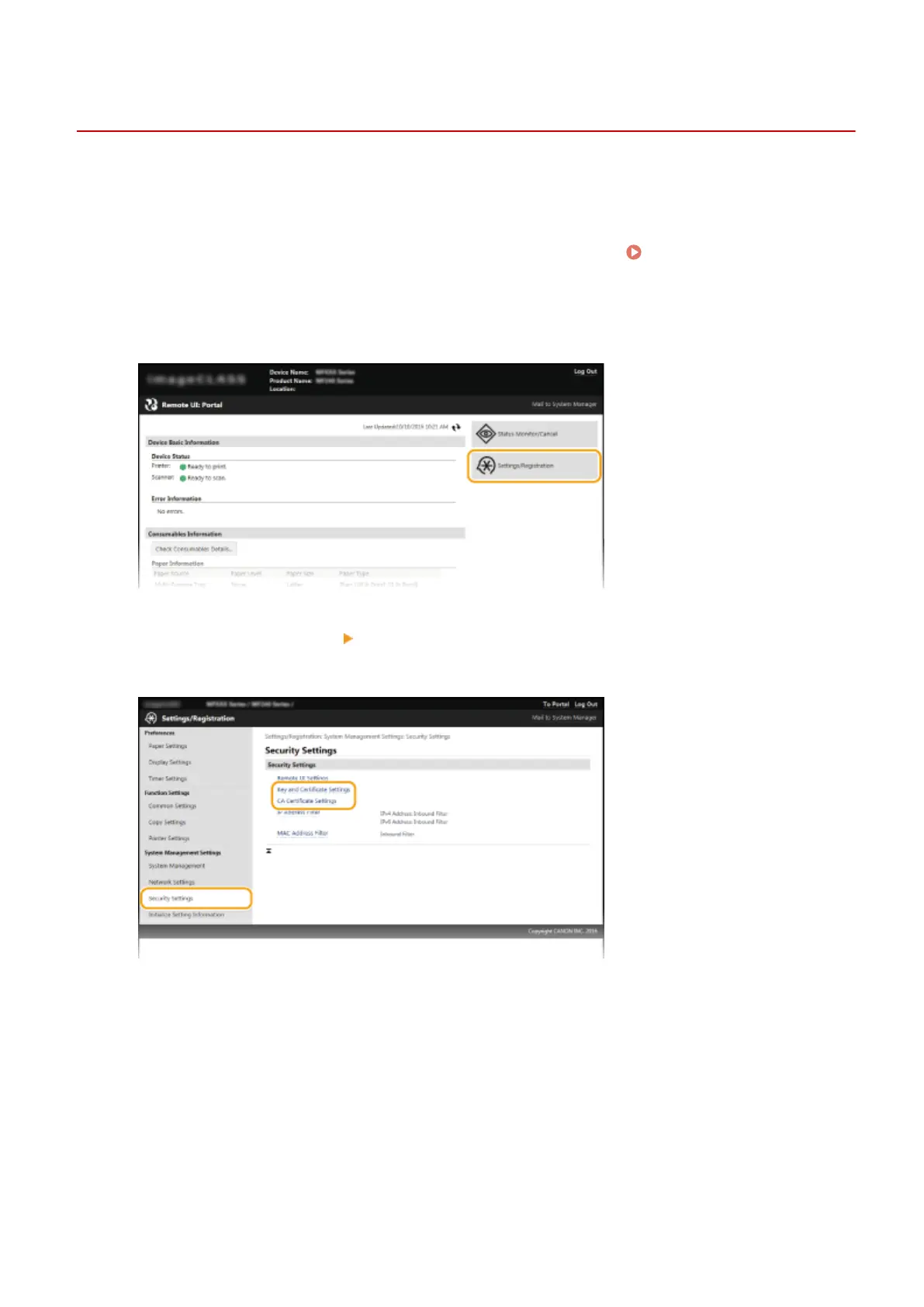
Click [Settings/Registration].
3
Click [Security Settings] [Key and Certicate Settings] or [CA Certicate Settings].
● Click [Key and Certicate Settings] to verify a key pair, or [CA Certicate Settings] to verify a CA certicate.
4
Click the icon for the key pair or certicate that you want to verify.
Security
268












 To Next Page