Using CA-issued Key Pairs and Digital Certicates
1560-054
Key pairs and digital certicates can be obtained from a certication authority (CA) for use with the machine. You can
store and then register these les by using the Remote UI. Make sure that the key pair and the certicate satisfy the
requirements of the machine ( Key and Certicate Requirements(P. 256) ). Up to ve key pairs (including the
preinstalled key pairs) and up to 67 CA certicates (including the 62 preinstalled certicates) can be registered.
1
Start the Remote UI and log on in System Manager Mode. Starting Remote
UI(P. 272)
2
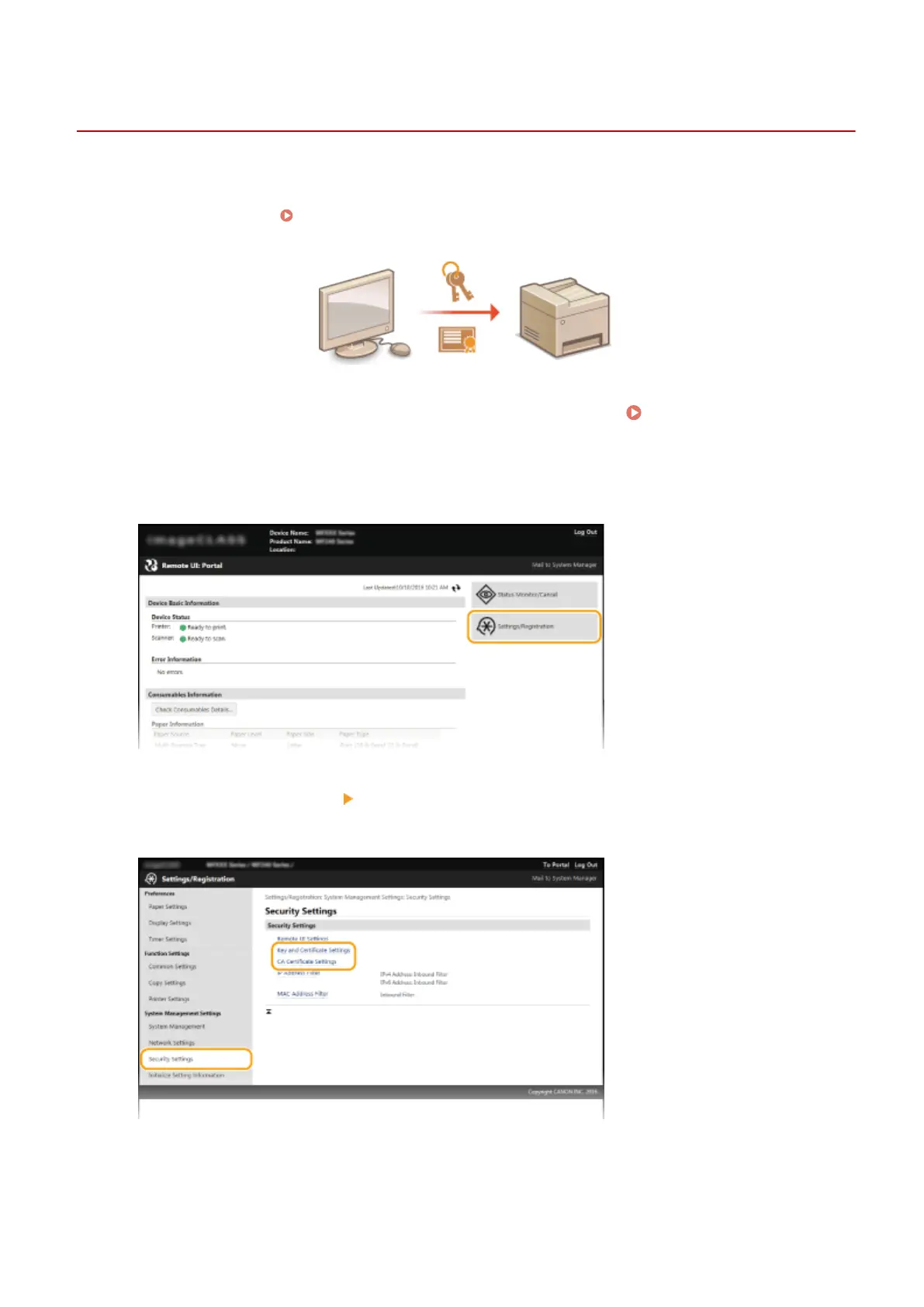
Click [Settings/Registration].
3
Click [Security Settings] [Key and Certicate Settings] or [CA Certicate Settings].
● Click [Key and Certicate Settings] to install a key pair, or [CA Certicate Settings] to install a CA certicate.
4
Click [Register Key and Certicate] or [Register CA Certicate].
Security
265












 To Next Page