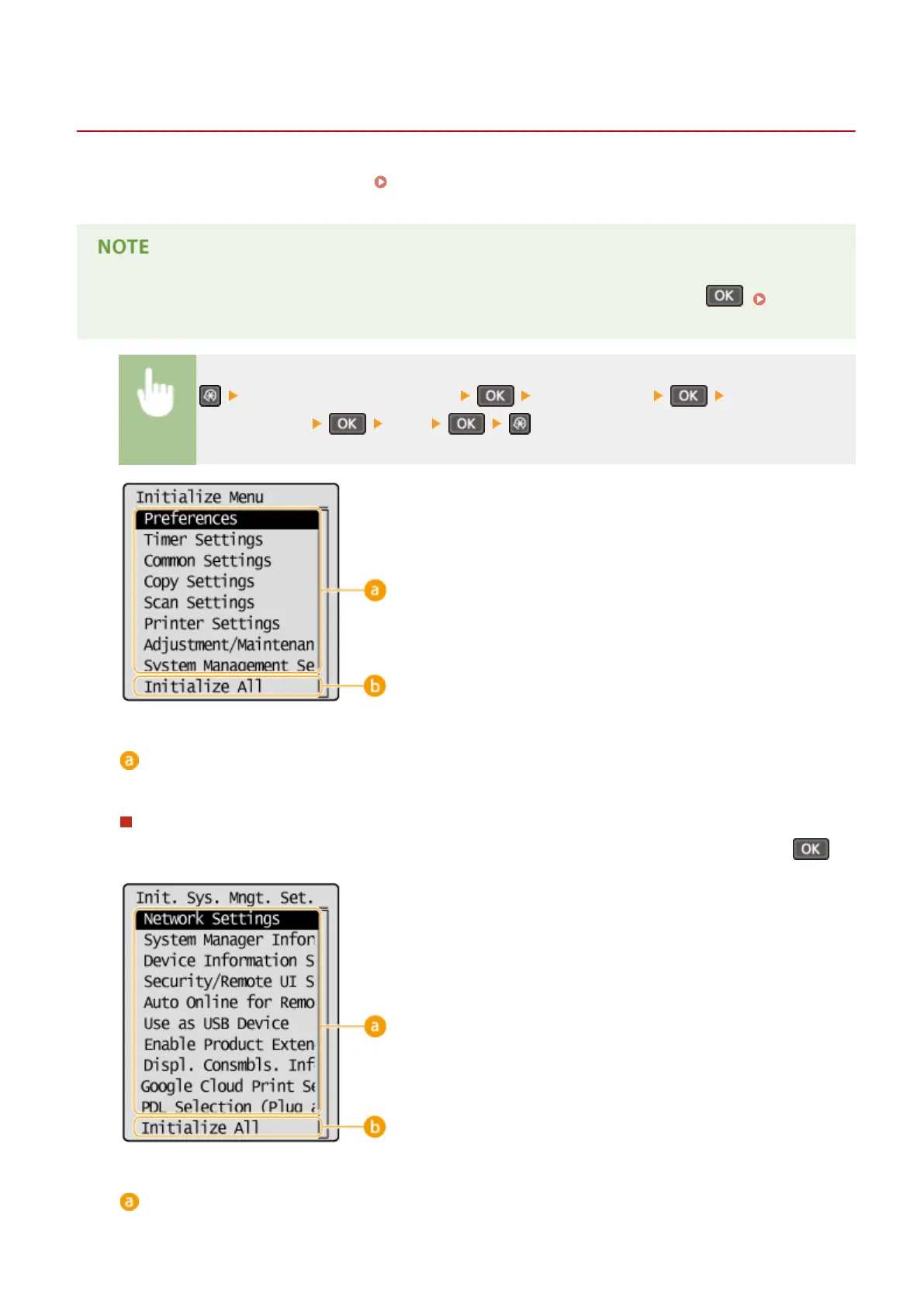
Initializing Menu
1560-071
You can restore the settings of the machine ( Setting Menu List(P. 284) ). Depending on the settings selected, you
may need to restart the machine after initialization.
● If a screen for entering a PIN is displayed, enter the PIN with the numeric keys and press . Setting
the System Manager PIN(P. 228)
<System Management Settings> <Initialize Menu> Select the item you
want to initialize <Yes>
Items for initializing
Select the setting you want to initialize.
When <System Management Settings> is selected
Select the specic system management settings that you want to initialize and select <Yes>, and press .
Settings to be initialized
Select the settings to be initialized.
Maintenance
397












 To Next Page