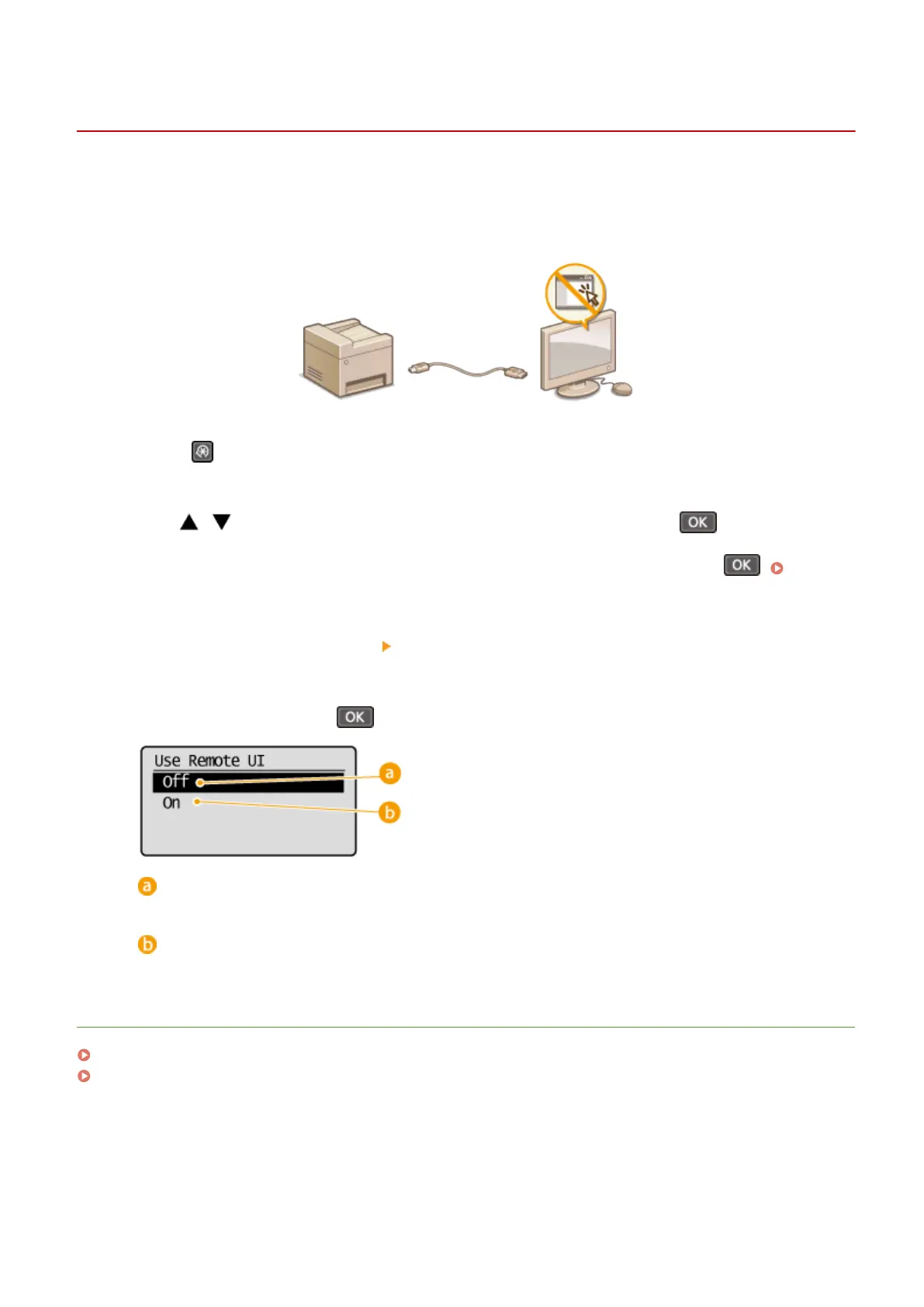
Disabling Remote UI
1560-04X
The Remote UI is useful because the machine settings can be specied by using a Web browser on a computer. To use
the Remote UI, the machine must be connected to a computer over the network. If you do not need to use the Remote
UI, you might want to disable the Remote UI to reduce the risk of having your machine controlled remotely over the
network by malicious third parties.
1
Press .
2
Use / to select <System Management Settings>, and press .
● If a screen for entering a PIN is displayed, enter the PIN with the numeric keys and press . Setting
the System Manager PIN(P. 228)
3
Select <Remote UI Settings> <Use Remote UI>.
4
Select <Off>, and press .
<Off>
Disables the Remote UI.
<On>
Enables the Remote UI.
LINKS
Using Remote UI (MF244dw / MF232w)(P. 271)
Disabling HTTP Communication(P. 245)
Security
246












 To Next Page